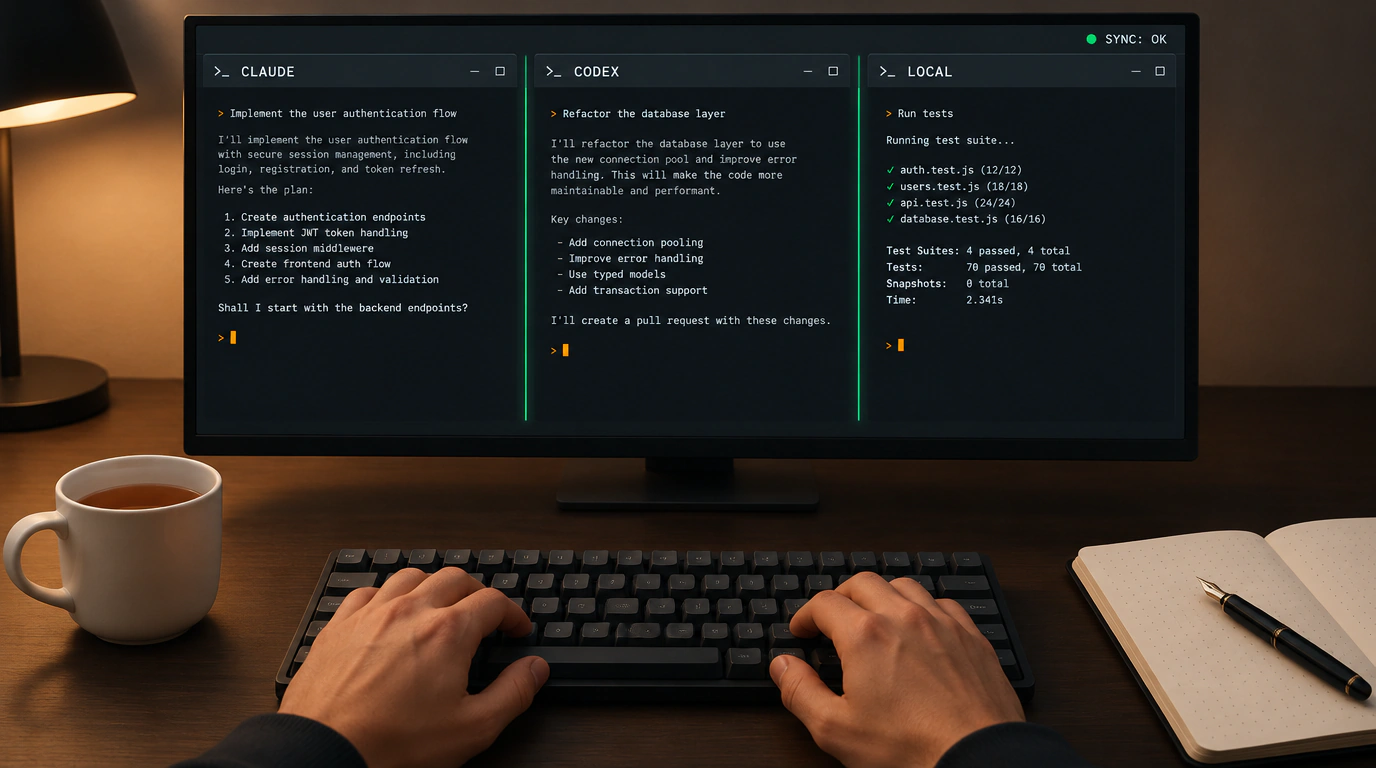
If coding agents are part of your daily workflow, you know this specific flavor of chaos all too well. One terminal tab has Claude Code chugging away on your Go backend. A second tab runs OpenAI Codex building TypeScript UI components. A third runs a lightweight local model grinding through integration tests. Twenty minutes in, your desktop is a soup of terminal windows, logs bleed together, and you're frantically trying to remember which bot is currently editing your database config.
That growing tool fragmentation is exactly what codeg—an open-source project from the independent team spacering-net—sets out to fix. Licensed under Apache 2.0, the repo has already racked up over 4,200 stars and nearly 3,900 commits on GitHub. Its pitch is refreshingly practical: a multi-agent workspace (an IDE aggregator) built specifically to orchestrate heterogeneous agent sessions side by side in one clean desktop window.
Why Tauri and Rust Beat the Usual Electron Route
The first architectural decision that jumps out in codeg is its deliberate rejection of the default web-wrapper playbook. Most modern coding tools get stuffed into Chromium and Node.js via Electron, turning a simple UI into a memory-hungry monster that eats half a gigabyte of RAM just sitting idle with two tabs open.
The codeg creators went a different route, pairing Tauri v2 in Rust with the operating system's native WebView.
Compare how the two behave under real load:
- A typical Electron desktop app running five parallel terminal streams easily burns 400 to 800 MB of RAM while keeping the V8 garbage collector busy.
- Under the exact same workload, codeg sits at a modest 60–90 MB and stays snappy even on resource-constrained laptops.
Inside the frontend, it runs Next.js 15, React 19, and Tailwind CSS, with battle-tested xterm.js and Monaco Editor handling terminal rendering and code views. Each launched agent gets its own independent pseudo-terminal (PTY) process. Meanwhile, a file watcher built into the Rust core tracks every change across your project tree in real time and broadcasts cache-invalidation signals to all active bots immediately.
Here's what a typical Docker Compose manifest looks like for spinning up a codeg workspace:
services:
  codeg-workspace:
    image: ghcr.io/spacering-net/codeg:latest
    container_name: codeg-hub
    restart: unless-stopped
    ports:
      - "3000:3000"
      - "9000:9000"
    environment:
      - NODE_ENV=production
      - CODEG_STORAGE_PATH=/data/workspace
      - ANTHROPIC_API_KEY=${ANTHROPIC_API_KEY}
      - OPENAI_API_KEY=${OPENAI_API_KEY}
    volumes:
      - /home/developer/projects:/data/projects:rw
      - /var/run/docker.sock:/var/run/docker.sock:ro
      - codeg_data:/data/workspace

volumes:
  codeg_data:
Notice a neat engineering touch: the container mounts your local project directories and can bind-mount the host Docker socket in read-only mode. That lets agents spin up ephemeral containers to compile code and run tests in isolated environments on their own.
Shared Context Pool: How Agents Exchange Artifacts
In a typical setup, every agent lives in an information vacuum. If Claude Code spends five minutes and a million tokens mapping dependencies and generating an OpenAPI spec, the frontend agent you launch next knows nothing about it. It has to re-scan the disk, re-parse routes, and burn your token budget doing the exact same analysis all over again.
codeg solves this with a shared project context buffer. Agents can pass intermediate artifacts—data schemas, linter logs, compiler output, and test results—directly through an internal message bus.
The system also continuously validates the graph of modified files. If your backend bot and frontend bot both try to edit the same API contract file at once, codeg blocks silent overwrites, surfaces a clear warning in the UI, and flags the collision before anything hits Git.
We previously dug into the architecture of the CLI tool OpenCode, and codeg complements utilities like that nicely by acting as a single conductor's podium above different engines.
Spinning up the workspace and attaching CLI tools takes just a few commands:
# Clone the repository and install frontend dependencies
git clone https://github.com/spacering-net/codeg.git
cd codeg && pnpm install

# Launch the desktop environment via Tauri CLI
cargo tauri dev

# Attach a custom agent to the current project with a target working directory
codeg session attach --engine claude-code --workspace ./services/auth-service
Where the Trade-Offs and Limits Kick In
For all the perks of centralization, codeg has clear boundaries worth knowing up front. The biggest challenge is smart auto-merging of competing edits. If two models rewrite the same method at the same time with conflicting architectural approaches, the three-way merge won't try to guess your intent—it blocks the write and asks an engineer to resolve it manually.
The second quirk hits Windows users: under heavy output with complex colored progress bars in xterm.js, ConPTY on some Windows builds can garble ANSI escape color palettes. On macOS and Linux, terminal rendering is rock-solid.
If your work with coding assistants has outgrown a single browser chat window, codeg delivers the transparency and control that standalone CLI tools have been missing.