If you keep an eye on AI developer tools, you've seen how fast the way we interact with code is shifting. Not long ago, smart autocomplete like GitHub Copilot felt like magic: you typed a function signature and the model obligingly filled in the loop.
Then came smart editors like Cursor and desktop assistants like Claude Desktop with MCP support. Now the industry has taken the next leap: Agentic IDEs.
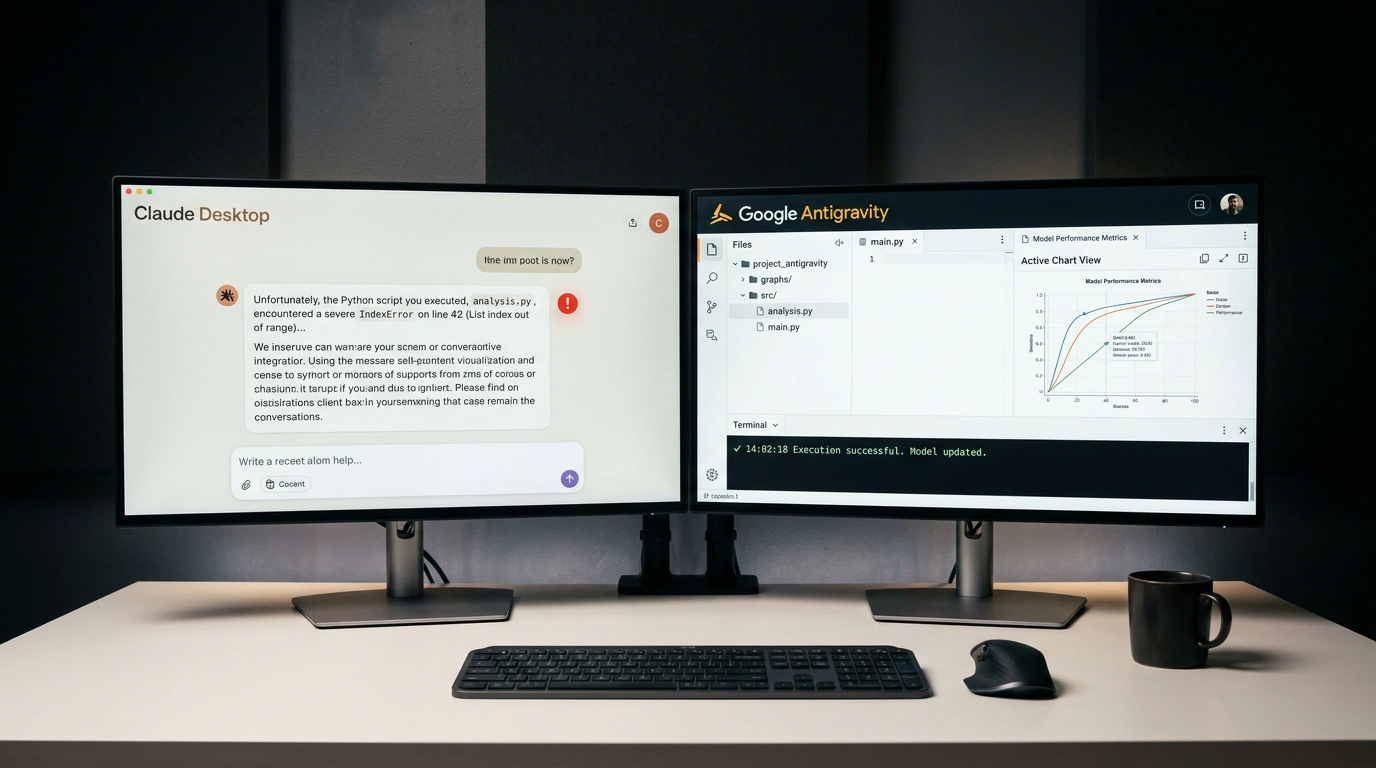
Google Antigravity grew up around Google's own Gemini models. Adding partner support for Anthropic's flagship reasoning models—Claude Opus 5.5 and Claude Sonnet 5.5 with Thinking Mode—turned Antigravity into a rare head-to-head proving ground. We can finally compare how the exact same powerhouse model handles the exact same engineering task in a classic Claude Desktop chat versus inside an agentic IDE.
Let's walk through that showdown using a complex analytics UI build.
The Dashboard Test: Chat Window vs. Agentic Platform
Both environments got the same non-trivial stress test: "Design an interactive financial dashboard: multi-level transaction filtering, dynamic Chart.js graphs with zoom support, responsive mobile layout, and CSV report export."
The contrast in how Claude Opus 5.5 behaved was night and day:
- In Claude Desktop: The model spat out one giant monolithic
index.htmlfile with inline styles and scripts stretching a couple thousand lines. Open it in a browser, and the layout broke on the first resize, charts failed to render due to a library version mismatch, and half the complex filtering logic was stubbed out with// TODO: implement logic. A chat window physically can't run its own code to check if anything actually works. - In Google Antigravity: The exact same Opus 5.5 acted like a seasoned senior engineer. It split the project into modular components, initialized Vite, installed verified npm dependencies, booted a local dev server, and opened the app in a built-in headless browser emulator. Spotting a Chart.js rendering error in the console output, the agent diagnosed the config mismatch, patched the code, and brought the dashboard to a fully working state in three autonomous iterations without a single human nudge.
That contrast proves a core lesson for 2026: the prompt isn't what decides the outcome—the tooling harness around the model does. Terminal access, DOM emulation, and compiler logs beat clever wording every time.
Managing Thinking Budget: Where Your Quota Burns
Of course, Opus 5.5's reasoning horsepower burns tokens at a ferocious rate. Google Antigravity includes a Thinking Budget toggle with four tiers: Low, Medium, High, and Max.
Hands-on testing revealed a clear pattern:
- Flip Opus 5.5 to
Thinking High, and the model writes multi-page internal reasoning chains before every single action. On a Google AI Pro plan, your entire weekly quota can evaporate in just 5–7 major engineering tasks. - Worse, waiting 60–90 seconds for each response completely kills the flow of fast iterative coding.
That points straight to the optimal workflow:
Use the fast, economical Claude Sonnet 5.5 on Thinking Low or Medium for 80% of daily work—component layout, unit tests, and quick fixes. Save the heavy artillery of Opus 5.5 on high thinking budgets strictly for moments that demand it: initial system architecture design or hunting down gnarly concurrency bugs.
Generational Shift: Retiring Claude 3.5 Opus
Antigravity's interface is already showing deprecation notices for the older Claude 3.0 and 3.5 Opus generation.
The industry is converging on the 5.5 architectural standard. Newer models don't just score higher on benchmarks—they natively respect package lockfiles, maintain stricter architectural boundaries, and far less often reach for deprecated or vulnerable third-party APIs.
Bringing rival flagships into Google Antigravity is a win for common sense. Instead of locking developers inside one vendor's walled garden, modern platforms let engineers mix and match: Gemini's strengths for search and compilation alongside Claude's precision for frontend engineering.
