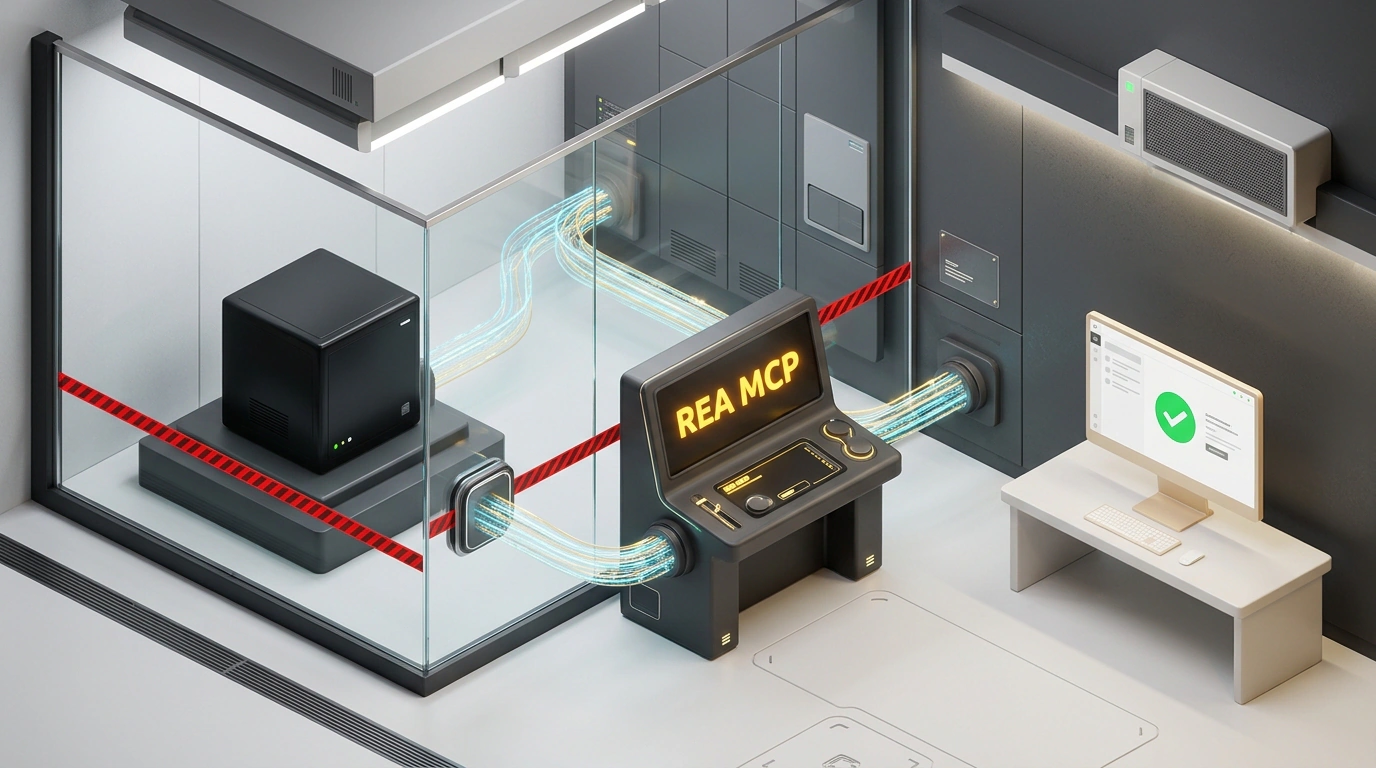
If you work as an indie developer or run a lean startup, you constantly run into handy commercial utilities charging way more than they're worth. A simple macOS screen-drawing tool for presentations wants $30 upfront, while a live conference polling app demands $50–$100 a month just for a basic tier.
Every engineer's first instinct is: "That's a weekend project—I can build that myself." Then you sit down to code from scratch and enthusiasm evaporates: you have to nail brush-smoothing math, wire up WebSockets, handle global hotkeys, and polish the UI.
Cracking open compiled binaries in disassemblers like IDA Pro or Ghidra is grueling work that demands rare assembly skills. Worse, copying someone else's code directly opens you up to real copyright and IP lawsuits.
There is, however, a completely legal, decades-old industry standard: Clean Room Design. Historically, one team of engineers studies a closed product and writes a functional spec ("what the system does"), while a second independent team—who has never seen the original code—builds a fresh implementation from scratch ("how to build it").
The AI Advantage demonstrated how the open-source REA (Reverse Engineer Anything) framework, paired with Model Context Protocol (MCP) and ChatGPT or Claude, shrinks that process down to a few clicks. Let's look at how the workflow runs.
REA Architecture: Turning a Decompiler into an MCP Server
REA is a CLI utility packaged as a Model Context Protocol (MCP) server, letting you plug it straight into desktop clients like Claude Desktop or ChatGPT Desktop.
Once connected, the model gains a set of system-level inspection tools:
- Parsing executable structures and Electron apps;
- Inspecting compiled web bundles and extracting stylesheets;
- Capturing and decoding network API dumps;
- Separating pure math algorithms from proprietary assets automatically.
The agent acts as an impartial technical writer on Team One: it inspects the closed app and drafts a clean, copyright-free Functional Requirements Document.
Real-World Demos: Cloning ScreenBrush and Slido
In their walkthrough, the team rebuilt two popular paid tools:
- ScreenBrush (macOS screen annotation utility). The agent broke the app's behavior down to HTML5 Canvas primitives. Within a couple of hours, it produced a completely independent open-source project called AIA Ink—extracting quadratic Bézier curve stroke-smoothing math, wiring up hotkeys, and shipping a lightweight app that runs in the browser and over the desktop.
- Slido (live audience polling for events). The agent analyzed the service's network traffic and built a lean self-hosted clone in one evening using Node.js and the
wsWebSockets library. Attendees scan a QR code on their phones, vote live, and results update instantly on the speaker's screen—zero monthly subscription required.
Step-by-Step Setup: Running REA Locally
Here's how to wire up the stack on your own machine:
# Clone the official REA repository and build the project
git clone https://github.com/morluto/reverse-engineer-anything.git
cd reverse-engineer-anything
npm install
npm run build
Next, register the MCP server in your desktop client's config (for example, claude_desktop_config.json):
{
  "mcpServers": {
    "rea-decompiler": {
      "command": "node",
      "args": [
        "/path/to/reverse-engineer-anything/dist/index.js"
      ],
      "env": {
        "REA_WORKSPACE": "/path/to/clean_room_output"
      }
    }
  }
}
Restart the client and give the model a clean-room prompt: "Use the REA tools to analyze the functional structure of the app. Write an independent requirements spec for a screen-overlay drawing utility: describe the stroke-smoothing algorithm and canvas layer management, then generate a clean standalone JavaScript prototype with zero external libraries."
Here's the core brush-smoothing module it generated:
// Web screen-overlay drawing utility core (Clean Room Prototype)
const canvas = document.getElementById('overlay-canvas');
const ctx = canvas.getContext('2d');

let isDrawing = false;
let points = [];

canvas.width = window.innerWidth;
canvas.height = window.innerHeight;

window.addEventListener('mousedown', (e) => {
    isDrawing = true;
    points.push({ x: e.clientX, y: e.clientY });
});

window.addEventListener('mousemove', (e) => {
    if (!isDrawing) return;
    points.push({ x: e.clientX, y: e.clientY });

    ctx.clearRect(0, 0, canvas.width, canvas.height);
    ctx.beginPath();
    ctx.lineWidth = 4;
    ctx.strokeStyle = '#ef4444';
    ctx.lineCap = 'round';

    if (points.length < 3) return;
    ctx.moveTo(points[0].x, points[0].y);
    for (let i = 1; i < points.length - 2; i++) {
        const xc = (points[i].x + points[i + 1].x) / 2;
        const yc = (points[i].y + points[i + 1].y) / 2;
        ctx.quadraticCurveTo(points[i].x, points[i].y, xc, yc);
    }
    ctx.stroke();
});

window.addEventListener('mouseup', () => {
    isDrawing = false;
    points = [];
});
Legal Boundaries and Where the Method Stops
Clean Room Design via REA's biggest selling point is legal hygiene. The model isn't stealing compiled bytes or cracking license keys—it observes user-facing behavior and implements it from scratch with standard web primitives.
Still, keep fair-use boundaries crystal clear:
- Never copy original logos, brand names, or proprietary fonts;
- Do not replicate patented algorithms or distinctive Trade Dress;
- For complex cloud products, inspecting a web client won't rebuild closed backend infrastructure—load balancing and database failover are still on you.
As a rapid prototyping tool and a way to ditch Death-by-a-Thousand-Microsubscriptions, pairing REA with reasoning models gives solo developers leverage that used to belong strictly to major software houses.
