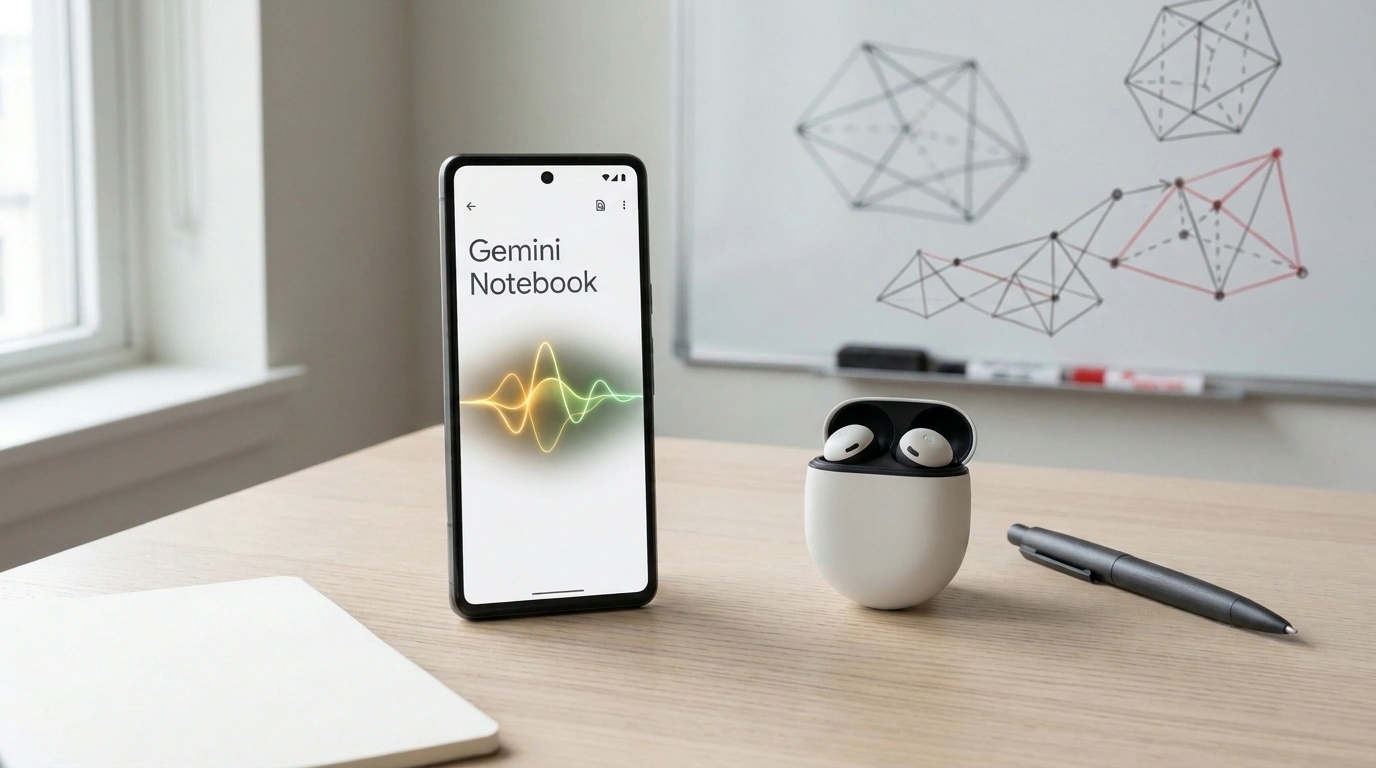
If you've ever used Google's NotebookLM (recently rebranded as Gemini Notebook), you already know what sets it apart from every other chatbot. It's built around Source Grounding—anchoring every answer strictly to your documents. Standard LLMs pull from deep inside their weights and love to improvise plausible fiction. Notebook works differently: you feed it research papers, PDF reports, Google Docs, or YouTube links, and the model bases its conclusions strictly on that material, backing each point with a clickable citation.
Until now, though, this clever notebook had one built-in flaw: it lived exclusively on your desktop screen. To get information into it, you had to sit down at a keyboard, download files, and upload them through a browser.
Yet the most valuable insights rarely happen at a desk. They happen in noisy standups, live interviews, university lectures, or heated debates around a whiteboard. The updated Gemini Notebook mobile app for Android and iOS closes that gap, turning your phone into a pocket-sized researcher and stenographer. Let's see what features Google added and how they change day-to-day work with information.
Up to 60 Minutes of Audio: Background Recording and Smart Breakdown
The first major mobile upgrade is a full built-in audio recorder. You can set your phone on the table during a two-hour meeting or lecture and hit record. Each continuous session runs up to a solid 60 minutes.
Better yet, Google's engineers nailed the detail lightweight startups always forget: true background recording. You can lock your screen, slip the phone into your pocket, or switch to a messenger to answer an urgent ping—the recording won't drop or freeze if a call comes in.
As soon as you stop the timer, Google's multimodal model transcribes the audio track. And instead of dumping a flat wall of text like a basic voice memo app, it structures everything:
- Speech is automatically segmented by topic blocks and timestamps;
- Key takeaways and decisions are pulled out;
- The transcript immediately becomes a live text source inside your notebook.
No more paying for Otter or Descript just to grab a meeting transcript and copy-paste it into ChatGPT. The entire pipeline collapses into one app.
Snap the Whiteboard: Syncing Optics with Audio
The second feature is my personal favorite because it solves a classic brainstorming headache. Picture it: a speaker at the whiteboard sketches a new service architecture and rapidly explains why the database belongs behind that specific gateway. Normally you snap a photo on your phone, and a week later you stare at the picture wondering what all those arrows and scribbles meant.
In mobile Gemini Notebook, the camera is baked right into the audio recording screen. You listen to the conversation and tap the shutter without interrupting the audio stream. The app locks each photo of a slide or whiteboard to the exact second on the audio timeline.
Under the hood, the Gemini 1.5/2.0 multimodal core cross-references visual elements with spoken words. If the speaker said at minute 23, "And we're moving this green box to the cloud," the system knows which exact shape on the board they pointed at. A month later, you just search: "Why did we decide to move that box?"—and get the exact explanation tied to the photo.
Voice Dialogue Over Sources: Interrupt Mid-Sentence
The third addition is interactive voice mode. On the web, we're used to typing queries, which is awkward on the move. Now you can talk to your entire knowledge base through headphones like a live assistant.
The system handles natural conversation in over 100 languages, but the real engineering gem here is barge-in support. If you've ever dealt with clunky voice bots, you know the pain: the bot starts droning through a long paragraph, you realize it's off track, and you can't shut it up until it finishes its speech.
In Gemini Notebook, response latency drops to fractions of a second. You can cut the model off mid-sentence: "Hold on, wait. What did the speaker actually say about the marketing budget?" The assistant stops instantly, pivots its context, and reads out the exact figure from your uploaded document.
Where to Be Careful: Cloud Dependency and Noisy Rooms
As slick as the tool is, keep its limits in mind. Unlike the built-in Recorder app on Pixel phones, where basic transcription runs locally on the Tensor chip, Gemini Notebook needs a steady connection to Google's servers for heavy multimodal analysis. End up at a conference in a basement without solid Wi-Fi or cell signal, and interactive voice mode won't launch.
Second is acoustics. In an echoey hall or a cafe clattering with coffee cups, transcribing unusual names and niche English jargon may still need manual cleanup. And finally, don't forget basic corporate security: uploading audio from confidential NDA meetings to a cloud service without clearing it with infosec is a fast way to buy yourself trouble.
For students, analysts, journalists, and product managers, though, this upgrade turns scattered notes into a living personal archive that stays right in your pocket.
