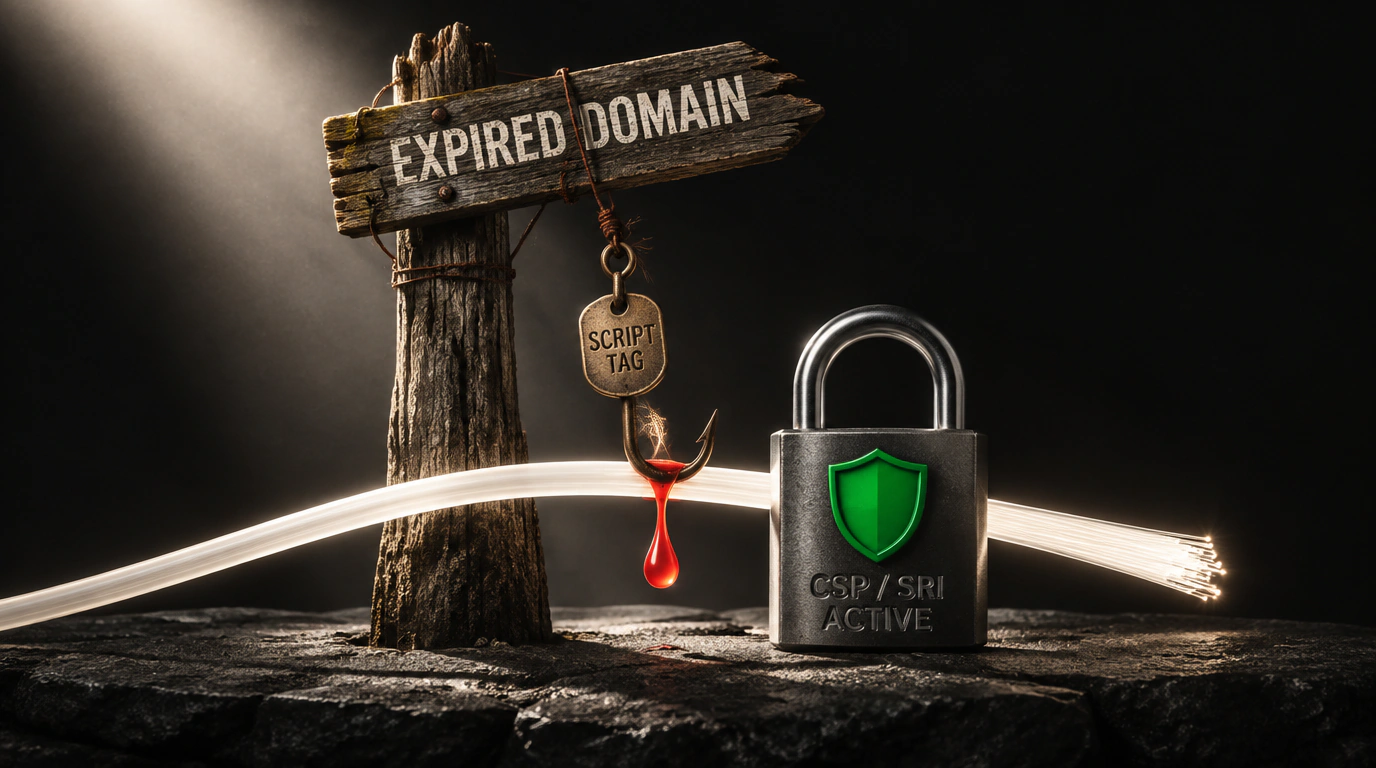
Think about how almost every commercial web project evolves after a couple of years in production. Back in the day, marketing wanted to test a trendy popup notification widget, a customer-review badge, an experimental retargeting pixel, or a third-party live-chat script.
A developer dutifully copied the vendor's snippet and dropped one unassuming line into the site's global template:
<script src="https://cdn.cool-widget-service.com/bundle.js"></script>.
The marketing test wrapped up a month later, someone toggled the widget off in the vendor dashboard, and that <script> tag stayed in the HTML template. Three years pass. The startup behind the widget shuts down. The script URL quietly goes dead, throwing a harmless-looking 404 Not Found in the browser console. Developers stop noticing that red line in DevTools: "Eh, it's just pinging an old domain. The site still works, buttons click, orders go through."
Right there sits a gaping supply-chain security hole—now known in the security community as DeadTag. Full details on this attack vector were published in an independent DeadTag risk study.
Let's walk through how attackers turn a forgotten script tag into a silent, large-scale skimmer for payment data and user sessions.
Anatomy of a Hijack: How DeadTag Works
The mechanics behind DeadTag are cynically simple and fully automated:
- Attackers run distributed crawlers that continuously scan millions of popular sites from Alexa, Tranco, and Majestic lists for external JavaScript URLs and API endpoints.
- An automated analyzer checks the registration status of every discovered domain via WHOIS and authoritative DNS servers.
- If the defunct service's owners let their domain expire (
expired domain), the attacker's bot snaps it up at auction for pennies—often just $10–$50. - They spin up a web server on that reclaimed domain and serve obfuscated malicious JavaScript at the exact legacy path
/bundle.js. - Browsers belonging to hundreds of thousands of visitors on your site load that script straight from the "trusted" tag that's been sitting in your HTML for years—running inside your app's origin!
As far as the browser is concerned, the script is 100% legitimate: your own developers put it there, basic blockers skip it, and it executes with full privileges on your domain.
From there, exploitation begins. With arbitrary JavaScript running inside your site's context, an attacker can do pretty much anything:
- Magecart-style form grabbing: silently skimming credit card numbers, expiration dates, and CVV codes straight out of checkout forms before submission;
- Reading unprotected session tokens out of
localStorageandsessionStorage; - Phishing user credentials via fake login modals;
- Running background clickjacking or hijacking visitor CPUs for distributed cryptomining.
Building Defense in Depth
Relying on human memory ("we know every script we've ever embedded") is flat-out reckless in modern web apps. Security has to be enforced at the web-platform level using two battle-tested mechanisms: Subresource Integrity (SRI) and a strict Content Security Policy (CSP).
First, Subresource Integrity. Every third-party script loaded from an external origin should carry a cryptographic hash of its contents:
<!-- Safely loading an external script with cryptographic integrity checks: -->
<script
  src="https://cdn.trusted-provider.com/analytics.js"
  integrity="sha384-oqVuAfXRKap7fdgcCY5uykM6+R9GqQ8K/uxy9rx7HNQlGYl1kPzQho1wx4JwY8wC"
  crossorigin="anonymous">
</script>
Here's how integrity protects you: before executing the downloaded file, the browser hashes the incoming bytes and compares them against the attribute value. If an attacker buys an expired domain and alters even a single byte of the script, the browser refuses to run it and throws an integrity error.
Second, enforce a strict Content-Security-Policy header from your server or edge layer (Nginx, Caddy, Cloudflare, or Node.js):
Content-Security-Policy: default-src 'self'; script-src 'self' https://trusted-cdn.com; object-src 'none'; base-uri 'self'; require-trusted-types-for 'script';
If a forgotten tag pointing to an old domain ever lurks in your markup, the browser won't even fire the network request because that domain isn't on the script-src allowlist.
Audit your external script dependencies regularly, scrub dead tags out of your HTML, and never trust third-party domains without cryptographic verification.