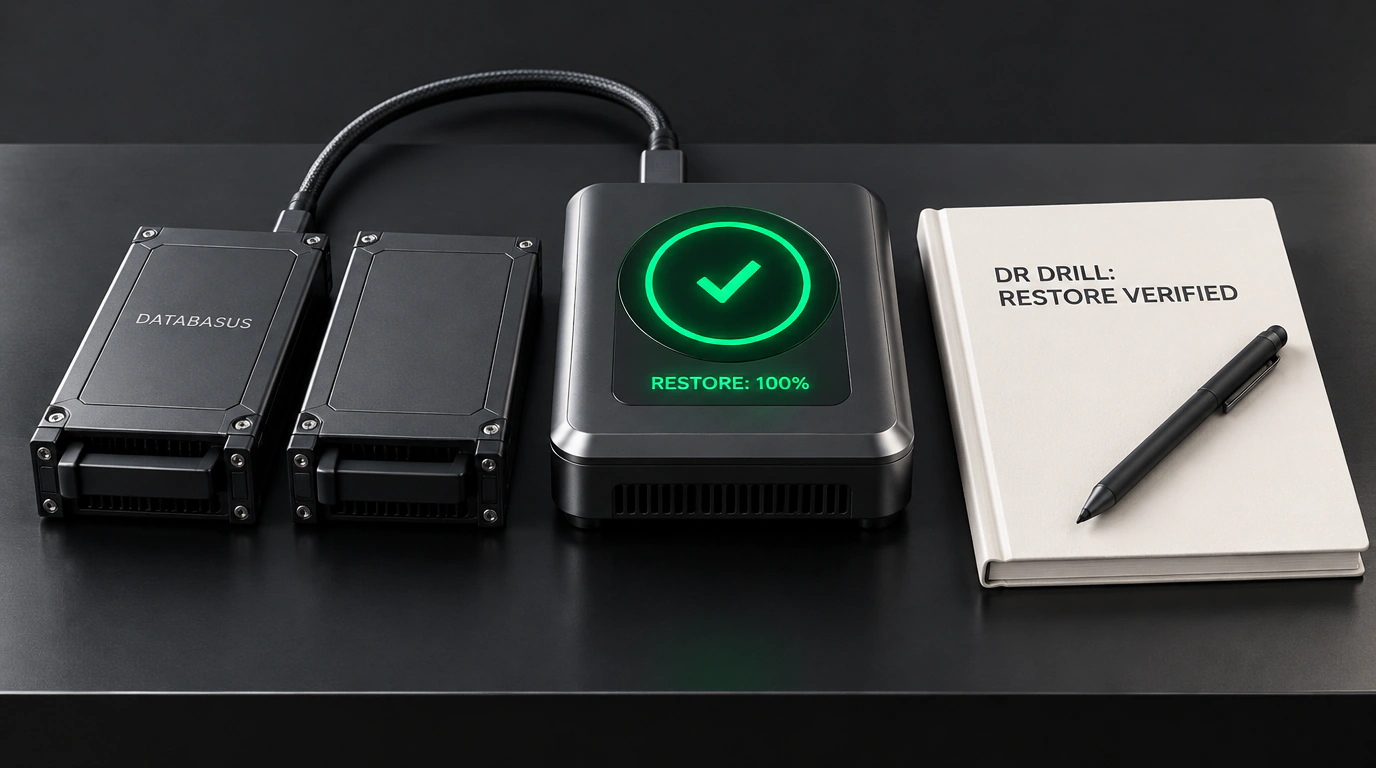
Among sysadmins, SREs, and DevOps engineers, there's a grim—and 100% accurate—saying: "Engineers fall into two camps: those who don't take regular backups yet, and those who always test restoring from them."
You can spend years admiring tidy green checkmarks in cron jobs, piling gigabytes of pg_dump archives onto network storage, and sleeping soundly thinking your critical business data is safe. Then Black Friday hits, a filesystem hardware glitch corrupts the primary database, the on-call engineer pulls down yesterday's fresh dump, and... stares in horror at a gzip checksum error, incomplete transactions, or mismatched catalog versions. The backup sat on disk the whole time, yet restoring production is physically impossible.
That exact engineering nightmare is what Databasus—an open-source, self-hosted platform built under the Apache 2.0 license—was designed to eliminate.
Verification First: Restore Before You Trust
The standout architectural feature in Databasus—the thing that separates it from dozens of homemade scripts and commercial tools—is its built-in automated Restore Verification loop.
Here's how that loop works under the hood:
- On your configured cron schedule, the system connects to the target database and takes a physical or logical snapshot.
- The dump is immediately encrypted server-side using strong AES-256-GCM with a master key loaded from environment variables.
- Databasus automatically spins up an ephemeral, isolated Docker container (a sandbox) running the exact target database version.
- It restores the encrypted dump from scratch inside that isolated sandbox.
- It runs a suite of fast integrity smoke tests: checking system catalogs, validating foreign keys, counting rows in key tables, and verifying indexes.
- Only after the temporary database passes every check is the backup marked verified and shipped off to long-term external storage, while the test container is destroyed without a trace.
If anything hiccups during that test restore, your on-call team gets an instant alert in Telegram, Slack, Discord, or via webhook with the full error log. Zero nasty surprises when a real production outage strikes.
Supported Databases, Storage Backends, and Point-in-Time Recovery
Databasus is written in Go with a snappy React and TypeScript web UI. Out of the box, it supports the heavy hitters: PostgreSQL (including granular Point-in-Time Recovery via WAL archiving), MySQL, MariaDB, and MongoDB.
For backup destinations, it supports practically anything that accepts bytes over a network:
- Local disks and NFS mounts;
- Any S3-compatible object store (Amazon S3, Cloudflare R2, MinIO, Wasabi, Yandex Cloud);
- Google Cloud Storage and Google Drive;
- Secure SFTP and FTP servers.
Here's how simple it is to spin up Databasus on your own server with Docker Compose:
services:
  databasus-server:
    image: ghcr.io/databasus/databasus:latest
    container_name: databasus
    restart: unless-stopped
    ports:
      - "8080:8080"
    environment:
      - DB_DRIVER=sqlite
      - DB_SOURCE=/data/databasus.db
      - ENCRYPTION_MASTER_KEY=base64:7xK3L9mQ8wP1vN4zR6tY2uI5oA8sD0fG
      - DOCKER_HOST=unix:///var/run/docker.sock
    volumes:
      - databasus_data:/data
      - /var/run/docker.sock:/var/run/docker.sock
    networks:
      - internal-net

volumes:
  databasus_data:

networks:
  internal-net:
    driver: bridge
Notice one key detail: bind-mounting the host Docker socket is what lets the platform spin up and tear down temporary sandbox containers during scheduled snapshot verification.
Automating Workflows via CLI and API
Beyond a clean web dashboard tracking database size growth and backup health, Databasus ships with a full REST API and a handy CLI for CI/CD pipelines and ops scripts:
# Check the current status of scheduled backup policies
databasus-cli policy list --format table

# Trigger an ad-hoc backup before running a schema migration
databasus-cli backup run --database prod-postgres-cluster --verify-restore=true

# Inspect the detailed report from the latest restore verification
databasus-cli report get --backup-id bkp-20261031-040012 --show-logs
If you follow database tooling closely, it's also worth checking out our recent roundup of PostgreSQL ecosystem tools for deeper cluster auditing.
Pitfalls and Practical Limits at Scale
It's important to be realistic about where automated restore verification hits its limits. If your database is 50 GB, spinning up a sandbox restore takes a couple of minutes and barely touches server load. Once a database crosses 5 terabytes, restoring a full container every single night gets expensive fast in disk IOPS and wall-clock time.
For multi-terabyte databases, the right strategy is pairing physical LVM/CSI volume snapshots with continuous WAL archiving (PITR), and scheduling full Databasus restore tests once a week on a dedicated verification host.
For the vast majority of mid-sized web services, though, Databasus is the exact insurance policy that keeps unreadable dumps from turning into a 3 a.m. nightmare.