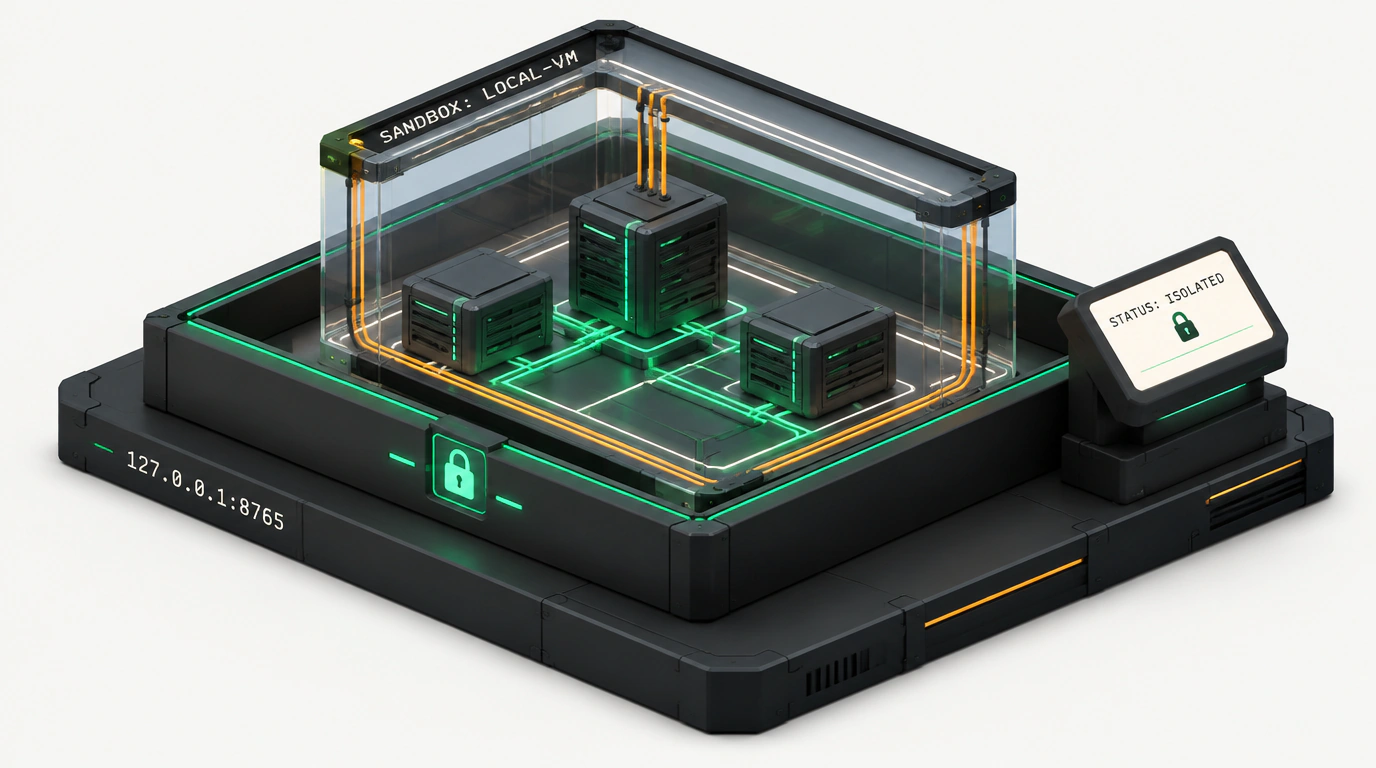
When tech giants roll out one closed personal-agent platform after another—from Grok Bot to Meta Muse—it's hard not to feel a nagging sense of unease. Every single one of those systems asks you to feed your access tokens, private repositories, and production keys into someone else's cloud. You're basically handing a virtual assistant the keys to your apartment and hoping the vendor never springs a leak or decides to train its next model on your proprietary algorithms.
That's why OpenMausBot, built by engineer Milind Soni, immediately caught my eye. It's a fully open-source platform under the permissive Apache 2.0 license with an uncompromising local-first philosophy. The idea is brilliantly straightforward: instead of shipping your data off to a remote cluster, you run an agent orchestrator right on your own laptop or local server. No paid subscriptions, no hidden proxies—the whole workspace listens on loopback 127.0.0.1, and your conversations and tokens stay tucked away in a hidden ~/.openmausbot folder.
BYOA Architecture: Plugging In Your Own CLI Tools
Let's look at how model handling works under the hood. Most all-in-one agent suites try to force their own wrapper around the OpenAI or Anthropic APIs. OpenMausBot takes a Bring Your Own Agent (BYOA) approach instead. Already have claude, codex, or a local grok runtime installed in your terminal? Great—the platform skips extra middleware layers and hooks your authenticated CLI engines straight in via Settings → Engines.
In the UI, it feels like a familiar team messenger along the lines of Slack or Telegram. Your virtual teammates sit in the sidebar: one bot handles code reviews and backend builds, another writes tests, and a third watches logs. Each agent gets its own independent context, message history, and isolated working memory. You can even swap models mid-thread on the fly if a task suddenly calls for deeper reasoning or a different context window.
Here's what the local daemon and external engine configuration look like:
{
  "server": {
    "host": "127.0.0.1",
    "port": 8765,
    "storageDir": "~/.openmausbot"
  },
  "engines": {
    "claude-code": {
      "command": "claude",
      "args": ["--dangerously-skip-permissions=false", "--format=stream-json"],
      "environment": {
        "ANTHROPIC_API_KEY": "env:LOCAL_ANTHROPIC_KEY"
      }
    },
    "local-codex": {
      "command": "codex",
      "args": ["--port", "9090", "--model", "qwen-2.5-coder"],
      "timeoutSeconds": 120
    }
  }
}
Notice an important detail here: environment variables aren't hardcoded in plaintext inside the config file. The daemon pulls them from your system environment so secrets never leak into logs. If you read our recent architectural breakdown of MausBot, OpenMausBot is the natural next step—evolving from an experimental script into a full-fledged team platform.
X-Ray Mode: How the Virtual Sandbox Works
Every developer's worst nightmare with autonomous agents is watching a bot run something like rm -rf / or accidentally push passwords to a public branch. OpenMausBot tackles this with a two-layer defense: interactive approval cards and a Local VM.
Whenever an agent tries to perform a high-risk action—like overwriting a database config file or installing a new system package—the daemon intercepts the call. An approval card pops up right in your chat window showing the exact diff patch and why the agent wants to run it. Until you click Approve, the process stays paused.
For deep refactoring and test runs, the platform spins up an isolated virtualization environment. Its restriction config locks down access to your host filesystem:
# Agent isolation rules in the local VM sandbox
sandbox:
  runtime: "local-vm"
  cpuLimit: 2
  memoryLimit: "4096MB"
  network:
    allowOutboundHttp: true
    blockedSubnets:
      - "192.168.0.0/16"
      - "10.0.0.0/8"
  filesystem:
    mountWorkspace: "/home/developer/projects/backend"
    readOnlyPaths:
      - "/etc"
      - "/var/run"
    deniedPaths:
      - "~/.ssh"
      - "~/.aws"
      - "~/.gnupg"
Physically, the agent can't see your SSH keys, AWS credentials, or GPG configs. Even if a model falls for a prompt-injection attack hidden inside a third-party GitHub issue, the attacker is trapped inside an empty sandbox with zero access to your local network.
Pitfalls and Real System Limits
Sounds ideal, right? Let's stay realistic: running a genuine virtual machine on a client laptop isn't free. To run the Local VM comfortably, you'll need at least 4 GB of free RAM and hardware virtualization support (Intel VT-x or AMD-V). And if you plan to run heavy local models alongside your IDE and browser, your RAM requirements will shoot toward 32 GB in a hurry.
There are also desktop quirks on Linux. If an agent interacts with a web UI or takes screenshots under Wayland, you'll need extra permissions configured via XDG Desktop Portal. The docs on the official project website are upfront about this: macOS isolation runs on Apple's native Hypervisor framework for snappy performance, whereas custom Linux distros may require checking your KVM setup first.
One more highlight is the integration with the open Composio catalog: standard connectors let your bots safely talk to over 500 popular apps (GitHub, Linear, Slack, Notion). Even there, a strict zero-trust rule applies—every external call gets recorded in a local audit log.
OpenMausBot makes a clear point: personal AI assistants can stay a predictable tool in an engineer's hands rather than a corporate cloud black box.