If you live inside the Apple ecosystem—working on a Mac, wearing an Apple Watch, checking mail on an iPhone—you've probably noticed a weird blind spot in the AI world. While Google Workspace and Microsoft 365 users connected their accounts to ChatGPT in two clicks to let the model triage inboxes and schedule meetings, anyone with an @icloud.com address was left out in the cold.
You had to fall back on old-school workarounds: copy-pasting email threads through the clipboard, manually checking open slots in your calendar, or cobbling together fragile automation scripts. Cupertino promised built-in Apple Intelligence, sure, but its rollout has dragged and the features mostly stop at basic summaries.
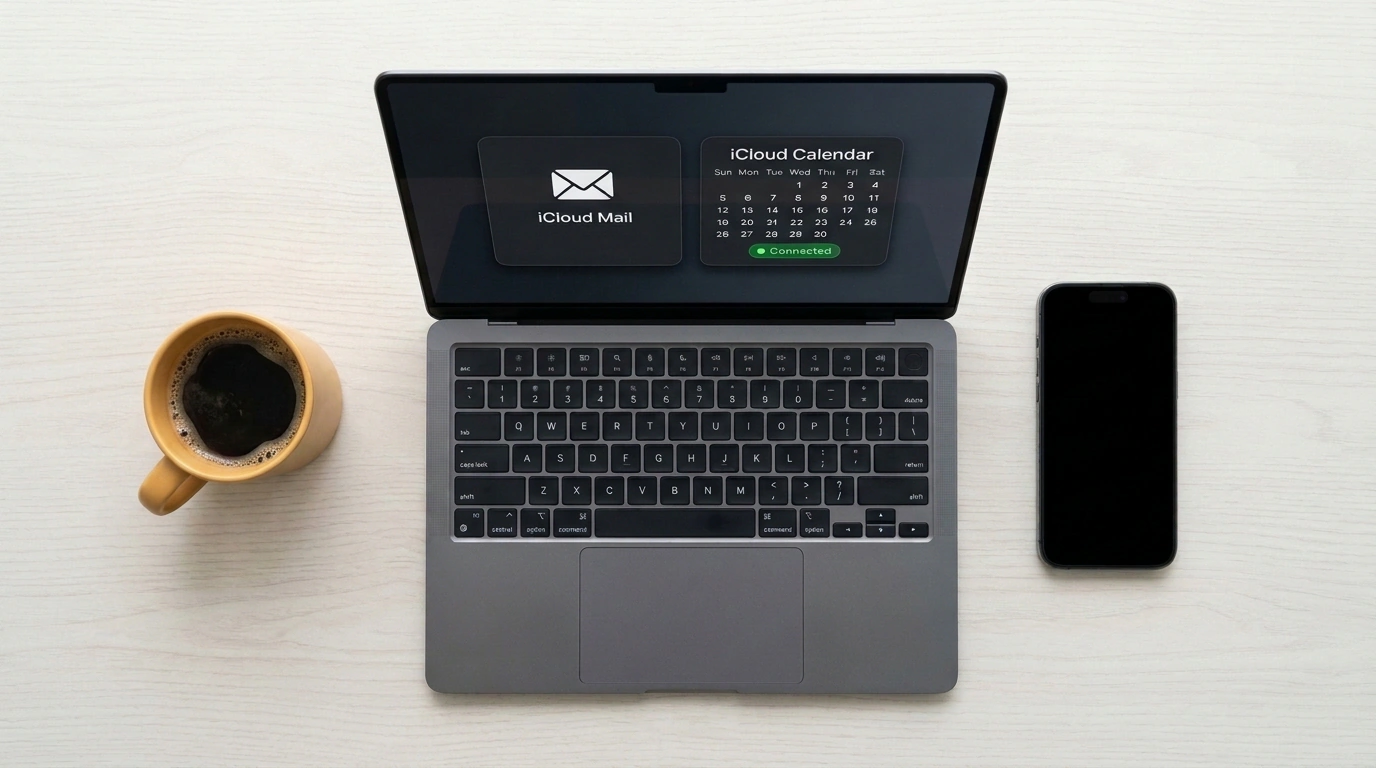
OpenAI just walked right through the front door into its rival's backyard: ChatGPT's Connected Apps catalog now includes official native connectors for iCloud Mail and iCloud Calendar. The integration is already live across all platforms, from the web app to native macOS and iOS clients. Let's look at how it works in practice, how safe your data actually is, and where the assistant's boundaries sit.
Interactive Calendar: Scheduling Meetings in Plain English
One of the most annoying parts of any workday is coordinating a call. You open your calendar, squint at a packed grid of tasks, hunt for forty minutes between syncs, flip back to chat... Now you can offload that entire routine to ChatGPT.
The iCloud Calendar integration runs over the standard CalDAV protocol, but under the hood the model gets an interactive management tool:
- Schedule scanning. You can just type: "Check my Friday schedule and tell me if there's a slot for a 90-minute lunch with a partner." The model scans your events, accounts for time zones, and returns open windows with travel buffers factored in.
- Smart booking. A quick prompt does the trick: "Schedule a 45-minute call with the designer about the landing page redesign on Thursday after 2 PM." The chatbot picks the best slot, creates the event in iCloud Calendar, fills in a clean title, adds a short agenda, and generates a video call link.
- On-the-fly rescheduling. When plans shift, you don't even have to open the Calendar app on your iPhone: just say "Push all my Tuesday afternoon meetings back by an hour," and the changes sync instantly across all your devices via Apple's cloud.
iCloud Mail Archive: Semantic Search and Smart Drafts
The iCloud Mail connector links up via IMAP over TLS. And that's where language models blow past Apple Mail's classic search: semantic understanding of what you're actually asking.
Think about how painful it is to dig up an email in a standard client when you can't remember the exact subject line or sender's name. With ChatGPT, that friction vanishes. You can toss in a casual request: "Find the train tickets to St. Petersburg that hit my inbox last week and tell me the car number and exact departure time." The model combs through your mail archive, locates the right thread, extracts the attached PDFs, and hands you a clean summary with seat details.
A second killer use case is untangling endless work threads. When a chain hits forty replies full of conflicting edits, the assistant pulls out key decisions, open questions, and action owners in seconds. Then it drafts a polite reply in your usual tone, keeping the full context of the thread intact.
Security and Setup: Why Your Apple ID Stays Safe
Whenever someone talks about hooking personal email up to a third-party AI service, any sensible person's alarm bells go off. Handing OpenAI the login and password to an Apple account tied to your photos, location history, and Keychain? Not a chance.
Thankfully, the security engineers built a proper gate. Apple doesn't offer direct OAuth login for mail clients without special partnerships, so the integration relies on App-Specific Passwords.
Here's how setup goes:
- Head to the official account portal at appleid.apple.com;
- Under "Sign-In and Security," open "App-Specific Passwords" and click "Generate an app-specific password";
- Enter a label (like
ChatGPT iCloud) and confirm with two-factor authentication on your phone; - Paste the generated 16-character code into ChatGPT's Connected Apps screen alongside your email address (
@icloud.com,@me.com, or@mac.com).
Your real Apple ID master password and 2FA keys never leave Apple's infrastructure. The generated token grants access strictly to mail and calendar protocols. If you decide to pull the plug later, just hop back onto Apple's site and revoke that token in one click—ChatGPT's access cuts off immediately, even if settings on OpenAI's side hang.
Limits and Blind Spots
As handy as it is, the integration comes with hard technical boundaries you should know upfront.
First, the connector talks strictly to iCloud servers. If your Mac's Mail app also pulls in a corporate Exchange inbox or a Yandex work account alongside your @icloud.com address, ChatGPT won't see them at all. The assistant only touches what lives directly in Apple's cloud.
Second, there's no autonomous background monitoring. The model doesn't sit in memory as a daemon sending you push alerts like, "Hey, a new email arrived and I already put the meeting on your calendar." Every action is strictly reactive—it happens only when you open a chat and give a specific command.
Even with those limits, native iCloud integration sends a clear signal to the market. Users in Apple's premium ecosystem finally have a working agentic pipeline—without waiting for a slow-moving tech giant to finish polishing its own in-house tools.
