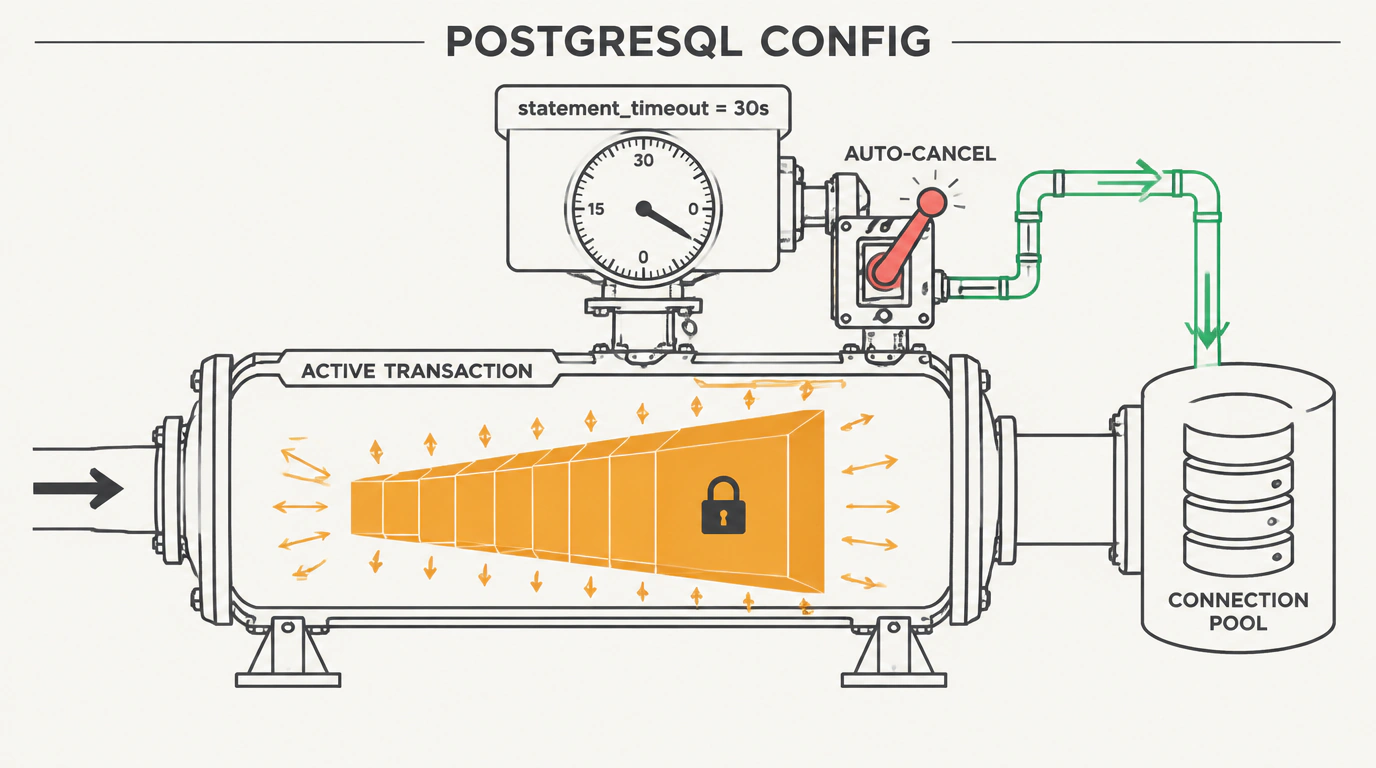
In relational database ops, there's a classic nightmare every growing team hits sooner or later. Mid-afternoon, your backend suddenly stops answering requests. Latency charts go vertical, PgBouncer's connection pool fills to the brim, and service logs flood with socket-wait timeouts.
You open pg_stat_activity and spot the culprit: someone kicked off an ad-hoc analytics query against production with an unindexed JOIN. That query has been grinding away for 40 minutes, holding a Shared Lock on a critical users table and stalling hundreds of everyday API transactions behind it.
Here's the wild part: out of the box, PostgreSQL sets statement_timeout to zero! By default, the database is happy to run any runaway SQL statement forever—right up until the server runs out of memory or CPU.
The official PostgreSQL documentation explicitly recommends capping statement lifetimes at the database or role level.
How to Configure Protective Timeouts Properly
Setting a hard global timeout in postgresql.conf for the whole cluster is a dangerous mistake—it will immediately break background pg_dump backups.
The right engineering approach is setting differentiated limits per database and service role:
-- 1. Set a baseline protective timeout for all new sessions on the production DB:
ALTER DATABASE my_production_db SET statement_timeout = '30s';

-- 2. Tighten the limit for the web application's API service role:
ALTER ROLE api_user SET statement_timeout = '10s';

-- 3. Give analytics workers room for heavier reporting queries:
ALTER ROLE analytics_worker SET statement_timeout = '300s';

-- 4. Remove the timeout completely for the scheduled backup role:
ALTER ROLE backup_admin SET statement_timeout = '0';
Here's what happens: if a query from your web API runs past 10 seconds, PostgreSQL kills it with error code 57014 (canceling statement due to statement timeout), releases its locks right away, and keeps the cluster moving.
Companion Timeouts: Killing Abandoned Transactions
Alongside statement_timeout, solid database protection requires two more critical settings:
-- Kill transactions left open and idle by a client (idle in transaction):
ALTER DATABASE my_production_db SET idle_in_transaction_session_timeout = '60s';

-- Cap how long a query waits to acquire an exclusive table or row lock:
ALTER DATABASE my_production_db SET lock_timeout = '15s';
If an app opens a BEGIN block, runs an UPDATE, and hangs due to a network blip, idle_in_transaction_session_timeout closes the session after a minute so it can't block VACUUM cleanup.
And when you need to run a scheduled DDL schema migration, you can safely override the timeout locally inside that single transaction:
BEGIN;
SET LOCAL statement_timeout = '10min';
ALTER TABLE orders ADD COLUMN tracking_code text;
COMMIT;
If you want to dig deeper into database observability, check out our guide on diagnosing PostgreSQL bottlenecks. Setting up protective timeouts takes two minutes, yet saves weeks of stress when traffic peaks.