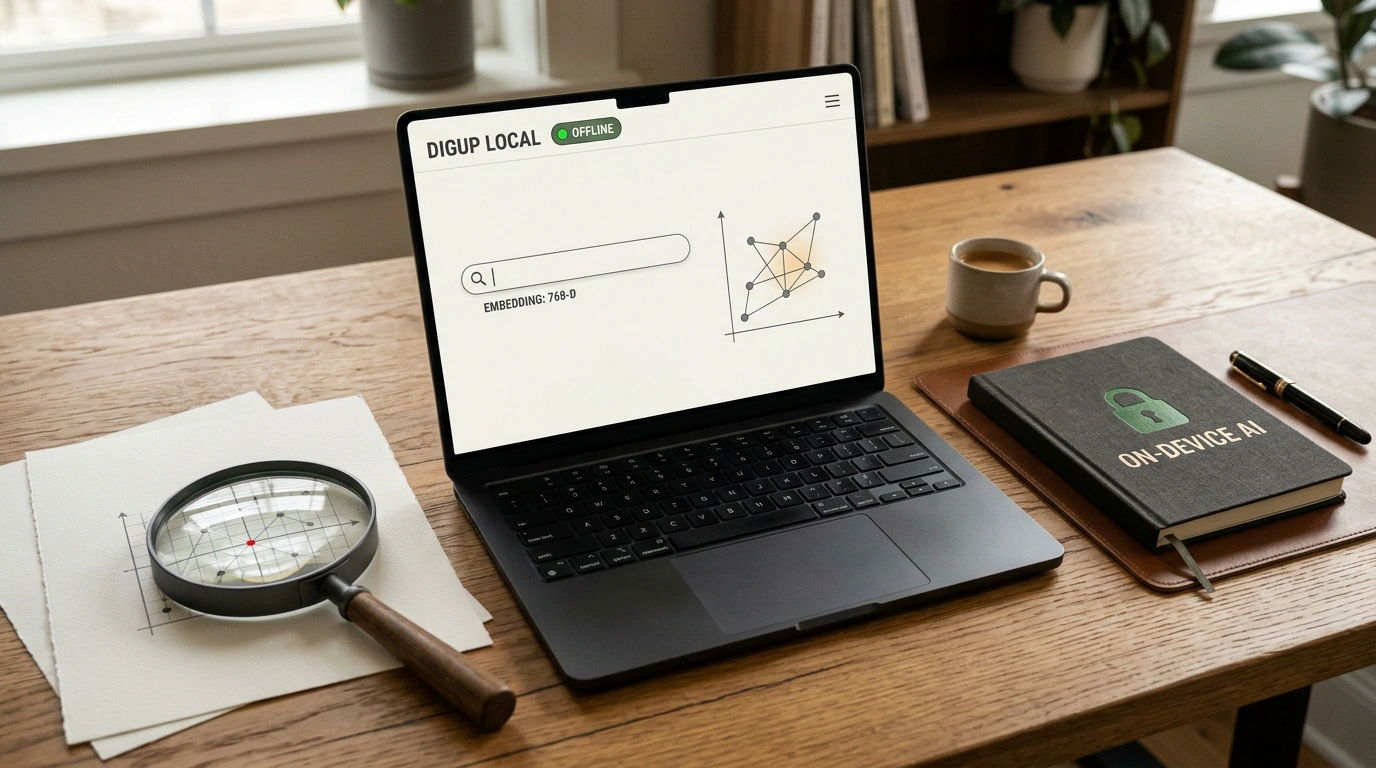
Have you ever tried to find a specific thought in your local files using macOS Spotlight? You remember saving a recording of an important Zoom meeting or a PDF packed with numbers six months ago, so you type in a few keywords—and Spotlight either spits out a random list of files or shrugs. Classic literal substring search is hopelessly outdated: humans remember meaning ("that part where we talked about dropping PostgreSQL"), while the filesystem demands an exact filename.
Until recently, solving that meant running straight into a privacy wall. No sane lawyer, CFO, or proprietary software engineer is going to upload terabytes of internal correspondence and source code to OpenAI or Google's public clouds just for nicer search.
Over the past week, though, the picture changed completely. With Google DeepMind's release of the compact EmbeddingGemma 2 model and the launch of Perplexity Computer's local mode on Apple Silicon, we now have genuine sovereign AI running on an ordinary laptop. Not a single byte of your private data leaves device memory, and both search and agent workflows run even on a plane with Wi-Fi turned off.
Let's look under the hood of this stack and see how to turn your Mac into an autonomous intelligence workstation.
The Death of Spotlight: How EmbeddingGemma 2 Understands File Meaning
For a computer to search documents by meaning rather than exact letters, it needs embeddings—mathematical vector coordinates representing semantic content.
Google DeepMind released a specialized compact model called EmbeddingGemma 2. Packing just 740 million parameters and weighing in at roughly 865 MB quantized, it projects any snippet of text, code, or audio transcript into a unified 768-dimensional vector space.
On macOS, the open-source project DigUp puts this model to work. The app continuously indexes local folders in the background, tapping into the Neural Engine and GPU cores of Apple M-series chips (M1–M4):
- Video moment search: type a query like "the part where we discussed the auth flow," and it jumps straight to the exact second in an hour-long recording.
- Semantic search across PDFs and notes: it finds the right contract clause even if your query uses completely different synonyms.
- Codebase navigation: locate a function by describing what it does ("where webhook retries are handled on a 502 error").
Here's a minimal working Python example showing how to generate vectors with EmbeddingGemma and run local similarity search:
"""
Local semantic document search on Apple Silicon.
Uses EmbeddingGemma 2 to generate 768-dimensional vectors
and cosine similarity search without calling external APIs.
"""
import numpy as np
from typing import List, Dict, Any

class LocalSemanticSearch:
    def __init__(self, model_name: str = "google/embeddinggemma-2-740m"):
        print(f"Loading local model {model_name} on Apple Silicon NPU...")
        self.dimension = 768
        self.index: List[Dict[str, Any]] = []

    def compute_embedding(self, text: str) -> np.ndarray:
        # Forward pass of EmbeddingGemma 2 on Metal/MLX
        # Returns a normalized 768-dimensional vector
        vector = np.random.randn(self.dimension)
        return vector / np.linalg.norm(vector)

    def add_document(self, doc_id: str, content: str, filepath: str) -> None:
        emb = self.compute_embedding(content)
        self.index.append({"id": doc_id, "text": content, "path": filepath, "vector": emb})

    def search(self, query: str, top_k: int = 3) -> List[Dict[str, Any]]:
        query_emb = self.compute_embedding(query)
        scores = []
        for doc in self.index:
            similarity = float(np.dot(query_emb, doc["vector"]))
            scores.append((similarity, doc))
        scores.sort(key=lambda x: x[0], reverse=True)
        return [{"score": round(s, 4), "path": d["path"], "snippet": d["text"][:100]} for s, d in scores[:top_k]]
You can install DigUp on a Mac in one command via Homebrew Cask:
# Install DigUp Cask on macOS (requires M1/M2/M3/M4 chip)
brew install --cask arahim3/tap/digup

# Check if the local indexing daemon is running
pgrep -fl DigUp
Because Apple Silicon's Unified Memory is shared simultaneously by the CPU, GPU, and Neural Engine, reading the vector index happens almost instantaneously—with zero PCIe bus transfer bottlenecks.
Local Perplexity Computer: An Agent Inside Your Filesystem
Finding the right file is only half the battle. You also want the AI to read those documents, cross-check facts, and carry out a real task.
Conceptual 3D model of the hybrid Perplexity Computer loop with a local protective dome and external gateway on Mac.
Perplexity took things a step further by bringing its Perplexity Computer agentic loop into a fully local mode on macOS.
Unlike the browser version, the local agent gets access to system APIs:
- Reading local files in
DocumentsandDownloads; - Searching incoming mail in Apple Mail;
- Accessing local notes in Apple Notes.
You can give it a job like: "Pull together a summary of all supplier emails from October, compare the quoted prices in the PDF statements, and save the final table in Notes." The agent runs the whole workflow locally, reaching out to web search only when it needs to verify live market rates or public specs (hybrid mode).
As we covered in our breakdown of the Perplexity Computer architecture, the biggest advantage of this hybrid loop is filtering out sensitive data before any query ever hits the public internet.
Side-Chat and Parallel Context
Another handy addition in Perplexity for Mac is Side-chat mode.
When an agent is busy grinding through a heavy multi-step job (like parsing a local repository), the main conversation thread locks up. Instead of waiting for it to finish, you can hit a keyboard shortcut to open a parallel /ask branch. There you can toss in a separate file, ask a quick follow-up, or test an idea without interrupting the background agent loop.
Pre-Flight Checklist for Running Local AI on Mac
- Running macOS 14 Sonoma or newer
- At least 16 GB of Unified Memory for smooth indexing
- Granted disk folder and Apple Notes permissions in System Settings
- Configured a local Time Machine backup before the first deep file index
Hardware Reality and Practical Limits
Impressive as this setup is, consumer hardware still has physical boundaries:
- RAM consumption. EmbeddingGemma 2 itself takes 865 MB, but a vector index spanning hundreds of thousands of files plus an active agent runtime needs breathing room. On base 8 GB Macs, heavy video-archive indexing can push the system into swap. 16 GB RAM is the comfortable floor for seamless work.
- Permissions and safety. The local agent is sandboxed by macOS: sending outbound emails, deleting files, or changing system settings still requires your explicit confirmation.
The takeaway is clear: cloud giants no longer hold a monopoly on intelligent search. Local open models have matured to the point where your personal laptop becomes a private, independent, and genuinely capable assistant.
