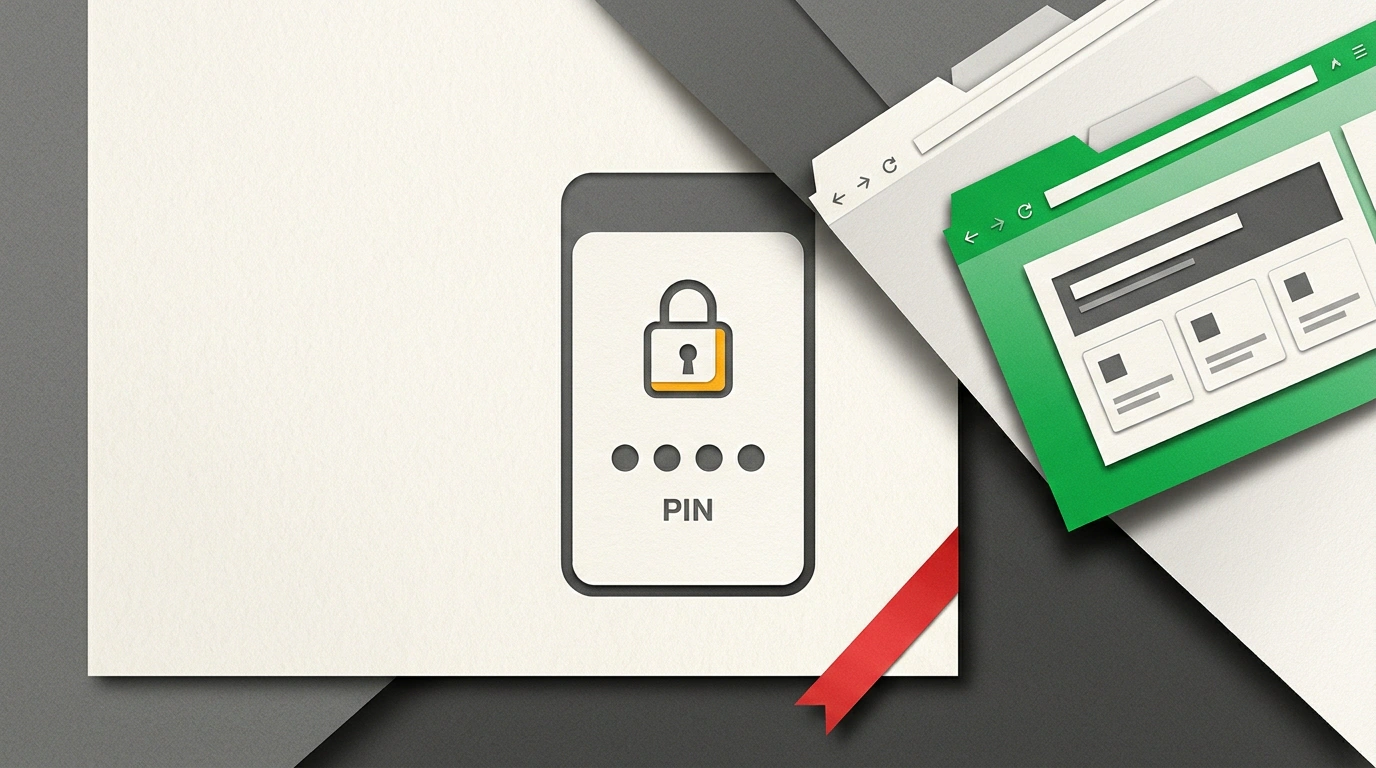
While research labs debate distant AGI horizons, OpenAI is steadily turning ChatGPT from a general text partner into a tightly packed everyday work suite. In October, the service picked up three notable product updates that solve real daily headaches: hiding sensitive threads from prying eyes, generating interactive slide decks right inside a chat, and reading open Chrome tabs.
I put all three features through real-world testing to see how they change everyday office workflows—and where the hidden catches are.
PIN-Locked Chats
If you've ever opened ChatGPT on your laptop during a screen-share call or handed your phone to a coworker, you know that cold flash of panic: right there in the sidebar sit the titles of your personal, medical, or confidential business chats.
OpenAI's answer is Locked Chats. In the three-dot menu of any conversation, you'll now see a "Lock chat" option. Turn it on, and the thread immediately vanishes from the history sidebar and global search, moving into an isolated Projects → Locked chats section.
Access to that section is gated by a four-digit Account PIN. Mobile apps also support convenient biometric unlock (Face ID / Touch ID), though the PIN remains the master key.
If you forget your four-digit PIN, support cannot restore access to your locked chats. Resetting the PIN permanently deletes every locked conversation and all attached files to protect against unauthorized access.
It's also important to understand the limits of this privacy feature: Locked Chats do not use end-to-end encryption. Data still lives on OpenAI's servers and remains subject to standard moderation policies. It keeps a curious colleague sitting next to you from peeking at your sidebar, but it doesn't make the chat anonymous to the platform itself.
Built-in Presentation Generator
Building decks in PowerPoint or Google Slides routinely eats up hours of the workday: gathering talking points, splitting them across slides, fixing structure, and aligning text. The new built-in ChatGPT Slides module takes that grind off your plate.
It generates slides directly inside the chat interface. You drop in a raw document or brief—say, an audit report or a sales proposal—and the model assembles an interactive slide deck.
The real win is conversational editing: right in the chat, you can ask it to trim the text on slide three, bold the key metrics, or reorder the narrative. For agencies and marketers, this cuts the time spent preparing client proposal decks from several hours down to 10–15 minutes.
As we noted in our look at integrating ChatGPT into daily workflows, combining text generation with visual artifact layout drastically shrinks the distance between a rough idea and a finished deliverable.
Active Tab Context in Chrome
The third update targets the official ChatGPT Chrome extension, which can now interact directly with your active browser tabs.
Previously, analyzing an article, documentation page, or financial report meant manually copying chunks of text to your clipboard and pasting them into chat. Now the extension's sidebar can read the DOM structure of the open page in real time.
That unlocks seamless workflows:
- Instant summaries of dense analytical longreads without leaving the page;
- Cross-checking data between two open tabs from online stores or databases;
- Automated help filling out complex web forms using an uploaded resume or company details.
The model sees exactly what's on your screen at that moment, turning the browser itself into an interactive workspace.
Taken together, October's bundle shows where ChatGPT is headed: OpenAI is deliberately closing the gap between a user's thought and a finished office output. Locked chats bring peace of mind during screen shares, built-in slides save you from wrestling with heavy presentation editors, and browser tab context speeds up web research.
Just keep basic digital hygiene in mind: don't forget your four-digit PIN, remember there's no end-to-end encryption, and never grant the extension access to tabs holding sensitive passwords or banking dashboards.