How many times have you clicked Generate, held your breath, and ended up with something polished-looking yet completely useless? In multimodal work—whether turning docs into a slide deck or analyzing a long video—the "Generate and Pray" pattern ruled for far too long. You hand a model raw files, it brews something behind closed doors for a few minutes, and out pops a final file with mangled logic and missed key points.
In October's updates to the Gemini lineup, Google hit both major sources of that frustration at once: uncontrolled presentation generation and clumsy search through long video archives.
The fast new Gemini 3.8 Flash model gained native Temporal Video Grounding, while Gemini Notebook added a mandatory outline approval step. Let's see how these features put you back in the driver's seat.
Frame-Accurate Navigation in Gemini 3.8 Flash: Second-by-Second Search
The biggest headache when feeding long videos into an LLM is the sheer token cost. If you slice an hour-long recording rigidly at one frame per second, your GPU drowns in millions of static images.
In Gemini 3.8 Flash, Google DeepMind introduced Adaptive Frame Rate. The model watches scene dynamics: if a speaker stands in front of the same slide for five minutes, the system skips wasting tokens on duplicate frames. According to Google's official figures, adaptive video mode uses up to 88% fewer tokens than standard uniform sampling.
Even better is "Agentic Video" mode. Instead of just summarizing a clip, the model pinpoints the exact seconds where an event happens based on a semantic query.
Here's a working Python example that searches a lecture recording via the Gemini API:
"""
Using Gemini 3.8 Flash for semantic video navigation.
The model returns exact timestamps and reasoning for each matched event.
"""
from google import genai
from google.genai import types

client = genai.Client(api_key="GEMINI_API_KEY")

# Upload the video file to the File API
video_file = client.files.upload(file="security_audit_lecture.mp4")

prompt = """
Analyze the video stream and find the exact timestamps (start_time, end_time)
where the speaker shows a buffer overflow vulnerability on a slide.
Return the result as JSON with timestamps and a brief description.
"""

response = client.models.generate_content(
    model="gemini-3.8-flash",
    contents=[video_file, prompt],
    config=types.GenerateContentConfig(
        response_mime_type="application/json",
        temperature=0.1
    )
)

print(response.text)
And here's the structured JSON output the model returns:
[
  {
    "start_time": "00:14:22",
    "end_time": "00:15:45",
    "event": "Slide showing stack diagram and EIP register",
    "confidence": 0.96
  },
  {
    "start_time": "00:28:10",
    "end_time": "00:29:30",
    "event": "Exploit demo inside the GDB terminal",
    "confidence": 0.92
  }
]
Now a two-hour engineering meeting or lecture turns into an interactive timeline in seconds, with zero manual scrubbing.
In video queries, explicitly specify the expected timestamp format (HH:MM:SS) and ask the model to cite visual frame anchors (slide text, UI color, chart appearances). That drops timestamp drift to virtually zero.
Two-Stage Generation in Gemini Notebook: The End of Blind Rendering
The second win against chaos landed inside Gemini Notebook (the evolution of NotebookLM).
Before, generating an audio overview or slide deck was a single-click gamble: press the button and get a finished media file. If the podcast hosts wandered off-topic or the deck focused on minor details, your only option was burning quota on another roll of the dice.
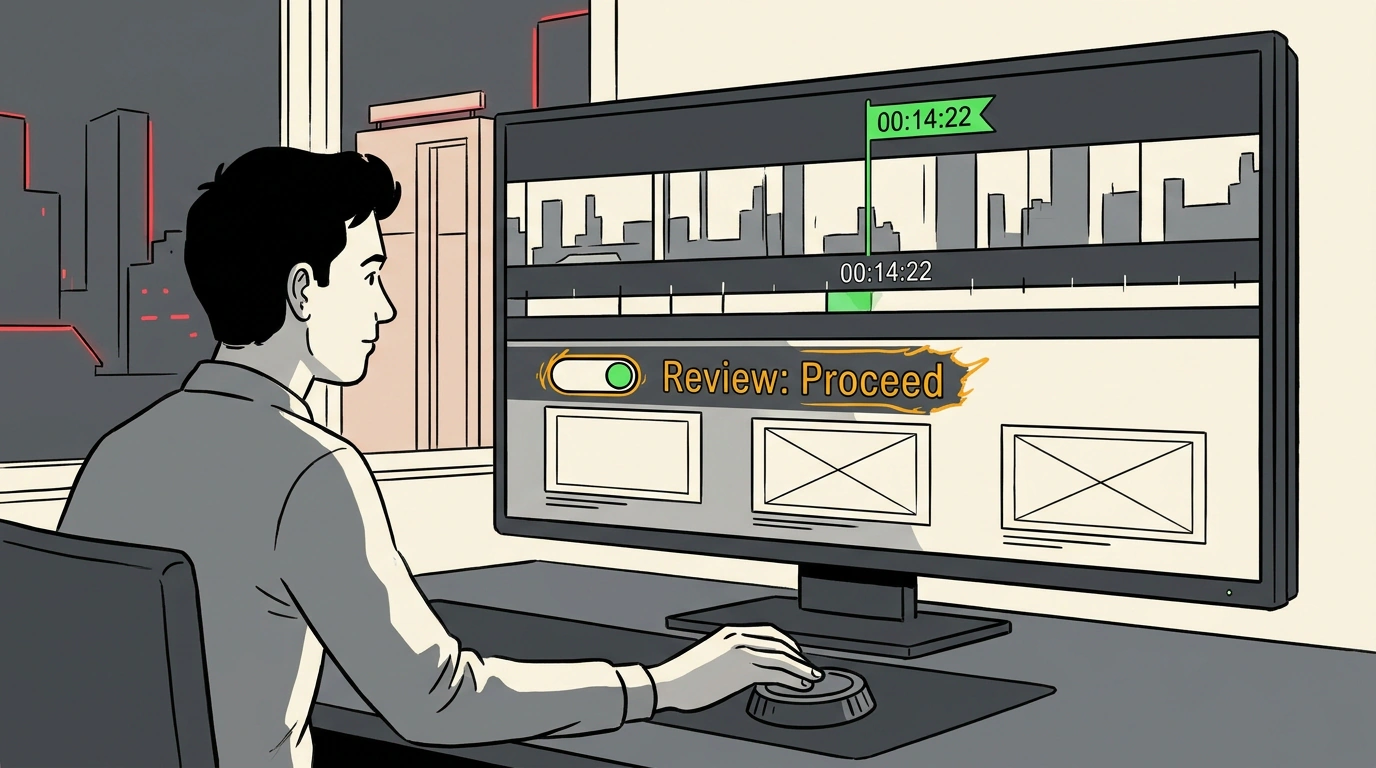
Now the Studio panel includes a Review toggle:
- For presentations: it enables Review outline notes. The model first lays out the structure of your upcoming slides—titles, key takeaways, and argument flow. At that stage, you can cut an extra slide, rewrite a bullet, or shift the focus to financial metrics.
- For video overviews: Review producer notes lets you approve the script and visual plan before final rendering kicks off.
Only after you manually click Proceed does the service run final generation strictly against your approved outline.
As we noted in our coverage of the Google Gemini model ecosystem, adding intermediate validation checkpoints turns a stochastic neural network into a predictable production tool. Control is finally back in human hands.
