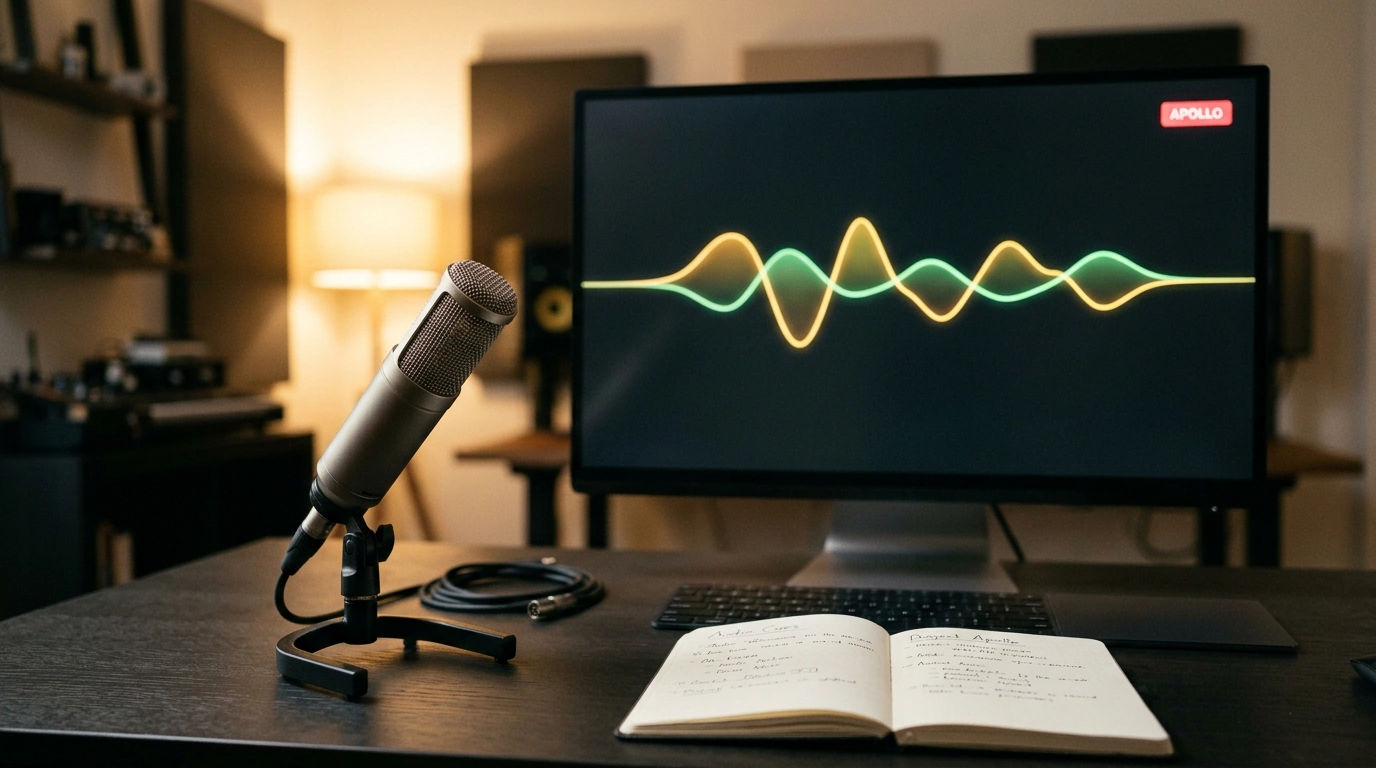
Think about how you normally interact with an AI assistant during deep work. You're editing a messy Excel sheet, writing code, or reviewing a contract. To ask the model a question, you have to stop, take your hands off the keyboard, grab a screenshot, switch to your browser tab, upload the image, type out an explanation, and wait a few seconds for a reply. It seems minor, yet that constant context-switching completely shatters your flow.
Nous Research tackled this head-on by releasing Hermes Apollo, an open-source multimodal module inside their Agent OS ecosystem. Instead of acting like a chatbot trapped in a separate browser tab, Apollo behaves like a sharp colleague sitting right next to you—looking at your monitor and answering your spoken questions in real time, with zero buttons to click or prompts to type.
Over-the-Shoulder View: Why a Live Video Stream Changes AI Interaction
Apollo's defining engineering feature is continuous background screen capture (Screen Capture Video Stream). The agent doesn't wait for you to upload files or snap manual screenshots. Through a native system driver, it reads what's on your monitor at 1–2 frames per second: your active code editor, an open browser tab, terminal logs, or a spreadsheet of invoices.
Rather than burning GPU cycles rendering every frame at full tilt, it uses dynamic sampling: when nothing on screen changes, scan frequency drops to save compute. The instant you highlight a line of text or switch windows, Apollo picks up the change.
Without taking your eyes off your work, you can say out loud: "Hey, check if the total at the bottom of this table matches the invoice in the next tab." The agent sees both documents and replies immediately by voice: "Line nine is off by 1,400 rubles, and the VAT calculation is wrong." That's a completely different level of ergonomics—text chat simply can't compete.
Zero-Pause Voice: How End-to-End Voice-to-Voice Removes Waiting Friction
Apollo's second breakthrough is ditching the traditional "sandwich" voice pipeline. Standard voice bots convert audio to text (STT like Whisper), feed text to an LLM, generate a reply, and then pass it to a text-to-speech engine (TTS). Total latency easily hits 2–4 seconds—an eternity in a live conversation.
We've been tracking the platform's evolution, including deploying a team of Hermes Agent OS agents. Apollo introduces real-time streaming audio with full-duplex support:
- response latency drops to fractions of a second (300–500 ms);
- the system picks up natural human intonation and pauses;
- you can interrupt the agent mid-sentence at any time, and it immediately stops talking to listen to your clarification.
The conversation flows as smoothly as a phone call with a live specialist, creating a genuine sense of presence.
Obsidian as Long-Term Memory: Transparent Markdown Instead of Cloud Databases
The thorniest problem with personal AI assistants is long-term memory. Where do your preferences, discovered facts, and work notes actually live? Most commercial tools lock memory inside proprietary cloud databases you can neither inspect nor cleanly edit.
Nous Research made a brilliantly simple choice: Apollo uses your local Obsidian vault as its central memory store (Obsidian Shared Memory). Key takeaways, decisions, code snippets, and action items are automatically structured and appended to plain Markdown files on your hard drive.
That solves three major issues at once:
- Total transparency: you can open Obsidian anytime, read today's agent notes, tweak a phrasing, or delete something irrelevant.
- Multi-agent access: building on the open Hermes operating system, other background bots on your machine can read the same Markdown files and pick up tasks without hitting external servers.
- Privacy and security: your thoughts, to-do lists, and business numbers never sit on someone else's data-center servers.
Launching Apollo and Setting Up Automatic Note Logging
Running Apollo locally requires Python 3.11+ and either a CUDA-capable GPU or API access to open-weight models.
Clone the repository and start the daemon pointing to your local Obsidian vault:
# Clone the repository and install dependencies
git clone https://github.com/NousResearch/Hermes-Agent.git
cd Hermes-Agent
pip install -r requirements.txt

# Launch the Apollo daemon with screen capture and voice channel
python -m hermes_agent.apollo \
  --model "nousresearch/hermes-3-llama-3.1-8b" \
  --screen-capture-fps 2 \
  --audio-backend "elevenlabs" \
  --obsidian-vault "~/Documents/ObsidianVault"
To route memory, create a hook module obsidian_memory_hook.py that logs voice commands and screen observations into your daily note:
import os
from datetime import datetime

def sync_apollo_memory(event_type: str, summary: str, vault_path: str):
    """Syncs Apollo agent facts and decisions to the daily Obsidian log."""
    today = datetime.now().strftime("%Y-%m-%d")
    log_file = os.path.join(vault_path, "Daily", f"{today}.md")
    os.makedirs(os.path.dirname(log_file), exist_ok=True)

    timestamp = datetime.now().strftime("%H:%M:%S")
    entry = f"\n- **[{timestamp}] Apollo ({event_type})**: {summary}\n"

    with open(log_file, "a", encoding="utf-8") as f:
        f.write(entry)
    print(f"Event logged to Obsidian: {log_file}")
Because the video stream is analyzed continuously, passwords, credit card numbers, or private chats could enter the agent's field of view. Bind a hotkey for instant stream cutoff (Privacy Mute) and add sensitive apps to your capture exclusion list.
Your taskbar also gets a Pixel Office visual indicator showing what the agent is doing right now (listening, scanning the screen, or writing notes). It's a working glimpse of the future desktop—no prompt typing, no mouse-juggling required.