The Model Context Protocol (MCP), introduced by the creators of Claude, has quickly become the industry standard for wiring external tools into AI agents. Still, if you've ever tried building an MCP server from scratch using the official low-level @modelcontextprotocol/sdk, you've probably felt a quiet wave of fatigue.
Instead of focusing on what your tool actually does—query a database, hit an API, read a file—you end up writing kilobytes of infrastructure glue: manually configuring I/O transports (stdio or Server-Sent Events), registering lifecycle handlers, mapping errors by hand, and stitching together JSON schemas.
xmcp, a sleek declarative TypeScript framework from basementstudio (open-source on GitHub), takes all that boilerplate off your plate.
"A Tool Is a File": File-System Routing for Agents
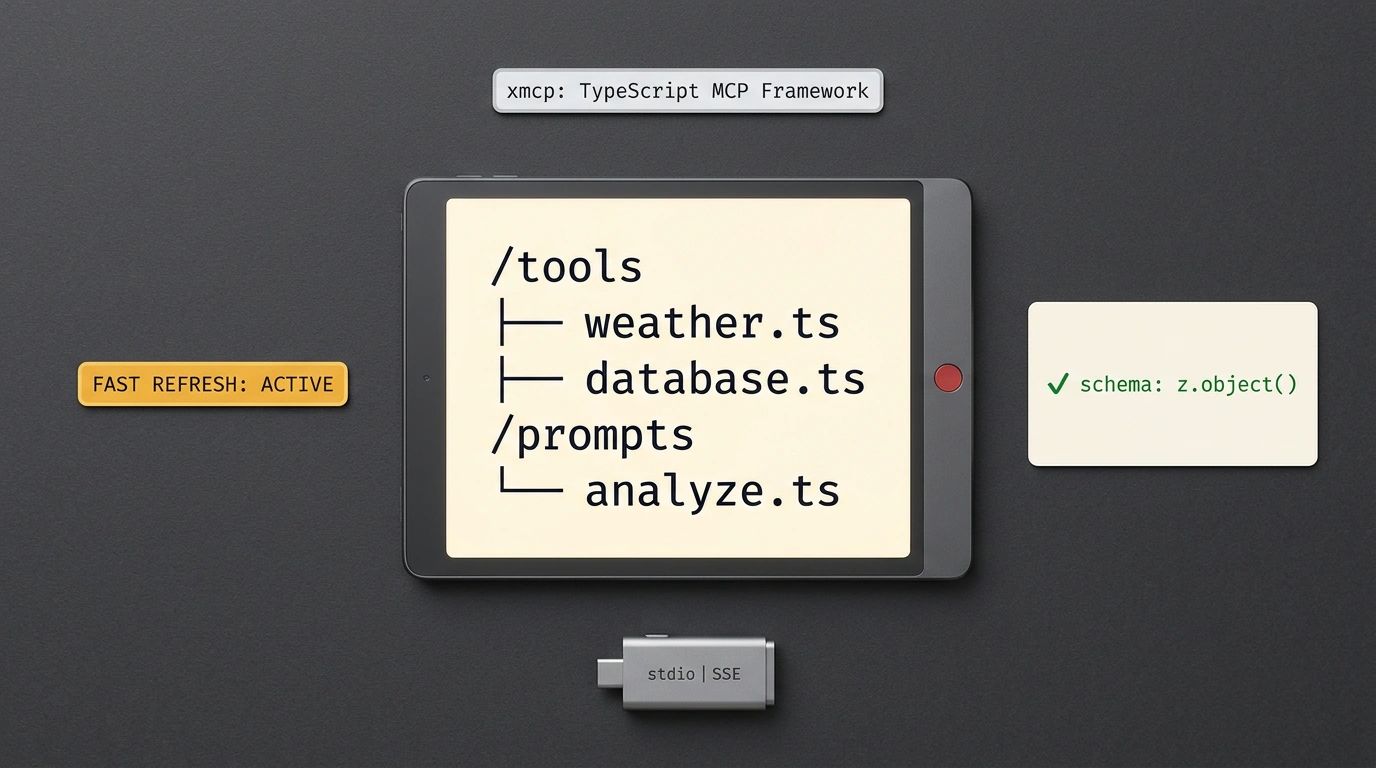
The creators of xmcp brought the exact paradigm that made Next.js and Astro so popular into the MCP world: File System Routing.
Instead of stuffing dozens of functions into one bloated server.ts, you simply create a tools/ folder. Every file inside that directory automatically becomes an isolated tool for your AI agent:
my-mcp-server/
├── tools/
│   ├── check-balance.ts
│   ├── send-notification.ts
│   └── query-database.ts
├── xmcp.config.ts
└── package.json
The xmcp runtime scans the directory, registers each tool with the protocol automatically, validates incoming parameters, and builds the capability manifest.
Writing a Tool: Strict Validation with Zod
Inside each tool file, you export a declarative defineTool call:
// tools/create-invoice.ts
import { defineTool } from 'xmcp';
import { z } from 'zod';

export default defineTool({
  name: 'create_invoice',
  description: 'Creates a payment invoice for a client in the accounting system',
  parameters: z.object({
    clientEmail: z.string().email().describe('Recipient email address'),
    amount: z.number().positive().describe('Invoice amount in rubles'),
    currency: z.enum(['RUB', 'USD', 'EUR']).default('RUB'),
  }),
  async execute({ clientEmail, amount, currency }) {
    // All validation has already been handled by the runtime!
    const invoice = await billingService.create({ clientEmail, amount, currency });

    return {
      status: 'success',
      invoiceId: invoice.id,
      paymentUrl: invoice.url,
    };
  },
});
Notice how all the ceremony vanishes: parameter types inside execute are inferred directly from the parameters schema. If an agent passes a malformed email or a negative amount, xmcp intercepts the bad input before your business logic ever runs and hands back a clear validation error the LLM can actually recover from.
Built-in Transports and Fast Dev Mode
The framework handles all low-level communication plumbing for you:
- Dual transport: your server can run over standard
stdiostreams (for local Claude Desktop or Cursor connections) as well as HTTP Server-Sent Events (SSE) for remote cloud hosting. - Hot Reload: running
npx xmcp devstarts a local dev server that updates tools the instant you save a file—no more killing and restarting the process after every prompt or schema tweak.
# Start the server in development mode with file watching
npx xmcp dev

# Compile an optimized bundle for production
npx xmcp build
If you're already using terminal AI tools, take a look at our piece on Claude Code plugins and intercepting dangerous commands. With xmcp, the barrier to spinning up your own scalable MCP servers just dropped to about five minutes.