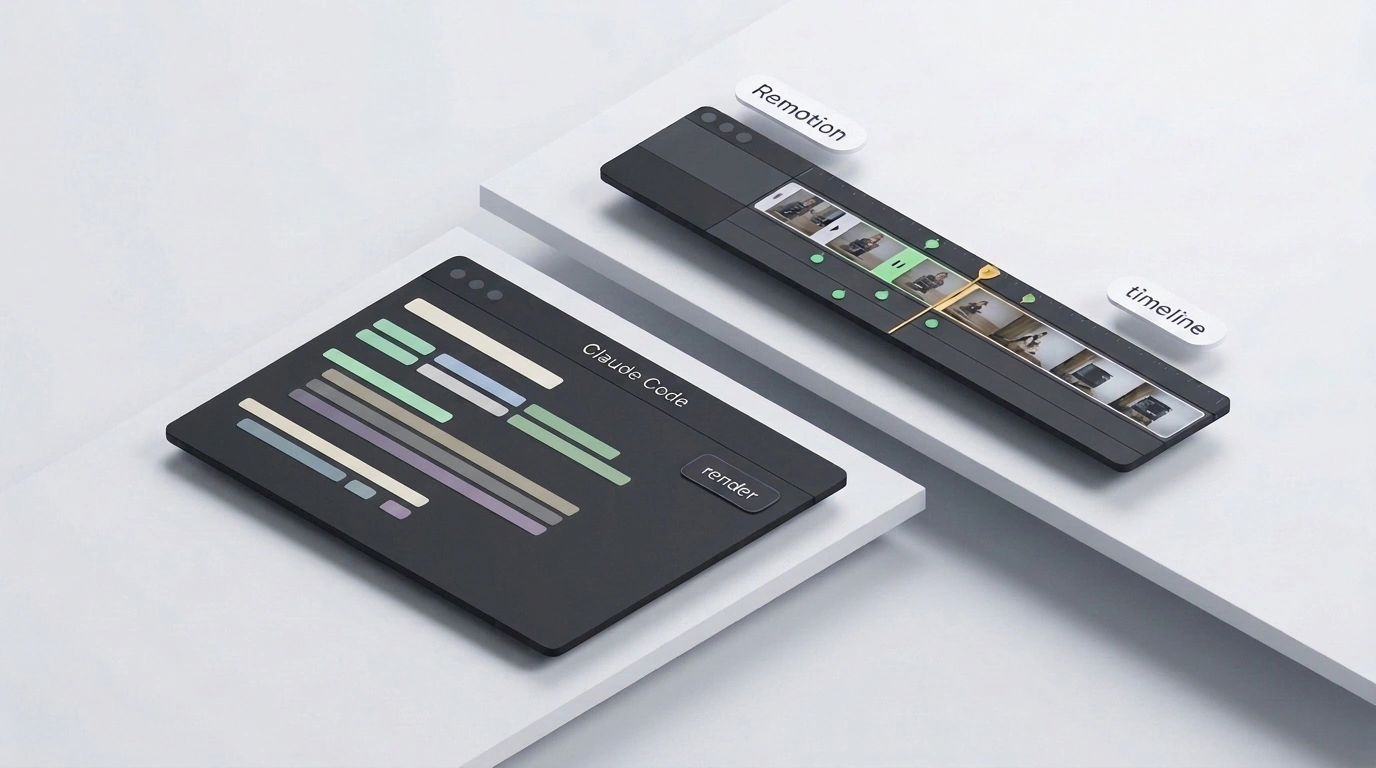
Amid the hype around AI video studios and agent directories like the open-source Treg project—which AI educator Julian Goldie used to shoot clips with virtual actors—automation practitioner Jason West and the Remotion team demonstrated a far more calculated play: assembling ad videos directly inside the Claude Code CLI agent. At first glance, it sounds like a developer-only stunt you'd skip while hunting for a "Make it pretty" button.
What hooked me about this setup, though, is the cold-eyed economics. Whenever you need a crisp promo video with prices, logos, and timed scenes, generative video models burn through your budget fast. Let's look at how to build AI ad videos without paying for endless rerenders—and why code beats diffusion magic here.
The Diffusion Video Trap: Why Tiny Edits Burn Your Budget
Suppose an online store needs a 15-second electronics promo: pop in a product card, animate a discount sticker, highlight the price, logo, and order button. The natural reflex is to reach for generators like Higgsfield, Runway, or Sora. That's where most people slam into the core flaw of diffusion models. They have no concept of a separate text layer—the network paints every frame pixel by pixel out of noise. As a result, banner text warps, logos smear, and card edges jitter.
Edits cost even more. Say a shot looks great, except you need to nudge a label, recolor a badge, or delay the sticker by 0.5 seconds. In a diffusion model, you can't move one element: every tiny tweak forces a paid rerender of the entire clip from scratch, torching credits and breaking the composition you liked.
From Competitor Reference to Storyboard: How Claude Code and Remotion Team Up
There's a straightforward way around that trap. If your ad is built from crisp graphics, text, and product cards, there's no reason to guess pixels—you can define every scene in code. That's how the Remotion framework works: videos are assembled like web pages out of React components, CSS styles, and interpolation functions (interpolate() and spring()) tied to the frame number via useCurrentFrame. Instead of repainting a canvas, you slide transparent layers along a timeline.
You don't have to write the code yourself. In Jason West's pipeline, you grab a strong competitor ad as a reference and ask Claude Code to build a video in that style for your store. I checked the Remotion documentation for Claude Code: so the agent doesn't get tangled in scene structure (Sequence and Composition), you attach the official skill with npx remotion skills add (a pattern I also covered in my piece on automating video editing with Hyperframes). After scaffolding a project with npx create-video --yes --blank my-video and launching the preview in Remotion Studio via npm run dev, the agent drafts the storyboard for our 15-second spot and turns it into code.
Two-Second Tweaks and Free Local Exports
Because the product card, price tag, discount sticker, logo, and CTA button live as separate elements in code, the output is strictly deterministic: fonts stay razor-sharp, and brand colors never drift.
If the discount sticker flies in too aggressively during the 15-second preview, you just tell the agent: "Slow the discount badge entrance by 10 frames, change its color, and give it a spring animation." Claude Code updates the TSX file in 2 seconds without touching your logo or product shot. The finished MP4 renders locally for free via npx remotion render src/index.ts out/video.mp4—whether you need one cut or ten price variations.
Where Code Wins—and When to Call Generative Video Models
To me, the dividing line between the two approaches is crystal clear. When you need a "filmed by a customer on a smartphone" UGC clip—say, a virtual creator walking down the street holding a serum bottle with natural handheld shake (the kind Julian Goldie builds using Treg's 4,100-tool directory with Seedance 2.5 and Fish Audio voices, or in Higgsfield)—pure code won't replace a video model, because it can't synthesize lifelike facial expressions or street lighting. For product teasers and price-driven banners, however, programmatic rendering wins hands down—and you can even overlay code-rendered badges with alpha transparency on top of an AI-generated background.
Don't worry if terminal commands and React components sound intimidating at first. You don't have to choreograph a dozen layers on night one. Start small: ask Claude Code to sketch a storyboard from a single reference and assemble a rough 15-second banner with just three pieces—a product photo, a price, and a discount sticker. Once you see that any label can be updated in two seconds with a single sentence and zero extra render fees, ad production gets dramatically simpler.