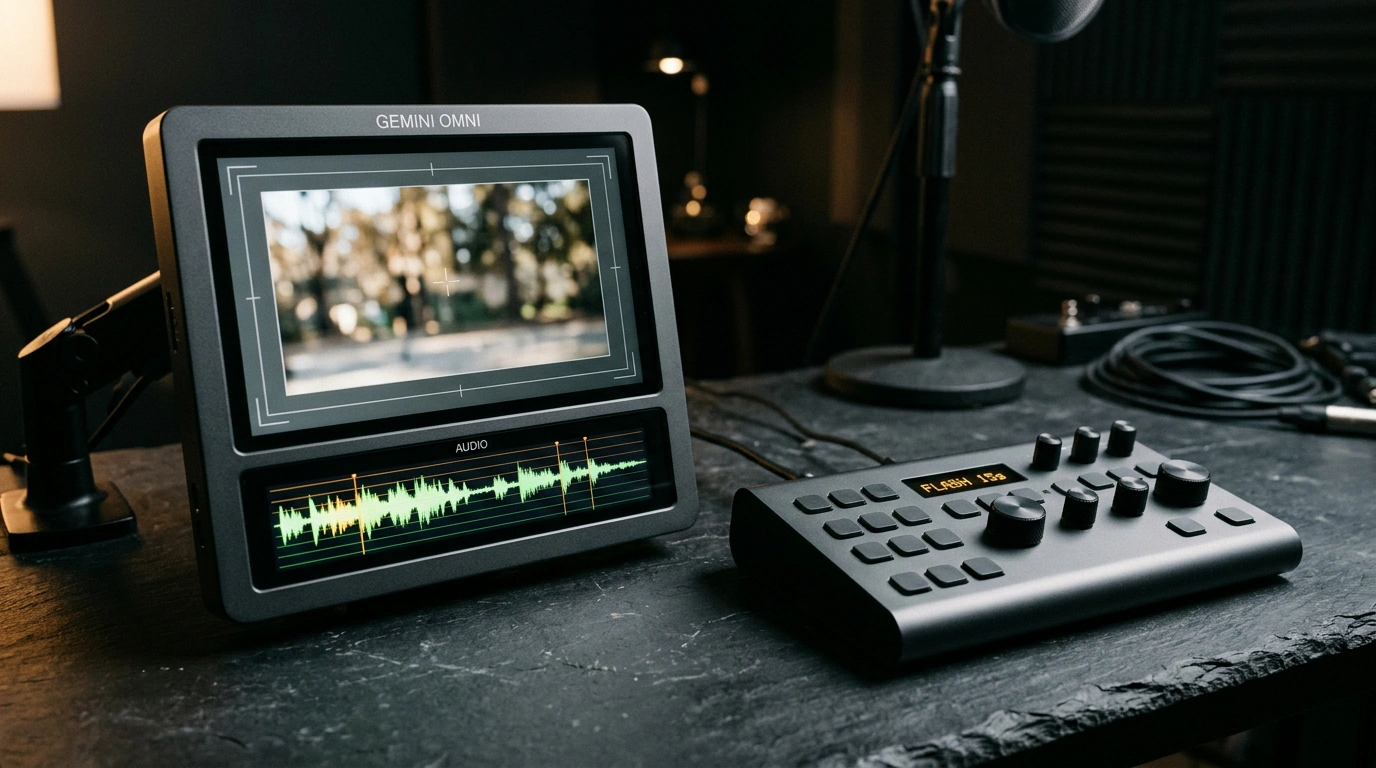
You open a video editor late at night to cut a quick coffee-shop promo, drop an AI-generated clip onto the timeline, and spend twenty minutes syncing stock water sounds by hand. The picture drifts one way, the audio lags behind, and asking to dim the cafe lights gives you a brand-new take where both the cup and the barista's face morph into someone else. With Google DeepMind releasing Gemini Omni 1.2 Flash, I checked how much video quality and audio sync improved in the general release—and whether you can actually build an ad scene without external voiceovers or starting from scratch.
General Availability and Topping the LMSYS Arena
For a long time, AI video models felt stuck at silent, looping previews where any ambitious camera move exposed a seam. On November 5, Google DeepMind moved Gemini Omni 1.2 Flash into General Availability inside Google Vids and Flow.
In blind LMSYS Arena (Text-to-Video) comparisons, the model took first place with 1,541 points—beating Omni 1.1 by 27 points—while also topping Image-to-Video and landing in the top three for video editing. Through smooth camera sweeps, faces, outfits, brand colors, and packaging text stay locked in place.
Fifteen Seconds: How Five Extra Seconds Change the Storytelling
The old 10-second ceiling barely gave you time for a single gesture. Now clip length jumps 50% to 15 seconds, selectable in one-second increments from 3 to 15 across 16:9, 9:16, or 1:1 aspect ratios.
Five extra seconds turn a random moving shot into a three-act scene with a setup, action, and payoff. Take a 12-second espresso spot: one continuous take now fits the pull of the shot, steaming milk, and sliding the ceramic cup onto the counter without jarring cuts.
Sound and Picture in One Loop: From Steam Hisses to Dialogue
Having two separate models generate video and audio is like dubbing a silent film blindfolded from the next room. In Gemini Omni 1.2 Flash, pixels and sound emerge together inside a single multimodal diffusion loop—we unpacked how that shared token vocabulary works in our piece on Gemini Omni Flash 1.2's native multimodality.
In the espresso-machine shot, the model syncs the hiss of the steam wand, the knock of the portafilter against the knockbox, and the clink of ceramic right to the barista's hand movements. Multi-speaker dialogue and lip-sync work the same way: in Google's demo, four characters in a conservatory argue with an orchid about its color, keeping distinct voices and facial expressions anchored to reference clips (for related voice tech, see our look at speech synthesis in Gemini 3.8 Flash TTS).
Step-by-Step Text Edits Without Rebuilding the Take
Multi-turn Editing feels like talking to a gaffer on set right after a great take. Type "make the lighting neon cyberpunk," and the model shifts the cafe's palette while preserving the barista's choreography and audio. Plain-English prompts swap weather, backgrounds, or aspect ratios, while photo references and a three-second video clip lock in character appearance and motion.
Dial in your scene with text edits in draft quality—360p or 720p (around $0.07 per second)—and only upscale the final take to 1080p or 4K.
Don't expect stunt-double miracles, though: the model still stumbles on fast sports action like basketball, rapid scene cuts, and chaotic crash physics, and small text on fast-moving objects can blur toward the end of a clip. Outputs also carry an invisible SynthID watermark, which is worth noting for client work. For product shots, smooth camera glides, and dialogue scenes, however, it saves hours on the timeline.