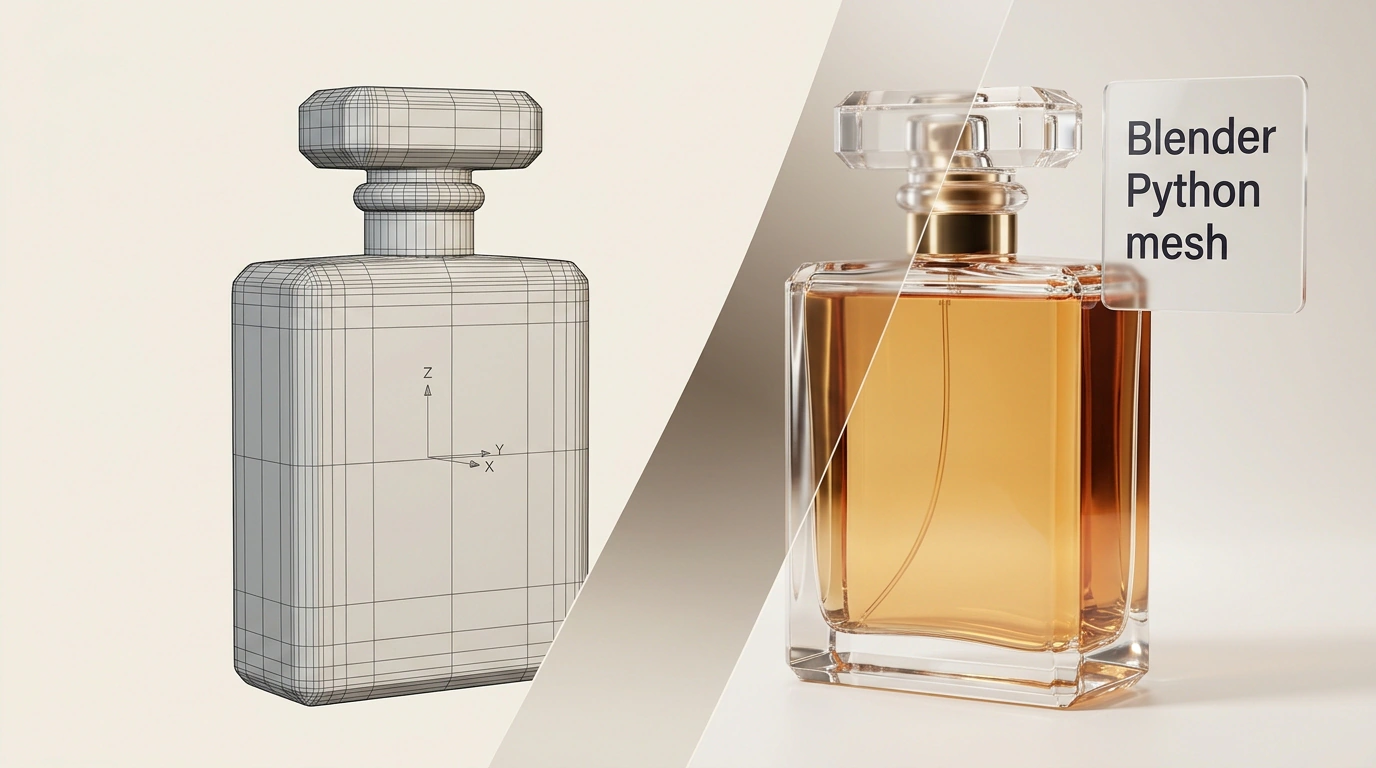
Diffusion-based 3D generators like Tripo3D, Meshy, or CSM were trained on millions of 3D shapes, yet from a text prompt they still tend to spit out something that looks like melted clay with jagged edges. Meanwhile, Claude—a language model with no built-in 3D viewport at all—can write dry lines of code that assemble a precision-engineered bottle in Blender with clean bevels, glass refraction, and studio lighting.
Why is generating 3D models through Python scripts more practical than direct text-to-3D generators? Using a cosmetic bottle as our test case, let's see how pairing Claude with Blender's bpy API turns a plain-English description into a parametric scene you can tweak effortlessly.
Why Neural 3D Generators Struggle with Product Shots
Text-to-3D models "guess" an object's outer shell all at once, like a sculptor working blindfolded. What you get is an irregular mesh with chaotic triangulation, flipped normals, and muddy textures. In Cycles or Eevee, highlights ripple across those faces, you can't adjust a bevel or unscrew a cap, and across a series of ad shots, the product's silhouette and label drift from frame to frame.
A blob of random triangles works fine for background clutter, but in a hero product shot, any warble in the reflections screams fake in half a second.
From Plain Text to bpy Code: Three Ways to Connect Claude and Blender
Instead of guessing polygons, Claude (including Claude Fable 5.2) talks to Blender in Python via the bpy and bmesh libraries. In an experiment by Julian Goldie, what caught my eye was the one-shot precision: for a store called Luma Skin, the model built a 30 ml serum bottle—a glass cylinder with a rounded base, amber liquid, a gold collar, a label, and a matte dropper with a rubber bulb. The entire object fit into a 287-line script.
You might be thinking: "I don't know Python and I've never opened Blender—do I really have to wrestle with code?" You don't need a reference manual. Describe the shape, materials, and lighting in plain English, and run the script in one of three ways:
- In the Text Editor: paste the script into Blender's Scripting tab and hit Run—the scene appears straight in the viewport.
- From the terminal: Claude Code runs a headless render via
blender --background --python script.py. - Via Blender MCP: a socket connector links Claude to an open Blender scene in real time—a bridge pattern I explored in my article on automating 3D pipelines in Blender and Unreal Engine.
Parametric Geometry, Glass Shaders, and Three-Point Lighting
I checked the pipeline specs: bpy builds true parametric geometry—spawning primitives, spinning profiles (Lathe and Screw), and stacking Bevel and Subdivision modifiers. The bottle body, serum, embossed collar, and dropper remain separate objects, so changing a height or bevel radius takes changing one number. For optics, the script wires up a Glass BSDF shader with roughness and an IOR of 1.45–1.52, configures metal and plastic for the cap, and sets up three-point lighting (Key, Fill, and Rim Light) with wattage and a softbox.
When an object is defined by math and optics, you never have to remodel it for a new camera angle or backdrop.
In that same session, Julian Goldie rendered a 360-degree turnaround without warping the label, dropped the bottle into 10 scenes for Reels and TikTok, and in 6 minutes exported the geometry to Three.js for an interactive web page where the bottle explodes into parts on scroll.
Debugging Renders and Guarding Scripts Against API Quirks
Writing 3D coordinates blind rarely nails it on the first try, so the prompt required Claude to inspect every render and fix anything that looked off. Spotting flat liquid, pinkish gold, and a floating base on pass one, the agent ran a "render → inspect → edit code" loop 6 times in 17 minutes—building a studio box with a dark ceiling and floor bounce card for crisp metal reflections, and grounding the shadows to the tabletop. In its final report, Claude even flagged that the glass pipette tube inside the serum stays invisible unless you raise transparency ray bounces.
For smooth runs, stick to three rules: specify your Blender version (4.x or 5.x) and manipulate data through bpy.data and bmesh instead of legacy bpy.ops; clear old meshes at the top of the script with bpy.data.meshes.remove; and remember that code excels at hard-surface geometry (bottles, boxes, candles, gadgets), whereas cloth folds and complex Smart UV Project unwraps still need manual seam placement.
Describe your object's dimensions, materials, and three lights, and tell Claude to inspect the render. With MCP connectors and multimodal vision maturing, 3D suites are turning into obedient engines under a chat interface—where one prompt yields both studio product photography and interactive browser 3D graphics in Three.js.