How many times have you had to re-explain your project's rules to an AI assistant—rules your teammate already spelled out to their own bot half an hour ago in another window? While you and your main assistant are building a new auth API controller, a colleague tweaks the database schema, and when you merge branches, your isolated AI helpers kick off a merge-conflict war.
On November 10, the Cursor team opened Multiplayer Projects in beta for all users, turning solo AI coding into a shared team workflow. I went through the official announcement and Julian Goldie SEO's breakdown to see how the shared task board works, how different teammates' bots negotiate with each other, and how you run parallel tests without locking up your editor.
Why Isolated Agents Lose Team Context
Previously, any multi-agent setup inside an IDE served one person: a developer, their coordinator agent, and a pool of worker bots. Scratchpads, decision history, and custom preferences stayed trapped inside a private session.
That meant new hires had to rebuild context for their assistants from scratch, and parallel work on adjacent modules led to bots overwriting each other's code. External enterprise hubs like the Kylon platform tried to solve this fragmented-chat problem from the outside, but now shared memory lives directly inside the editor.
Multiplayer Projects Architecture: Coordinator, Board, and Sync
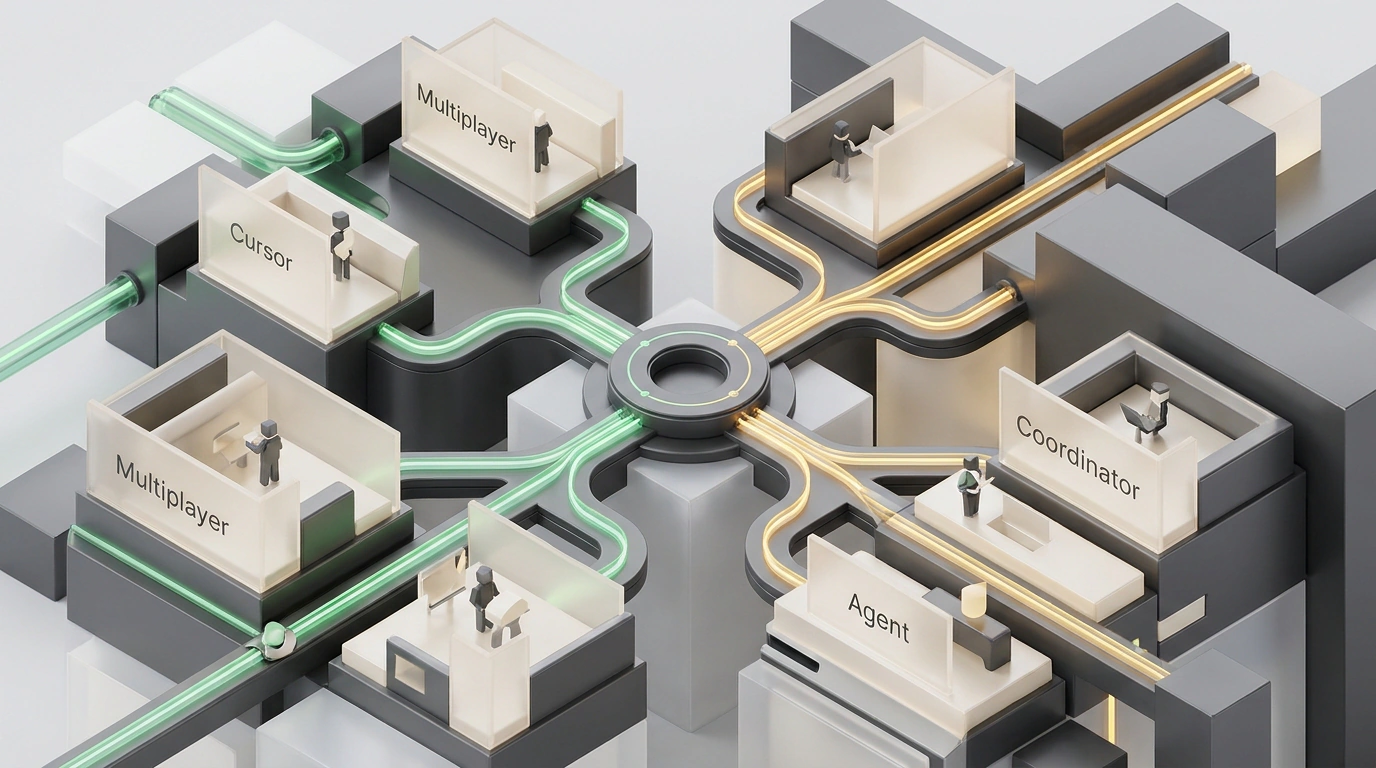
In the new mode, every team member—engineer, designer, or product manager—keeps a private one-on-one chat with their own coordinator agent. The coordinator doesn't write code itself; like a dispatcher, it breaks tasks into steps and assigns them to worker agents (a single coordinator can direct up to a thousand bots).
Sitting above those private chats is a shared team layer:
- Synchronized context.
.cursorrules, documentation, architecture diagrams, and notes live in shared memory. If one agent figures out how to test a service, every bot on the team sees those instructions immediately. - Unified Kanban board. The board shows what both humans and their bots are working on, with each card linked to a GitHub Pull Request waiting for review before merging into the main branch.
- Direct agent-to-agent negotiation. Coordinators for different teammates compare plans on their own. In Cursor's example, an engineer adds reviews to a product page while a designer overhauls its layout: their coordinators spot the overlap and slot the reviews into the new design without rework. On database schema changes, bots agree on step order upfront to sidestep merge conflicts.
Background Execution in the Cloud Without Hijacking Your Cursor
By default, projects run on isolated cloud virtual machines (Cloud Agents) preloaded with all dependencies—a foundation we covered in our look at the Cursor Agent SDK. Even if you close your laptop, cloud execution keeps rolling.
While you and your primary agent design auth API routes in the editor—with zero UI freezes or cursor hijacking—a background cloud agent writes Jest unit tests and checks TypeScript types in parallel. When it finishes, it attaches Proof of Work to the Pull Request: logs, screenshots, and a video recording of tests running in a headless browser. You can manage tasks and Slack, Linear, or GitHub event subscriptions from the IDE, cursor.com/agents, or your phone. According to Cursor's own data, new team members merge 30% more Pull Requests in Multiplayer projects, and regular users merge 6x more.
Where Team Mode Pays Off—and Where It's Overkill
Multiplayer shines on work that outlives a single chat: multi-PR features, database migrations, background test coverage, and on-call incident handoffs, where the incoming engineer's coordinator immediately picks up open bugs and Slack threads. For tweaking a single button or writing a quick script, spinning up a shared project with cloud VMs is overkill—a standard local chat is faster.
To keep assistants out of each other's way, keep rough API experiments in your private chat and promote finalized typing standards to shared .cursorrules. The feature has been in beta since November 10, and cloud VM queues scale dynamically with cluster load, so always check the Proof of Work video and logs before merging. What long-running test suite or backlog chore would you hand off to a background team agent first?