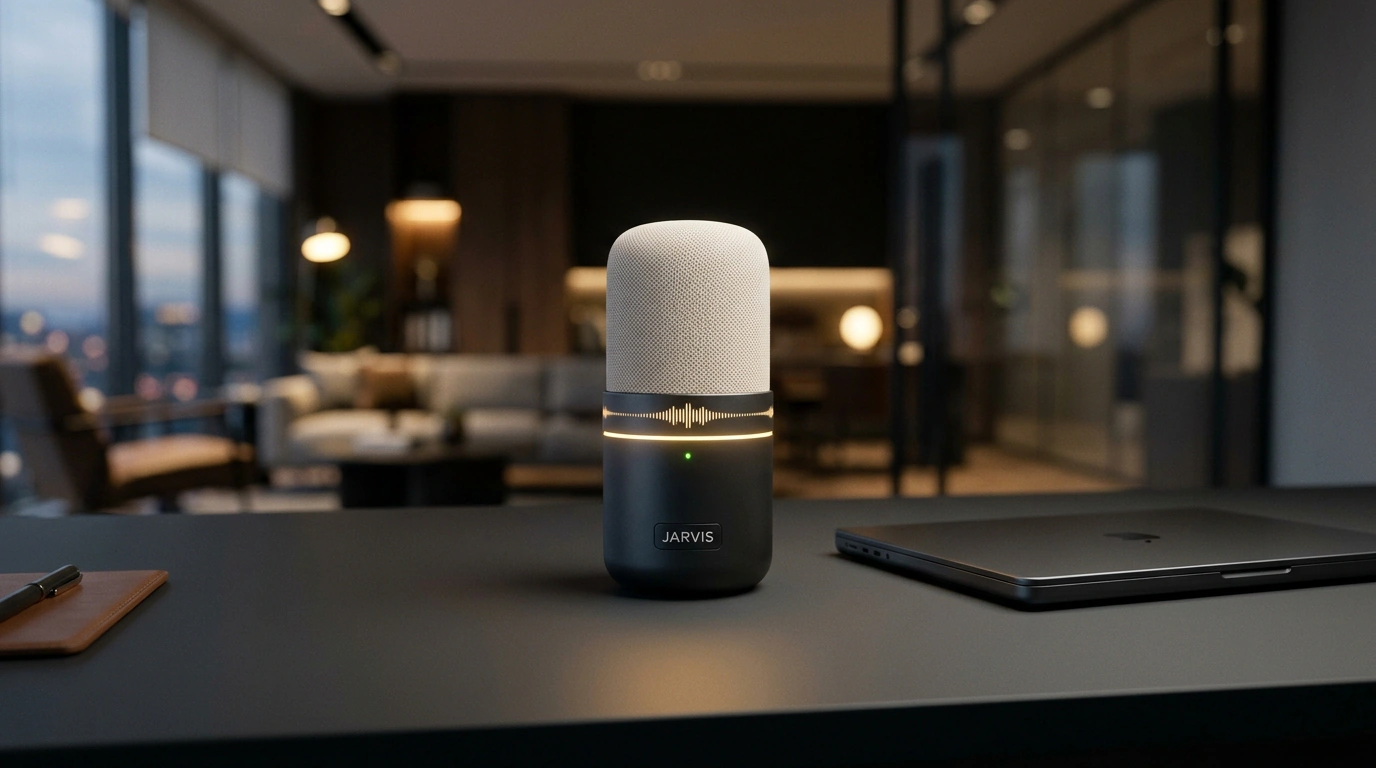
Anyone who conducts commercial negotiations or advises clients on complex technical services knows this feeling: the client asks an unexpected question, raises a skeptical objection about a past bad experience, and the exact figure or argument treacherously slips your mind. Cloud speech analytics platforms like Gong or Chorus cost thousands of dollars a month and require sending private audio recordings to external clouds, which is simply unacceptable for medical clinics, lawyers, or confidential B2B deals.
But if you have an Apple Silicon Mac (M1, M2, M3, or M4) on your desk, you can deploy a full-fledged personal assistant JARVIS in a 100% offline loop. Not a single byte of audio leaves your computer. The system listens to the incoming conversation, transcribes speech on the fly, instantly displays objection-handling hints on screen, and by the end of the call automatically compiles a draft commercial proposal. Let's break down the architecture of this setup and launch it step by step.
Why cloud assistants don't work for sensitive negotiations
Traditional call-assistance solutions suffer from two fatal flaws:
- Response latency: streaming audio to the cloud, waiting for transcription, sending text to a language model, and returning the response over the network takes 3 to 8 seconds. In a live conversation, that's an eternity—by the time the hint appears, the other person has already moved on to another topic.
- Data privacy and security: discussing financial terms, medical diagnoses, or source code under NDA cannot be entrusted to third-party SaaS platforms with unclear model-training policies.
A local loop on a Mac solves both problems: computations run directly on the Neural Engine and Unified Memory with zero API key costs.
Anatomy of the local loop: ears, brain, and speech synthesis
The JARVIS system is divided into four autonomous modules:
- Local Ears: a quantized faster-whisper model (based on CTranslate2) paired with the Silero VAD pause detector. It transcribes 1.5–3 second audio chunks with a latency of just 180–320 ms.
- Local Brain: the open Qwen 2.5 7B model (or Llama 3.2) running locally via the Ollama platform. The model is configured in single-line hint mode: when an objection appears, it delivers a single concentrated argument up to 15 words long in 450–700 ms.
- Local Eyes: the ocrmac library, which uses the native Apple Vision API to instantly read open tabs and presentations without loading the CPU.
- Local Voice: the ultra-fast Kokoro-82M model via the kokoro-onnx runtime, if the assistant needs to whisper an answer into your earpiece.
This entire stack takes up about 6.8 GB of unified RAM, leaving enough resources for your browser and video conferencing app.
Live scenario: real-time hints during a client call
Let's look at a real case from Julian Goldie's practice during a call with Sarah, the owner of the physiotherapy clinic Harbor Physio. The client voiced a typical doubt: "We already hired an agency two years ago, spent a ton of money, and got zero results."
Before the manager could even catch his breath to reply, JARVIS—having intercepted the phrase via Whisper—flashed a concise tip on the monitor: "Focus on solving the patient no-shows problem and zero upfront budget." The manager confidently picked up the argument, the dialogue shifted into a constructive channel, and by the time they said goodbye, the system had already assembled a draft personalized agreement.
Below is a working Python script for the speech stream processor:
import time
import requests
from faster_whisper import WhisperModel

# 1. Initialize local ears
whisper = WhisperModel("small", device="cpu", compute_type="int8")

def get_coaching_hint(client_phrase: str) -> str:
    system_prompt = (
        "You are a hidden sales coach. Analyze the client's objection and give exactly ONE "
        "sharp counterargument or clarifying question (up to 15 words). Answer strictly in English."
    )
    payload = {
        "model": "qwen2.5:7b",
        "prompt": f"Client quote: \"{client_phrase}\"\nHint for manager:",
        "system": system_prompt,
        "stream": False,
        "options": {"temperature": 0.2}
    }
    response = requests.post("http://localhost:11434/api/generate", json=payload)
    return response.json()["response"].strip()

def process_live_utterance(audio_path: str):
    start_time = time.time()
    segments, _ = whisper.transcribe(audio_path, beam_size=1, language="en")
    recognized_speech = " ".join([seg.text for seg in segments]).strip()

    if recognized_speech:
        print(f"\n[Client]: {recognized_speech}")
        advice = get_coaching_hint(recognized_speech)
        print(f"[JARVIS Hint]: {advice}")
        print(f"[Response latency]: {time.time() - start_time:.2f} sec.")
Deploying on macOS via Homebrew and Ollama
Setting up the working environment on a Mac takes about 15 minutes.
- Install the BlackHole virtual audio cable to capture audio from Zoom or Google Meet:
brew install blackhole-2ch
In macOS "Audio MIDI Setup," create a "Multi-Output Device" so that audio goes simultaneously to your headphones and to the script's virtual input channel.
- Install and start local Ollama inference:
brew install ollama
ollama serve &
ollama run qwen2.5:7b
- Install the Python pipeline libraries:
pip install faster-whisper kokoro-onnx sounddevice requests
Once you run the script, you get a reliable digital wingman for negotiations. No monthly bills, no leak risks, and instant reaction right on your Mac.