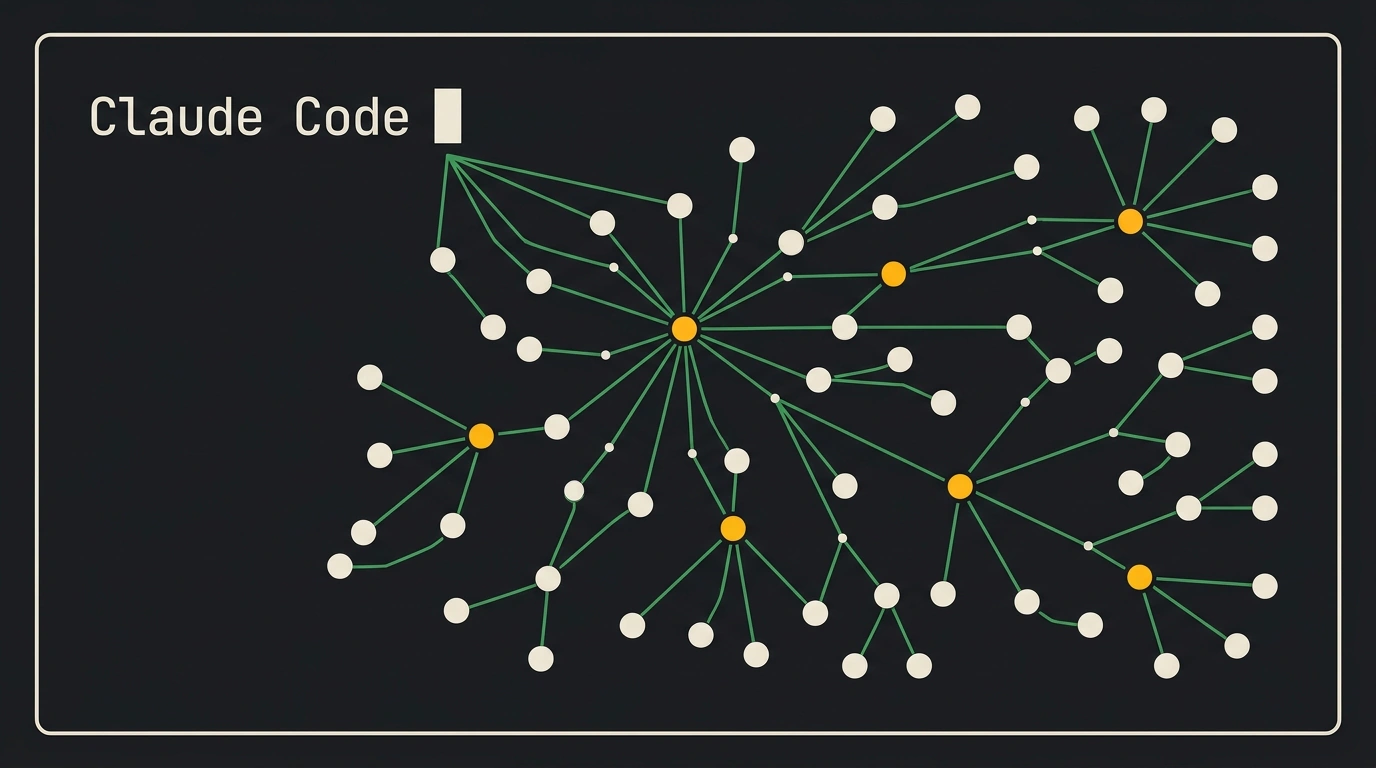
The command-line interface has long remained the sacred territory of classic utilities: grep, find, git, and bash scripts served as the developer's main arsenal for decades. But the arrival of Anthropic's official terminal agent, Claude Code, completely turned console work upside down. Now the neural network doesn't just suggest command flags—it studies the repository architecture itself, edits code in place, runs compilers, and pinpoints errors in logs.
However, if you run Claude Code in a vacuum, you quickly hit a limitation: the terminal process closes, and the agent forgets shared team conventions. To turn the CLI tool into a persistent personal operating environment (Agent OS), it is paired with a local Obsidian knowledge base rendered as a 3D note graph. Let's break down how this tandem works and how to set it up in seven clear steps.
From CLI isolation to a full operating environment
A regular dialogue with a model in a web interface forces you to manually copy file snippets, paste terminal output, and transfer generated diffs back into your editor. Terminal Claude Code eliminates that friction: it natively executes commands inside the project's working directory.
But its real power unlocks when the agent gains access to a corporate knowledge base. Paired with an Obsidian vault, the agent automatically scans project conventions before starting a refactoring: which libraries are allowed, how to structure database migrations, and where test mocks are stored. An architectural graph of over 3,200 interconnected notes is read instantly, sparing you from repeating the same background context in every prompt.
7 steps to set up Claude Code in the terminal
Deploying the working environment takes just a few minutes and consists of seven sequential actions:
- Prepare the environment: make sure Node.js version 18.0 or higher is installed on your machine.
- Install the utility globally via the package manager:
npm install -g @anthropic-ai/claude-code
- Authenticate in Anthropic Console:
claude-code login
The command opens a secure browser window to confirm the session or prompts you to paste an API token.
- Navigate to the target project directory and run initial setup:
cd ~/projects/my-web-platform && claude-code init
This creates a service .claude/ directory and a base rules file CLAUDE.md in the project root.
- Configure
CLAUDE.md: specify the tech stack used, test execution commands, and the path to your local Obsidian note graph. - Start an interactive session:
claude-code
- Verify permissions and run the first test: send the agent a task to find and fix a bug, making sure it properly asks for confirmation before modifying files.
Security boundaries: sandbox and command allowlist
Giving an autonomous agent access to a terminal is a bold step. If the model hallucinates and runs a destructive command like rm -rf or sends a secret key to an external server, the consequences can be catastrophic.
That's why it is critical in .claude/config.json to strictly separate trust levels:
{
  "version": "1.0",
  "projectSettings": {
    "autoApprove": [
      "read_file",
      "glob",
      "grep",
      "npm test",
      "git diff",
      "git status"
    ],
    "requireConfirmation": [
      "write_file",
      "edit_file",
      "npm install",
      "git commit",
      "git push"
    ],
    "blockedCommands": [
      "rm -rf *",
      "curl * | bash",
      "sudo *"
    ]
  },
  "knowledgeBase": {
    "vaultPath": "../ObsidianVault/EngineeringSpecs",
    "indexTags": ["Architecture", "Conventions", "Security"]
  }
}
This configuration lets the agent freely explore the repository, read files, and run unit tests without constant pop-ups. But as soon as it comes to committing, overwriting files, or installing external packages, Claude Code always pauses and asks a human for explicit permission.
A 3D galaxy of memory: pairing with an Obsidian graph
Visualizing a knowledge base as a 3D Obsidian graph isn't just aesthetic. As projects scale, it becomes physically difficult for a human to keep the entire map of relationships between microservices, API contracts, and technical debt in their head.
In the graph, nodes represent service specs, architectural guidelines, and bug reports connected by bidirectional links. Within the agentic runtime, subagents are assigned clear areas of responsibility: for instance, coordinator Jarvis maintains the sprint system log, while assistant Apollo processes dictated technical requirements from mobile devices.
Terminal Claude Code picks up a task from the inbox folder, searches the graph for related architectural notes, reads the context of previous refactorings, and only then starts coding. Once edits are done, the agent itself updates the ticket status in the Markdown file and links the generated commit to the graph node.
If a version conflict arises during a build or a test fails with an unexpected error, Claude Code doesn't thrash through random files—it checks the incident node in the graph to see if a similar problem was solved a month ago. As a result, routine engineering overhead drops by 85%: you stop manually typing dozens of service commands and get a terminal that thinks, remembers context, and respects your code's safety.
