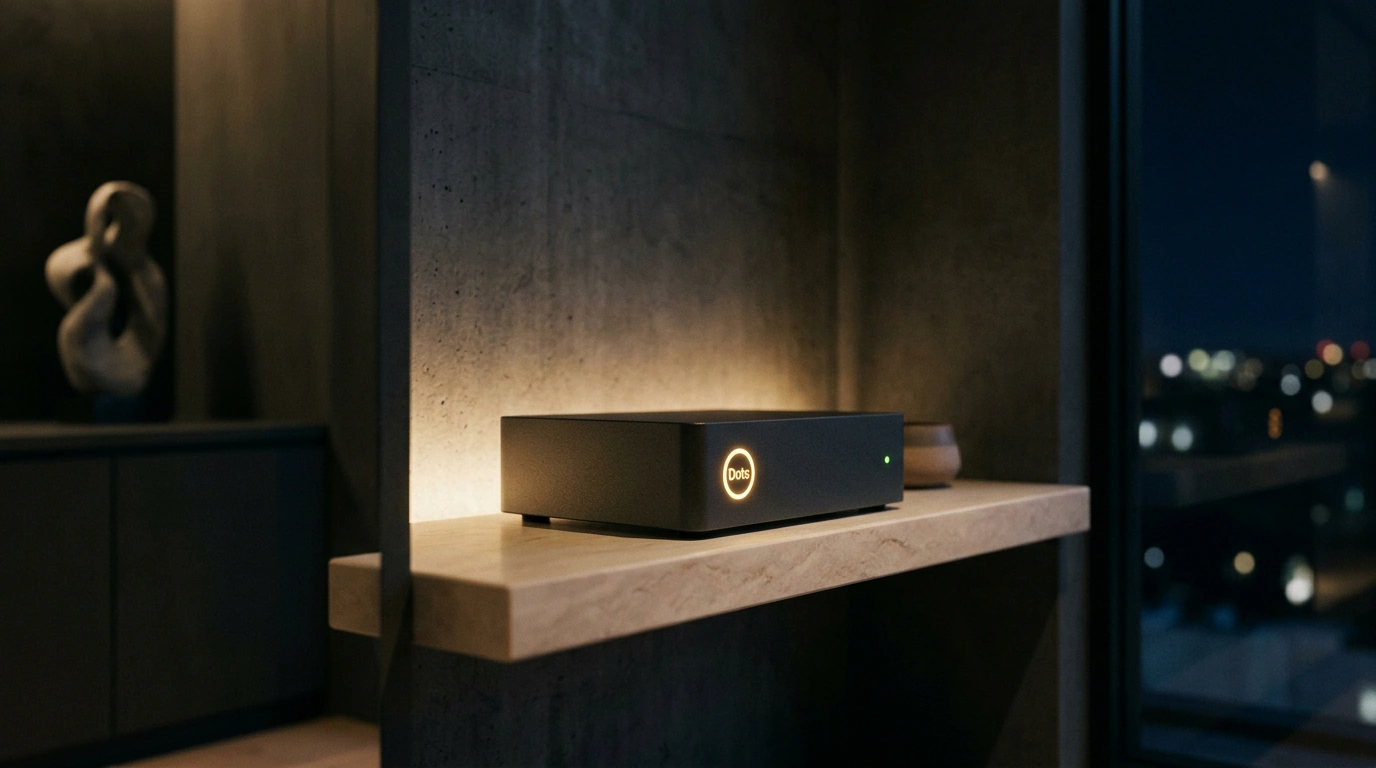
Most of us are used to interacting with artificial intelligence in synchronous ping-pong mode: you send a prompt, sit in front of the screen, and wait for the model to type out text so you can ask the next question. If the task is large-scale—say, running a deep competitor price audit across fifty online stores or building a contact database—the human turns into a supervisor chained to the keyboard.
The arrival of Dots inside OpenAI's ChatGPT platform marks a shift toward the Persistent Background Agents paradigm. The core principle of Dots is simple: "give a job and walk away." A Dot agent doesn't stop after the first reply, but enters a continuous autonomous task-solving loop that can run for up to 72 hours straight.
Persistent runtime and cloud computer
The key difference between a Dot and regular custom GPTs is having its own cloud computer. Each launched agent is allocated an isolated Linux-based virtual machine equipped with:
- An automated browser powered by Playwright / Puppeteer for navigating complex dynamic web pages;
- A full Python interpreter with a standard set of libraries for data processing and charting;
- Secure file storage for accumulating intermediate artifacts and tables.
Agent behavior is driven by OpenAI's frontier family of reasoning models. The agent builds a subtask tree, verifies collected data on its own, and iterates until it meets predefined completion criteria (Definition of Done).
Proactive notifications and configuring access policies
Unlike a classic chat, a Dot is proactive: it doesn't wait for you to come back to the app. After finishing a stage or hitting an insurmountable barrier, the agent sends a structured notification to a work messenger (Slack, Telegram) or generates a voice message.
Example of programmatically initializing a background Dot agent via the OpenAI API:
import os
import requests

api_key = os.getenv("OPENAI_API_KEY")
headers = {
    "Authorization": f"Bearer {api_key}",
    "Content-Type": "application/json"
}

payload = {
    "model": "gpt-5-dots-runtime",
    "name": "MarketCompetitorOverseer",
    "goal": "Collect prices for similar SaaS services, compile an analytics table, and send the report to Slack",
    "runtime_config": {
        "cloud_computer": True,
        "browser_enabled": True,
        "max_duration_hours": 24,
        "alert_channel": "https://hooks.slack.com/services/T00/B00/X00"
    },
    "guardrails": {
        "max_budget_usd": 15.0,
        "require_human_approval_for_actions": False
    }
}

response = requests.post("https://api.openai.com/v1/dots/spawn", headers=headers, json=payload)
print(f"Background agent launched successfully! Task ID: {response.json().get('dot_id')}")
Checking current execution status and remaining token budget is done via a GET request:
curl -X GET "https://api.openai.com/v1/dots/status?dot_id=dot_market_scan_984" -H "Authorization: Bearer $OPENAI_API_KEY"
Of course, setting an agent loose requires strict digital Guardrails. To keep the algorithm from accidentally signing up for a paid subscription or getting stuck downloading heavy files in a loop, hard spending budget limits are set in the config. Yet as an interaction format, OpenAI Dots set a new standard: AI finally stops being a passive advisor and becomes an independent digital employee.