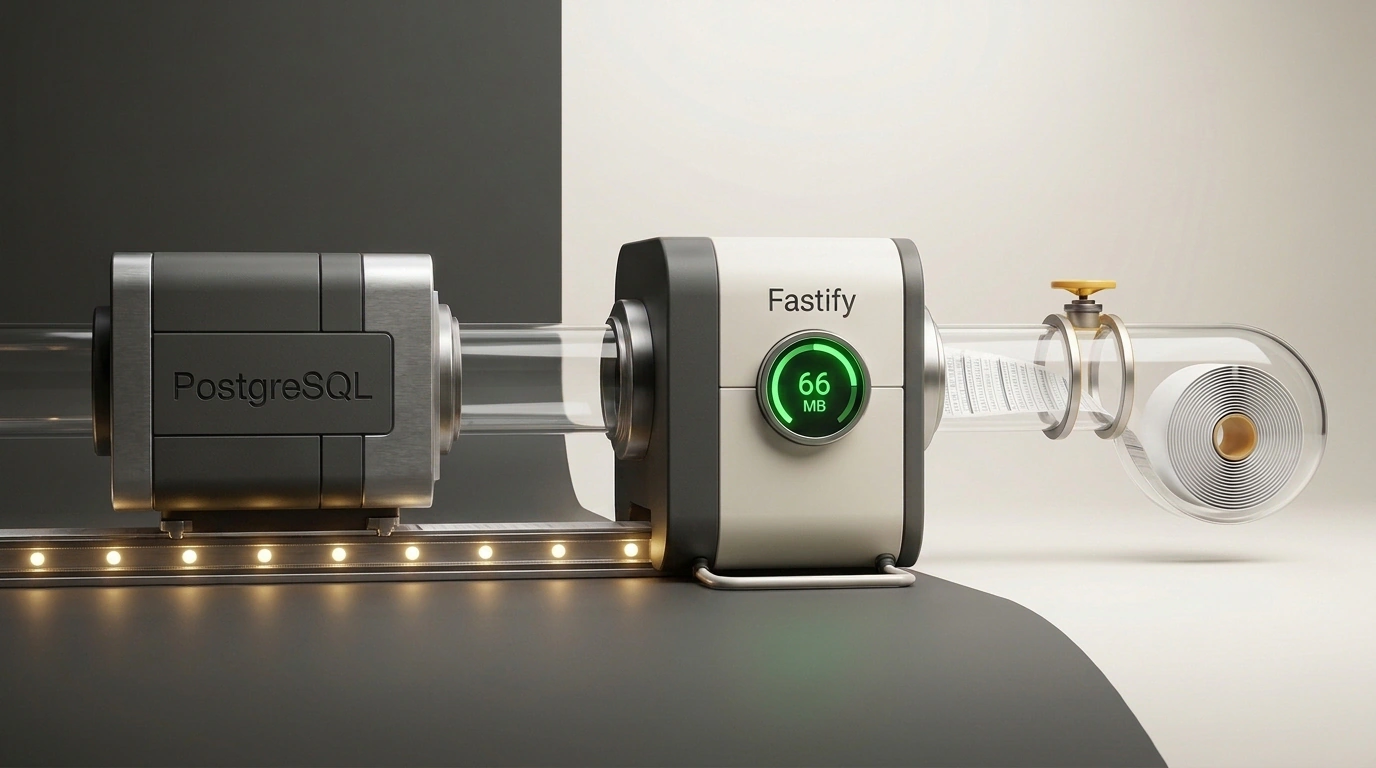
Every backend developer eventually runs into an innocent-looking business request: "Add an 'Export all orders to Excel' button." You open the project, write a handler, run SELECT * FROM orders, serialize the resulting array of objects into comma-separated rows, and send it to the client. On your local machine with a 500-row database, everything flies.
Six months later, the project grows and the table accumulates 350 thousand records. A manager clicks the export button, three seconds later a second manager does the same, and the application server suddenly crashes with a fatal JavaScript heap out of memory error.
In Node.js with the V8 engine, naive buffering of large result sets into memory is a guaranteed ticking time bomb. Each database row turns into an object with V8 hidden classes, millions of intermediate string buffers are allocated for conversion, and the garbage collector (GC) grinds to a halt.
In a detailed practical study by saprahan on Habr, the engineer broke down a production-grade architecture for streaming data from PostgreSQL to CSV using the Fastify framework, the Knex.js query builder, and async generators.
Let's walk through this mechanic step by step: how to build an end-to-end pipeline without intermediate disk writes, sidestep the microsecond trap, and keep memory consumption constant.
Why a Naive SELECT Kills Node.js Memory
To grasp the scale of the problem, just look at real resource consumption benchmarks. The test rig exported a typical table of 347,000 rows (the resulting CSV file weighs around 37 megabytes):
- Naive approach (all rows in process memory): The query finished fast—in 2.0 seconds. However, peak heap usage (
heapUsed) spiked to 576 MB, and total process size (RSS) exceeded 833 MB. With the default Node.js heap limit of 1.4 GB, two concurrent exports are guaranteed to crash the pod or process with an OOM. - Streaming approach with OFFSET pagination: Heap usage dropped to a steady 86 MB, but execution time jumped 7x—to 14.5 seconds.
Why does classic LIMIT 1000 OFFSET 200000 run so slowly? Because a relational database cannot jump to an arbitrary offset on disk by row number. To return 1,000 rows at an offset of 200 thousand, the PostgreSQL planner must physically read 200,000 rows from disk, discard them, and only then return the requested batch. The complexity of this query is $O(OFFSET + LIMIT)$. On every subsequent page, the database server wastes more and more CPU time.
Keyset Pagination vs. OFFSET: Benchmarks and the Microsecond Trap
The only way to export data quickly and lightly is to use Keyset pagination (cursor-based pagination). Instead of counting offsets, we rely on a composite B-tree index on the sort columns, as we discussed earlier in the piece on PostgreSQL optimization nuances:
CREATE INDEX CONCURRENTLY idx_orders_created_at_id ON orders ("createdAt" DESC, id DESC);
Each next batch is fetched via tuple comparison: (createdAt, id) < (cursorCreatedAt, cursorId). The database instantly locates the exact spot in the index in $O(\log N)$ complexity.
In the benchmark on the same 347,000 rows, combining streaming with Keyset pagination delivered a phenomenal result:
- Execution time: just 2.8 seconds (virtually on par with the naive in-memory approach);
- Peak
heapUsed: just 66 MB (9x lower!); - Peak
RSS: 173 MB.
Yet here lurks one of the platform's sneakiest traps, where you can easily lose data.
In JavaScript's Date object, time is stored in milliseconds (3 decimal places). In PostgreSQL, however, the timestamptz type stores microseconds (6 decimal places). When the pg driver automatically parses a database timestamp into a JS object, the microseconds are silently truncated.
If multiple records were created within the same millisecond, the truncated cursor in the next query will filter out rows that share the same millisecond but have smaller microseconds. As a result, dozens of rows will vanish from the export without a trace!
The fix is elegant: extract the timestamp from the database strictly as raw text records."createdAt"::text as "cursorTs" and pass it back into SQL with an explicit type cast (?::timestamptz, ?).
End-to-End Streaming via Fastify, Backpressure, and Excel Compatibility
The CSV file itself is never saved to disk on the server, not even for a second. We build the pipeline using a native Readable stream:
import { Readable } from 'node:stream';
import { Knex } from 'knex';

const CHUNK_SIZE = 2000;
const DELIMITER = ';';
const UTF8_BOM = '\uFEFF';
const COLUMNS = ['id', 'email', 'status', 'createdAt'];

function escapeCsv(val: any): string {
  if (val == null) return '';
  const str = val instanceof Date ? val.toISOString() : String(val);
  return /[";\r\n]/.test(str) ? `"${str.replace(/"/g, '""')}"` : str;
}

export async function* generateOrdersCsv(db: Knex) {
  // Add UTF-8 BOM and header with semicolon delimiter for Excel
  yield UTF8_BOM + COLUMNS.join(DELIMITER) + '\r\n';

  let cursor: { createdAt: string; id: number } | null = null;

  for (;;) {
    const query = db('orders')
      .select('orders.*', db.raw('orders."createdAt"::text as "cursorTs"'))
      .orderBy('createdAt', 'desc')
      .orderBy('id', 'desc')
      .limit(CHUNK_SIZE);

    if (cursor) {
      query.whereRaw('(orders."createdAt", orders.id) < (?::timestamptz, ?)', [
        cursor.createdAt,
        cursor.id,
      ]);
    }

    const chunk = await query;
    if (!chunk.length) break;

    for (const row of chunk) {
      const line = COLUMNS.map((col) => escapeCsv(row[col])).join(DELIMITER);
      yield line + '\r\n';
    }

    const last = chunk[chunk.length - 1];
    cursor = { createdAt: last.cursorTs, id: last.id };
  }
}
Pay attention to three critical details for Microsoft Excel compatibility:
\uFEFF(Byte Order Mark) at the very start of the stream tells Excel the file is UTF-8 encoded, preventing garbled characters instead of Cyrillic text.- Using
;(semicolon) as the delimiter instead of a comma is the standard for Russian-locale Excel. - Line endings must strictly be
\r\n(CRLF).
Connection Protection, Client Aborts, and Short-Lived Download Tokens
Fastify natively understands Node.js streams. When you call reply.send(Readable.from(generator)), Fastify automatically pipes the stream to the HTTP socket, sets the Transfer-Encoding: chunked header, and activates backpressure. If a user is on slow mobile internet, the stream automatically pauses fetching batches from the database without bloating memory.
But what if the user closes the tab ten seconds into the download? If you don't handle connection drops, the async generator will keep reading millions of rows from the database into the void.
On top of that, a browser download via a direct link cannot send an Authorization: Bearer header. The solution is generating a one-time signed JWT token with a 5-minute TTL:
import Fastify, { FastifyInstance, FastifyRequest, FastifyReply } from 'fastify';
import { Readable } from 'node:stream';
import jwt from 'jsonwebtoken';
import { generateOrdersCsv } from './orders-export';

export function setupExportRoutes(app: FastifyInstance, db: any, secret: string) {
  app.get('/api/orders/export', async (req: FastifyRequest<{ Querystring: { token: string } }>, reply: FastifyReply) => {
    const { token } = req.query;
    if (!token) return reply.code(401).send({ error: 'Token required' });

    try {
      const payload: any = jwt.verify(token, secret);
      if (payload.scope !== 'orders-csv') throw new Error('Invalid scope');
    } catch {
      return reply.code(403).send({ error: 'Token is invalid or expired' });
    }

    const filename = `orders-${new Date().toISOString().slice(0, 10)}.csv`;
    reply.header('Content-Disposition', `attachment; filename="${filename}"`);
    reply.type('text/csv; charset=utf-8');

    const generator = generateOrdersCsv(db);
    const stream = Readable.from(generator);

    // Abort the generator on client disconnect, freeing the database
    reply.raw.on('close', () => {
      if (!reply.raw.writableEnded) {
        stream.destroy();
      }
    });

    return reply.send(stream);
  });
}
This architecture makes exports bullet-proof: the server holds a steady 60 megabytes of RAM at any data volume, Excel opens the file cleanly, and slow clients or dropped connections never leak connections in the PostgreSQL pool.
