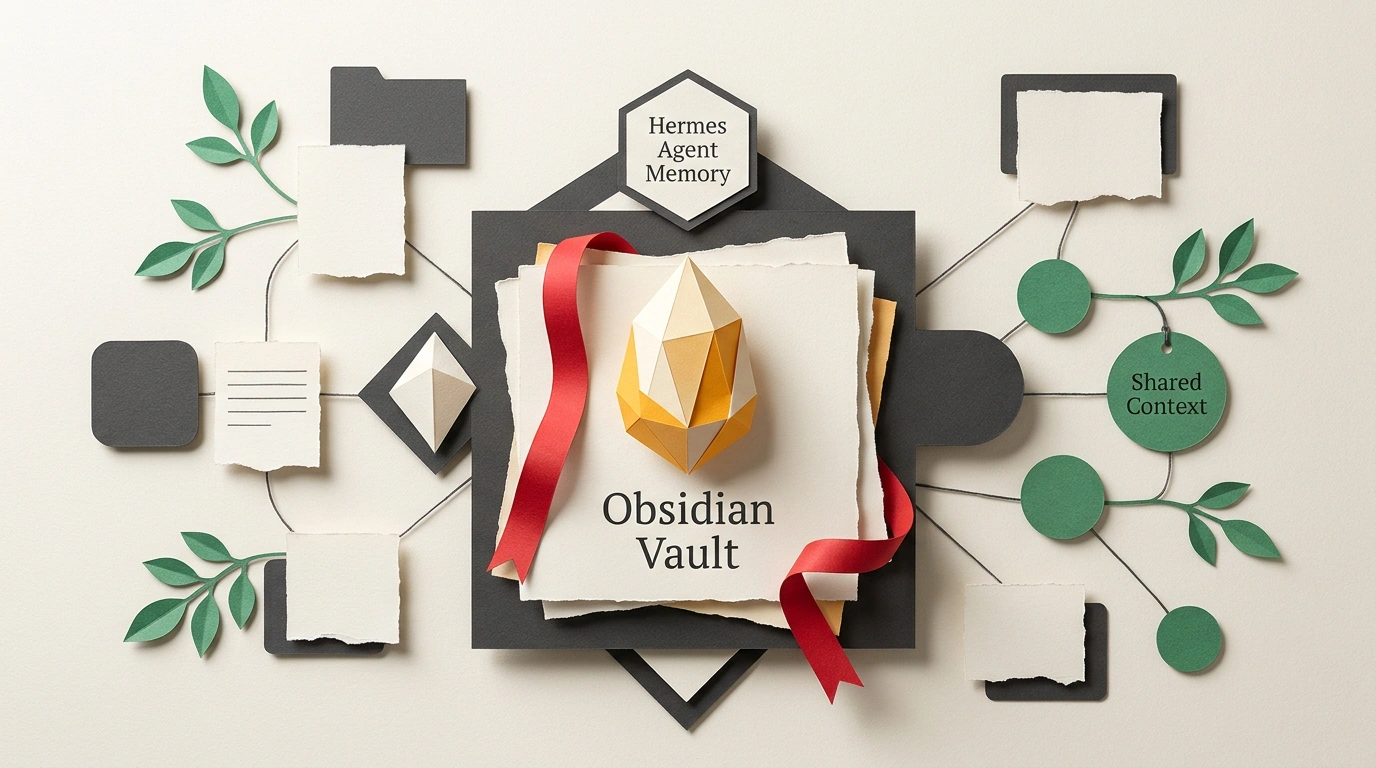
Anyone who has tried running not just one isolated chatbot, but a coordinated team of agents—one scanning docs, another writing code, a third running tests, and a fourth drafting reports—has slammed straight into the "siloed context" problem. Hermes has no clue what edits Claude Code made half an hour ago; a local Llama-based agent overwrites config files because it never read the cloud assistant's findings. Instead of a tight-knit engineering squad, you end up with a room full of deaf coworkers constantly stepping on each other's toes.
Most engineers' first instinct is to reach for a vector database: spin up Pinecone, Chroma, or Milvus, chunk logs into embeddings, and pray RAG sorts it out. In practice, that path almost always leads to frustration. Vector search has no reliable sense of chronology, easily confuses yesterday's rough draft with today's production standard, and turns your knowledge base into an opaque black box you can't inspect with your own eyes.
The builders behind the Hermes Agent ecosystem came up with a brilliantly simple alternative: use a plain local Obsidian Vault as the shared memory layer.
Obsidian Vault Meets PARA: A Transparent File-Based Architecture
Why Obsidian? It all comes down to the storage format. Everything in an Obsidian Vault is just plain Markdown text files sitting in a local folder on your drive. No proprietary binary blobs, no cloud lock-in. Any script, CLI agent, or shell utility can read or update those files in milliseconds.
To keep the vault from turning into a messy dumping ground, agent memory is organized using the battle-tested PARA methodology:
- Projects: Folders for active sprints. This is where
STATUS.mdfiles, current tasks, and changelogs live. Agents check here first to grasp the immediate context. - Areas: Long-term team standards—architectural rules, security policies, and code style conventions.
- Resources: Reference knowledge—handy snippets, API spec links, and quick-reference sheets.
- Archives: Completed work from past months, where agents file finished projects away so they don't clutter active context.
Two-Stage Consolidation: From Raw Daily Logs to Nightly Knowledge Crystallization
If you let every agent freely rewrite project structure files whenever it feels like it, your repository will descend into chaos. That's why the Hermes + Obsidian setup uses a neat two-stage memory consolidation pipeline.
During the workday, agents only write in append-only mode to a single daily journal file: 01-Daily/YYYY-MM-DD.md. Here is what a real log template looks like:
# Daily Agent Log: 2026-10-25

## Active Context & Handoffs
- Current Project: Projects/NextGen-Auth
- Last Active Agent: Claude Code
- Handoff State: Refactored /api/v2/auth endpoint; awaiting integration tests.

## Agent Action Stream
- [09:15] **Claude Code**: Modified auth middleware, added JWT validation.
- [10:30] **Hermes Agent**: Searched web for RFC 9068 spec, updated Resources/OAuth-Specs.md.
- [11:45] **OpenClaw**: Ran Playwright test suite, caught a regression in Safari sessions.

## Nightly Summary & PARA Consolidation
- Key Decision: Use httpOnly cookies instead of localStorage for refresh tokens.
- Files Updated: Areas/Security-Checklist.md, Projects/NextGen-Auth/STATUS.md.
Every night, a background consolidation script (Orchestrator Routine) kicks off. A dedicated lightweight agent reviews the daily journal, strips out noisy intermediate chatter, extracts key decisions, and cleanly updates the relevant files in Projects and Areas.
Human Visibility and System Guardrails
To keep agents disciplined about how they touch the vault, strict filesystem rules are baked straight into their system prompts:
You are an autonomous agent operating within a shared multi-agent workspace.
Your primary persistent memory resides in the Obsidian Vault at $OBSIDIAN_VAULT_PATH.
Rules for memory interaction:
1. Always read 01-Daily/YYYY-MM-DD.md at session initialization to synchronize with actions taken by peer agents.
2. Structure all durable project discoveries into 02-Projects/<ProjectName>/STATUS.md.
3. Never overwrite full files blindly; use append operations for action logs and surgical section replacements for state updates.
4. Document all unresolved bugs in 03-Areas/Technical-Debt.md before terminating execution.
The biggest win here is that you, as the human lead, stay completely in the loop. At any moment, you can open Obsidian on your laptop or tablet, inspect the Graph View, read the agents' latest notes, and manually tweak a shaky decision. The agents pick up your edit the very next time they read the file. Once again, a plain filesystem beat an overengineered database.