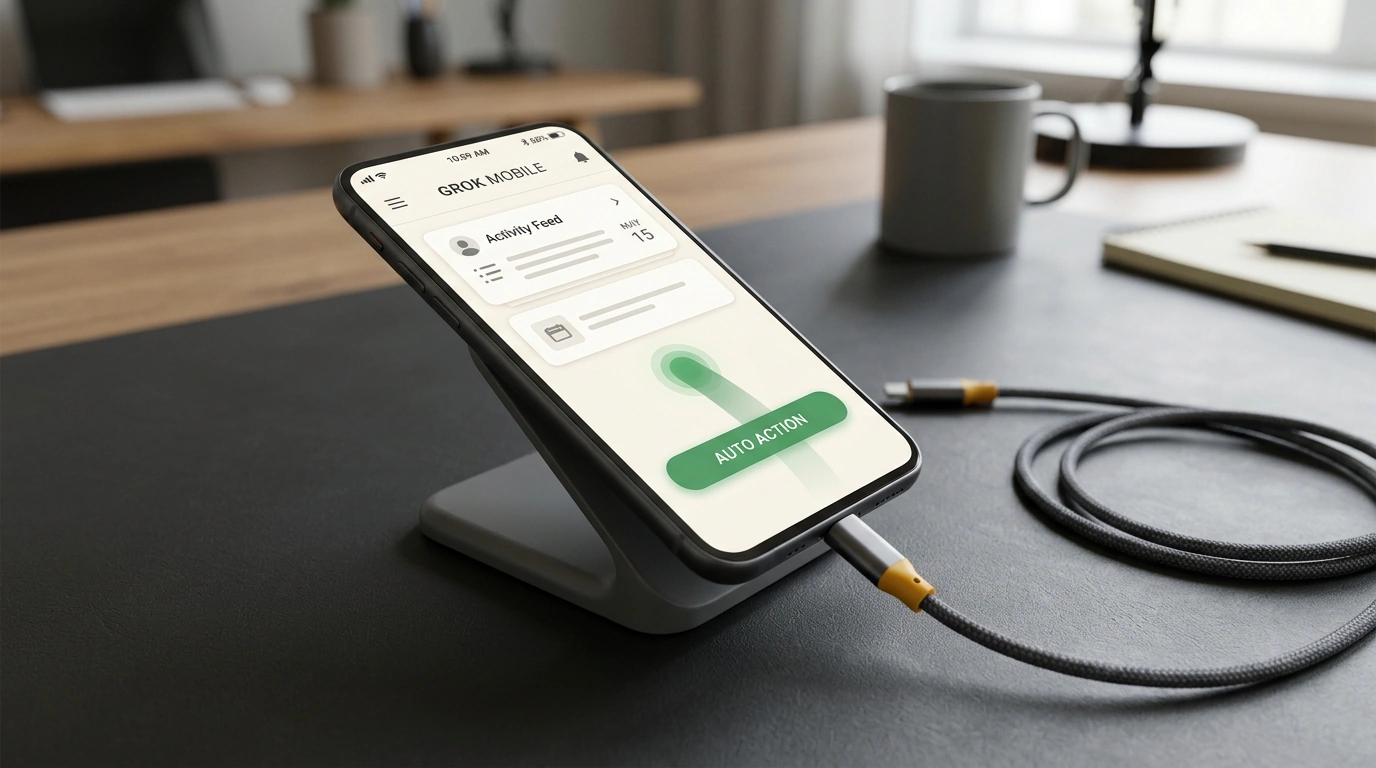
Until now, mobile voice and text assistants felt less like real helpers and more like hard-of-hearing reference books. You ask your phone to "book a table for tonight" or "send that photo to a colleague," and in return you get a web search link or a canned excuse saying the app doesn't support external commands. The reason is simple: mobile operating systems were built as isolated fortresses (sandboxes) where apps know nothing about each other and flatly refuse to share internal controls.
The team at xAI decided to break through that isolation by launching a mobile extension for the Grok Bot platform. Instead of waiting years for thousands of app developers to agree on a unified API, the agent can now interact with your phone screen just like a human finger: through vision, swipes, and taps.
We previously covered the evolution of autonomous agents and the shift to fast reasoning, but mobile environments throw completely new challenges at developers—from battery drain to strict personal data protection.
From Isolated Chat to End-to-End Screen Control
What makes this approach revolutionary? A traditional mobile bot lives trapped inside its own chat window. To move a meeting from a messenger thread into your work calendar, you had to copy the text, minimize the app, open the calendar, pick the date manually, create the event, and switch back.
Mobile Grok Bot operates as a cross-app system service:
- Given a voice or text command like "Move my meeting with Alex to tomorrow at 3:00 PM and confirm with him in chat," the agent spins up a background interaction service.
- It reads the latest message in the messenger, pulls the conversation context, switches over to the system calendar app, and checks open slots.
- Once it confirms the time is free, the bot fills in the event details, taps save, jumps back to the chat, and sends a polite confirmation to Alex.
You no longer have to act as a human bridge between incompatible apps. The entire mechanical chain of app-switching runs automatically in seconds.
Under the Hood: Vision Meets the Accessibility Tree
Beneath the surface, the mobile agent runs a hybrid perception system combining two independent data streams.
The first layer is the operating system's Accessibility Tree. On platforms like Android, system APIs built for assistive technologies let an app read a structural map of everything on screen: text field coordinates, button labels, checkbox states, and lists. It is the fastest, lightest way to navigate without calling a neural network just to spot obvious UI elements.
Modern mobile apps, however, are packed with non-standard components: custom animations, Canvas-drawn game elements, banners, and interactive maps where the accessibility tree returns a blank void. That is where the second layer kicks in—a compact multimodal computer vision model.
Whenever the structural parser can't reliably identify a button, the agent snaps an instant crop of the screen and sends it to the neural network. The model pinpoints the icon or graphic tile down to a couple of pixels and dispatches a simulated touch event to the system input driver.
Privacy and Safeguards: Password Masking and Action Prompts
The first question any sensible person asks right away is: "If the agent sees my entire screen, won't my passwords, bank details, and private chats leak to xAI's servers?"
Engineers built a multi-layered on-device screen redaction pipeline to handle that:
- System field blacklists. Any input field flagged with
input_type="password"or sensitive data attributes is automatically covered with black rectangles at the graphics buffer level before a screenshot ever leaves device RAM. - Payment form detection. If a credit card number or CVV entry screen appears in frame, the agent immediately pauses execution and hands control back to you for manual entry.
- Critical action gates. The bot will never execute a financial transaction or delete system files silently in the background; a standard biometric confirmation prompt (Face ID or fingerprint) pops up on screen.
All screenshots are processed inside encrypted memory enclaves and wiped the moment coordinate commands are generated, never stored in the company's training datasets.
The Hardware Price of Autonomy: Battery, Heat, and OS Limits
There is no free lunch, of course, and mobile magic comes out of your phone's hardware budget. Running accessibility services continuously alongside frequent screenshots and network calls to a multimodal backend puts noticeable load on the processor.
During active streaks of complex cross-app tasks, battery drain climbs roughly 15–20% faster than normal use, and even flagship phones start warming up noticeably. To keep this in check, developers added an aggressive hibernation mode: the agent only wakes up on an explicit user command or tightly scoped system notification triggers.
There is also a stark divide between platforms. On Android, open accessibility services let Grok Bot operate almost without limits. On iOS, Apple's closed ecosystem restricts the agent to system Shortcuts and pre-tagged app interfaces for now. Even so, this release makes the direction of mobile interfaces unmistakable: the era of manually hopping between dozens of apps is fading fast.