When Cognition first unveiled Devin in the spring, the industry split right down the middle between panic and open sarcasm. Marketers hyped the world's first "full-fledged AI software engineer" coming for programmers' jobs, while skeptics quickly spotted staged moments in the promo videos and pointed at the sky-high cloud subscription prices. Yet the biggest technical roadblock was total isolation: Devin lived somewhere on Cognition's servers, forcing companies to upload their proprietary source code to a third-party cloud—an automatic dealbreaker for most enterprise teams.
Now the rules have changed. Cognition has launched Devin Desktop, bringing the autonomous developer straight onto local workstations.
Earlier we looked at lessons from building autonomous assistants and local agents and examined how built-in workspaces are evolving in coding environments. Desktop Devin takes the next step: it works side by side with an engineer, tapping into local compute and your local Git context.
From Closed Cloud to Local Machine: What Changed
What actually is Devin Desktop? It isn't just an Electron wrapper around a web UI—it is a full coordination environment built around three core components:
- Local Agent Daemon, which listens for your commands, tracks filesystem changes, and manages build processes.
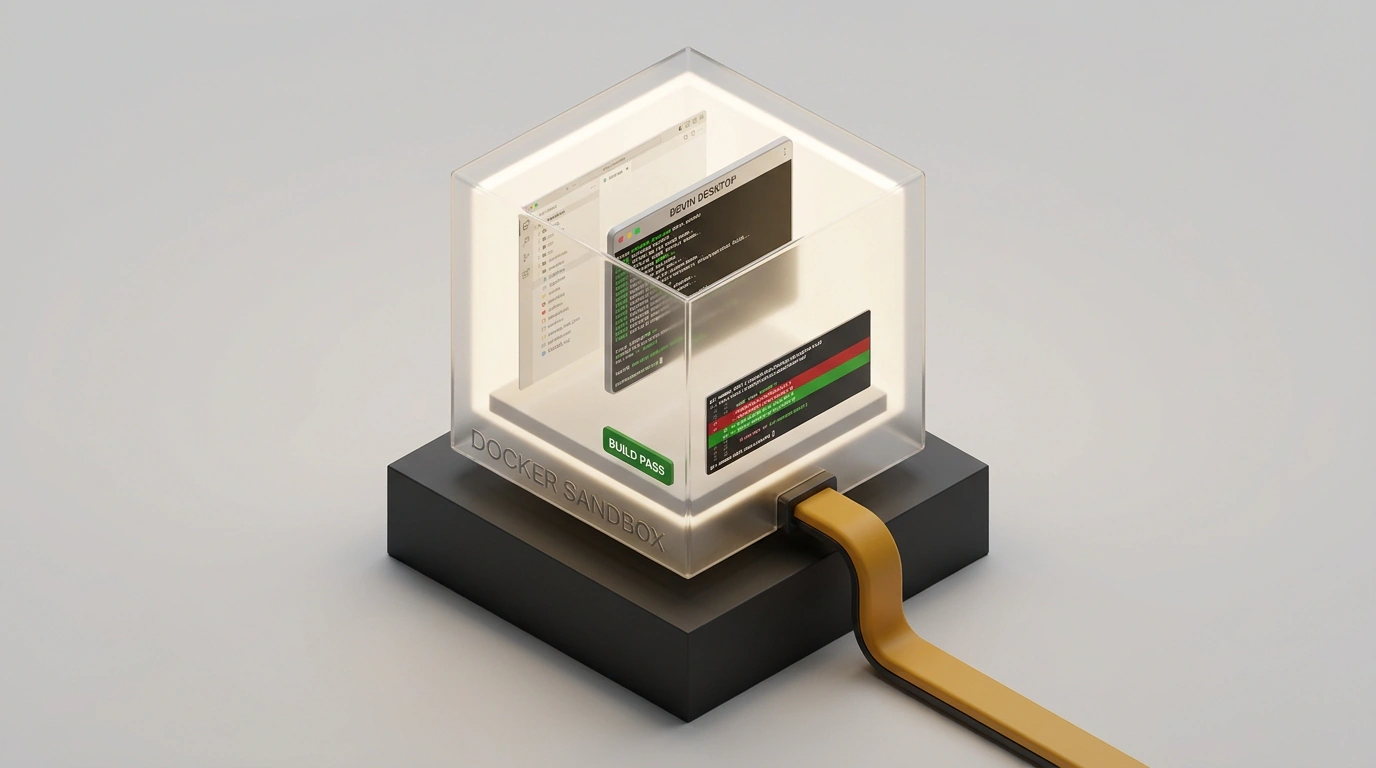
- Docker Sandbox, spun up right on the developer's machine, where the agent compiles code, runs tests, and executes CLI tools without risking damage to your host OS.
- IDE Bridge, providing two-way sync with VS Code and JetBrains editors: you can watch in real time which files the agent opens, which lines it edits, and which diffs it stages for commit.
The biggest win here is privacy and security. Your project source code, environment variables, and local test databases don't get shipped wholesale to someone else's servers. Only targeted snippets of context travel to the cloud backend so the model can generate its next reasoning steps.
Docker Isolation and Working with Your Local Project Tree
Let's walk through what happens when you give the agent a task like: "Upgrade the outdated authentication library and rewrite method calls for the new API."
First, Devin Desktop builds an isolated working container from your repository's Dockerfile. That is a crucial architectural choice:
- The agent gets an isolated terminal with root privileges inside the container, where it can freely install packages via
npm,pip, orcargo. - If a dependency experiment breaks system paths or triggers a segfault, your host machine stays completely safe.
- All file activity maps through Docker bind mounts, so any successful edits show up immediately in your local Git tree.
In parallel, the agent spins up a lightweight headless browser (Headless Chromium) to verify frontend interfaces. If a task touches web pages, Devin captures screenshots of your local dev server (such as localhost:3000), inspects the browser console for JavaScript errors, and adjusts CSS styles or markup on its own.
Testing on Real Repositories: Speed vs. Accuracy
In live tests on medium-sized codebases, desktop Devin shows remarkable persistence. Unlike simple autocomplete plugins that just guess the next three lines, Devin genuinely behaves like a diligent intern.
It dutifully reads README.md, checks recent commit history to match the project's variable-naming conventions, hunts down linter configs, and runs pytest or npm test after every edit. When tests fail, it reads the stack trace carefully, pinpoints the culprit, and methodically tries alternative fixes.
By my own measurements, on standard tasks like writing unit tests for existing logic or migrating a database schema, Devin takes 10 to 25 minutes and runs 15 to 40 CLI operations. Meanwhile, you are free to focus on higher-level architecture or clear out your inbox.
A Sober Look: Where Devin Saves Hours and Where It Creates Chaos
Still, you definitely shouldn't put on rose-colored glasses and fire your engineering team. Devin Desktop's biggest limitation is its blind faith in formal success criteria.
If your unit tests were written superficially and only check whether an endpoint returns HTTP 200, Devin might happily hardcode a dummy stub in your business logic, report that all tests passed, and open a neat pull request. The algorithm has no holistic grasp of your product's business intent—it simply optimizes for "exit the build pipeline with code 0."
The second catch is its appetite for hardware. Running a heavy Docker container alongside an IDE, constant compilation, and local daemons demands a beefy workstation. On laptops with 16 GB of RAM, the system quickly starts choking and swapping to disk.
The takeaway is straightforward: Devin Desktop is a fantastic routine accelerator for an experienced engineer who knows how to set clear guardrails and critically review every generated diff. In the hands of a junior who doesn't grasp architectural subtleties, though, an autonomous generator like this can quickly turn a clean repo into a tangled web of hacks.