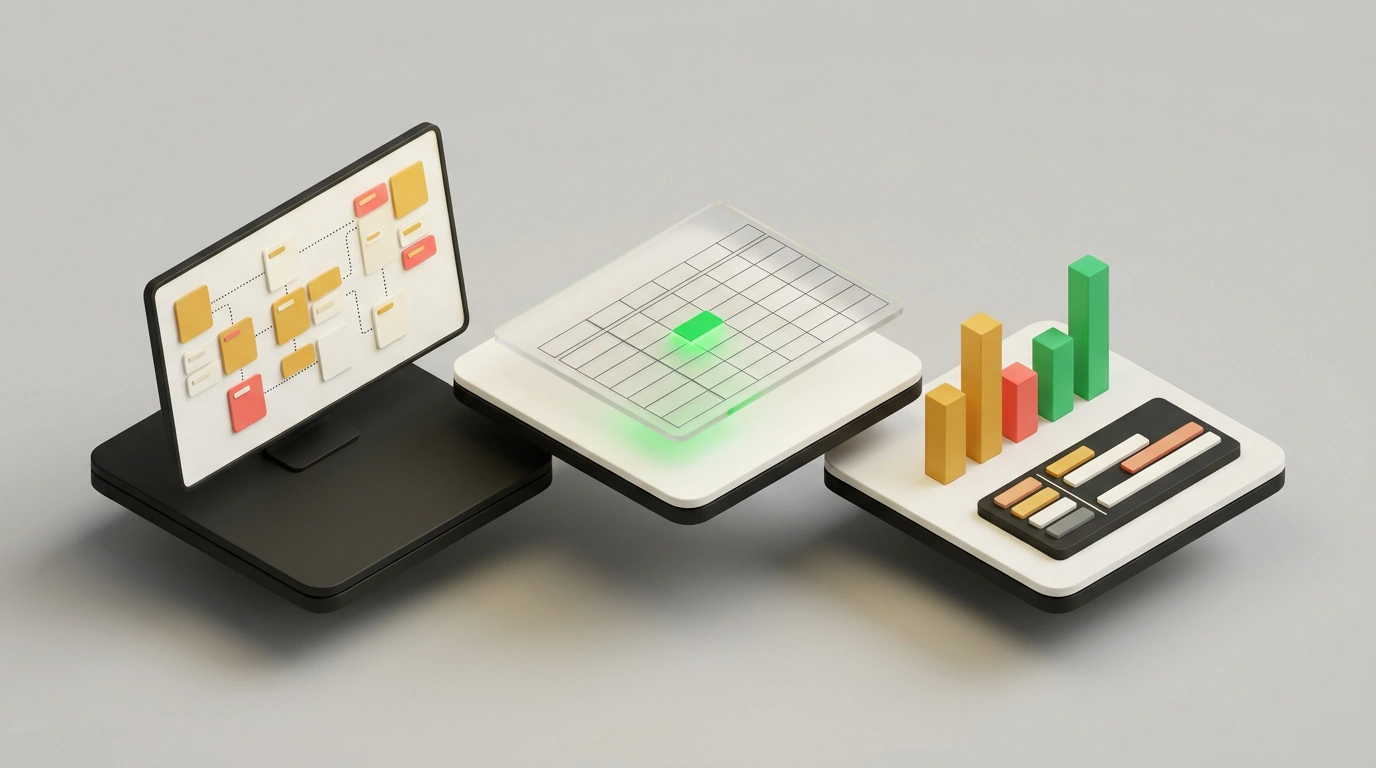
Launching a new project like a company podcast usually breaks down into a dozen tab switches. First you sketch a plan in an AI chat, then move notes into Miro, retype tasks into Google Sheets, paste charts into slides, and send an update to the team. At the very first handoff, the conversation loses context: people shift deadlines across different tabs while the model stays stuck on yesterday's rough draft.
On November 10, 2026, Anthropic tried to close that gap inside the Artifacts panel, where Claude opens and edits live files instead of dumping walls of text. Alongside documents, slides, and designs, it added Whiteboards, formula-driven Sheets, and the Claude Data analytics module. Because everything shares one chat context, each format grows out of the last, though this setup already shows clear limits.
Why Anthropic packed an office workflow into one chat
Before November's release, Claude Docs, Slides, and Design had already left beta inside Artifacts. According to Anthropic's official announcement, users have created over 45 million items across them, and all three editors are open even on the Free plan. The new trio tackles heavier work: Whiteboards and Sheets launched in beta, while the former Claude Dashboards tool graduated from beta as Claude Data.
The new tools work on paid Pro, Max, Ultra, Team, and Enterprise plans in the browser and desktop app. On the same day, Anthropic enabled interactive connectors built on MCP: Adobe, Atlassian, Box, Notion, and HubSpot now open beside the chat or full-screen, with over 9,000 connectors and plugins in the Claude Marketplace.
You can launch an artifact from a blank template or via Start with a prompt right inside your chat. In a breakdown on Skill Leap AI, the host recommends starting from chat so the model controls the file, sees your edits, and keeps full context for the next steps.
A messy plan on a whiteboard and live formulas in Claude Sheets
In practice, the workflow feels like working next to a sharp teammate. In the Claude Whiteboards demo, the host describes launching a test podcast just as you'd explain it to a colleague: who owns what, rough deadlines, and a couple of open questions. You can dictate your rough draft using the chat's mic icon, which recognizes 25 languages including Russian.
Within a couple of minutes, the board fills with a weekly timeline and task cards showing owners and dates. When an owner isn't named, the model adds a question mark, moves open topics to a Not Decided column, and asks about gaps in the chat. You can draw a box around any section of the canvas to ask Claude about that block, look for missed steps, or regroup sticky notes after a retro. You can invite teammates by email and follow their cursor in follow mode.
Next, one prompt in the same chat turns the whiteboard into a task tracker in Claude Sheets. The model copies over the rows, adds status dropdowns, and builds a Summary tab with live formulas. The Skill Leap AI video tests two more scenarios:
- A financial forecast in three minutes. From one prompt, Claude Sheets builds a 12-month model with three tabs:
Assumptions,Forecast, andSummary. Change an assumption on the first sheet and the full year recalculates automatically, while the model flags missing inputs in chat. - Cleaning up a messy CSV. The host uploads an export full of inconsistent dates, vendor names, and amounts. Claude cleans the table and builds a
Budget vs Actualreport where formulas spot overspending and highlight the transactions that pushed two channels over budget.
They also test team editing on a content calendar: after an email invite, a teammate named Andrew updates statuses in real time with his cursor visible on screen. Claude's own edits are highlighted right inside the cells, mistakes roll back via version history, and all of this works on a regular Pro plan without a Team subscription.
Brand-matched slides and a video report from Ahrefs data
On top of the board and tracker, you can immediately ask for a six-slide deck for leadership. If you save your brand fonts, colors, and logo in Claude Design ahead of time, the slides match your company style. Text, shapes, images, and videos remain editable by hand, presenter mode keeps editable speaker notes handy, and you can export to .pptx, PDF, or editable Google Slides.
For analytics, Claude Data connects to warehouses like Amazon Redshift, Google BigQuery, ClickHouse, Databricks, and Snowflake, plus Salesforce, HubSpot, and Ahrefs via MCP connectors. In the Skill Leap AI test, the host connects Ahrefs and pulls live site traffic alongside brand visibility in AI answers.
On top of those numbers, Claude Data adds three storytelling formats next to standard charts. First, the video shows Scrollyteller, a scroll-based story where charts and takeaways shift as you scroll down. Then those same Ahrefs metrics, including roughly 3,400 site citations from AI answers, turn into a Visual short: a 60-second narrated video made of five clips that's much easier to share with a team than a dry table. For written briefs, there's a third format called Visual analysis.
To keep the numbers verifiable, every chart stores the generated SQL query underneath. For metric governance, Anthropic added beta features Certified queries and Live sharing: approved queries are verified inside Claude or pulled from dbt, Looker, and Cube via MCP with a certified badge that disappears if anyone edits the code, and viewers see live numbers from approved queries without direct database access.
Expectations vs. reality: plans, spreadsheet limits, and exit routes
Anthropic's official docs quickly show the ceiling of this "office." On the Team plan, all three modules are active right away, while on Enterprise, Whiteboards and Sheets are off by default; Claude Data arrives there on November 20, 2026, and Certified queries and Live sharing require manual activation. Because they're in beta, Whiteboards and Sheets don't yet support HIPAA compliance or Zero Data Retention (ZDR).
According to the Claude Sheets help page, a sheet holds at least 200,000 populated cells, but it doesn't try to replace heavy Excel. There are no pivot tables, protected ranges, shared filters, multi-select dropdowns, PDF exports, macros, VBA, Power Query, DAX, or print layouts. Sheets can't pull live data from connectors, Slides and Dashboards can't use a Claude Sheet as a data source, and mobile editing is limited.
The neighboring tools have boundaries too. Per the Claude Whiteboards guide, the beta board can't see connected apps or import existing diagrams. The Claude Data guide notes that dashboards don't refresh on a background schedule: the cache recalculates when you open the page after the interval expires. Under Live sharing, viewers see data using the author's permissions, so you'll need to check for sensitive rows before sharing, and exact generation quotas and Visual short video lengths aren't published yet.
As long as your work stays at the brainstorm, weekly sprint, budget prototype, or standup stage, keeping everything in one chat is genuinely convenient. Once a project outgrows a draft, you can export boards as PNGs or send them via Send to into Miro, Lucid, and Zoho Vani, and download sheets as .xlsx or .csv or push them to Airtable, Asana, monday.com, and Smartsheet. If your team already lives inside complex Excel or Google Sheets workbooks, it's simpler to install Claude for Excel and Claude for Google Workspace, and keep product analytics in Amplitude, Mixpanel, Omni, PostHog, Sigma, or ThoughtSpot.