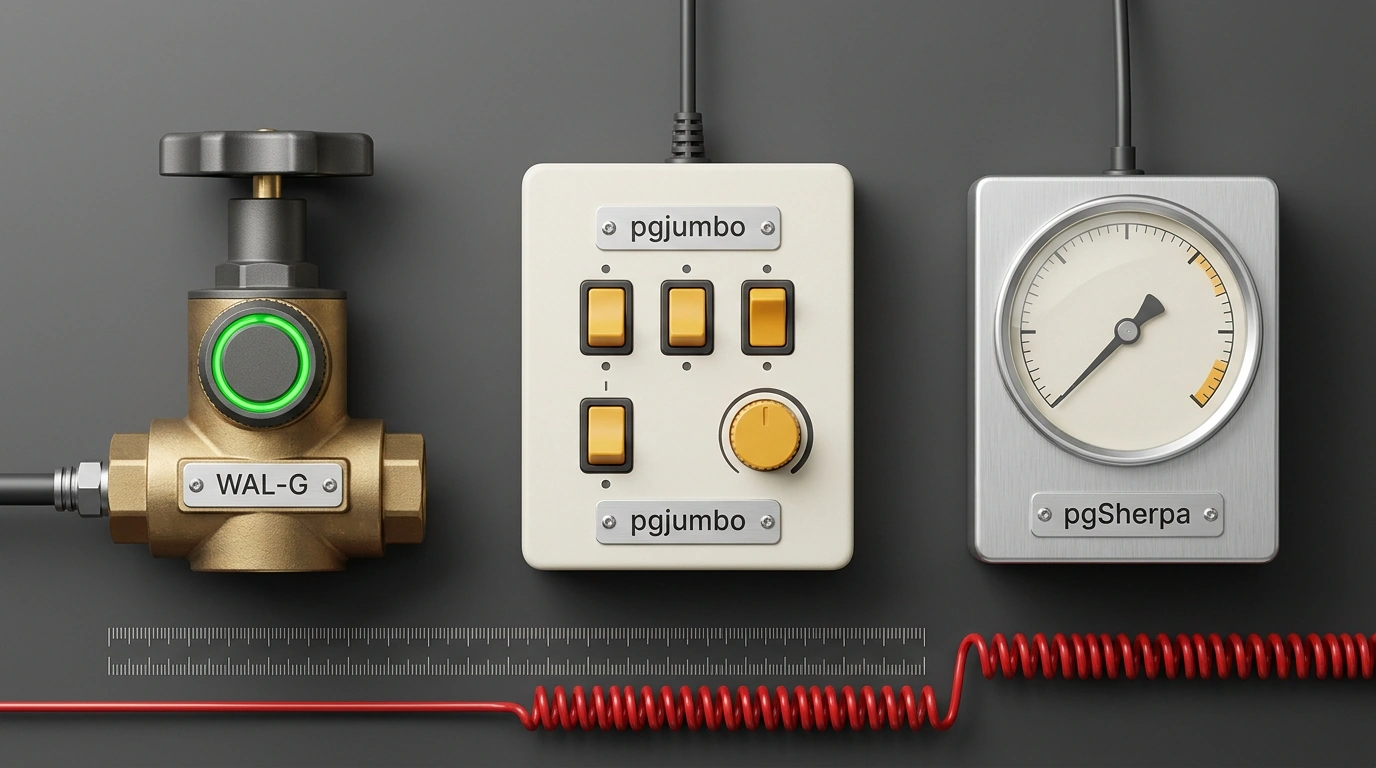
How do you keep PostgreSQL healthy—with fresh backups, safe table access, and quick diagnostics—without spinning up a five-service monitoring stack? On November 18, PostgreSQL News featured three releases covering different layers of that routine: server-side WAL-G 3.0.10, free desktop client pgjumbo 1.0.2, and macOS monitor pgSherpa. Here's what each one solves and what trade-offs come with it.
WAL-G 3.0.10: Streaming WAL Straight from Object Storage
Before writing table changes to disk, PostgreSQL logs them to WAL (Write-Ahead Log) in 16 MB segments. Normally, a replica fetches archived segments from S3 via restore_command, spawning wal-fetch for each file—which adds noise and overhead.
WAL-G 3.0.10 introduces wal-send. It turns WAL-G into a read-only "primary" that streams archived WAL from S3 over PostgreSQL's streaming replication protocol—the same byte stream a standby replica or pg_receivewal consumes in real time. That lets you feed delayed replicas straight from your bucket without touching the live primary.
A second key addition is backup-push --wait-for-archive. It closes a race condition where a backup is marked complete before the last required WAL segment reaches S3: WAL-G now waits for those segments before writing the sentinel file.
# Read-only replication server over S3 WAL archive (trust, no TLS)
wal-g wal-send --address 127.0.0.1:8000 --poll-interval 5s

# Test the stream with pg_receivewal (or use in primary_conninfo)
pg_receivewal -h 127.0.0.1 -p 8000 -D ./wal_mirror

# Backup that waits for all required WAL segments in the same bucket
wal-g backup-push "$PGDATA" --wait-for-archive
The release also moves the S3 backend to AWS SDK v2 (bringing timeouts and server-side copy), builds on Go 1.27, adds backup name reservation, and supports continuous daemon archiving.
Watch three caveats. wal-send uses trust authentication with no TLS, so never expose it publicly without a VPN or SSH tunnel. For --wait-for-archive to work, wal-push and backup-push must write to the same bucket and WALG_S3_PREFIX (see the WAL-G docs), otherwise the command will hang. Also check your cleanup scripts: permanent backups are safe from retention policies, but an explicit wal-g delete target in 3.0.10 can now delete them.
pgjumbo 1.0.2: Free Desktop Client with Production Guardrails
Opening a database in DBeaver or pgAdmin feels routine until the day you run an UPDATE without a WHERE clause in production. Everyone knows that cold sweat.
Cross-platform client pgjumbo for PostgreSQL 12+ (Windows, macOS, Linux, RDS/Aurora with IAM, SSL, and SSH tunnels) targets that exact risk. In pgjumbo 1.0.2, creator Benjamin Ibrulj cleared the macOS Gatekeeper warning and rebuilt the backup and maintenance panels.
The editor embeds PostgreSQL's own parser, catching typos as you type. It includes EXPLAIN plans (showing which indexes the planner picked and where queries slow down) as tables or diagrams, hypothetical indexes, and SQL previews before saving edits. For safer data changes, it adds automatic SAVEPOINT wrapping per query (so one error doesn't abort your transaction), Smart commit, and Rehearse mode.
BEGIN;
-- In Rehearse mode, pgjumbo runs the edit without committing,
-- shows before/after diffs, and generates a rollback script
UPDATE orders
SET status = 'archived'
WHERE created_at < now() - interval '1 year'
RETURNING id, status;
-- Looks good — COMMIT; changed your mind — clean rollback
ROLLBACK;
On servers tagged Production, the client prompts before risky statements and (as of 1.0.2) before COPY to a file or program. Version 1.0.2 also updates the pg_dump/pg_restore GUI with archive verification and refreshes the VACUUM panel (cleanup of dead tuples left by UPDATE/DELETE) to show what is blocking cleanup. It even gives read-only views of Prisma, Flyway, Rails, Django, and Drizzle migrations.
The trade-off is licensing: pgjumbo is free even for commercial use on any number of machines, but closed-source. Under its terms, installers can't be mirrored to internal repos—everyone downloads from the website. It's also built by a single independent developer, which matters for strict enterprise policies.
pgSherpa: Quiet Agentless PostgreSQL Health Monitor for macOS
Setting up Prometheus, an exporter, and Grafana for a couple of staging instances is overkill. CortexRidge launched pgSherpa, a free native app for macOS 12+ (via its site and the Mac App Store) that sits quietly in the corner and polls PostgreSQL 12–18 with no server agents, extensions, or telemetry.
Connecting only requires the built-in pg_monitor role, which grants read access to system stats and settings without superuser privileges or access to user table data.
-- Role without superuser rights or table data access
CREATE ROLE pgsherpa_mon
  WITH LOGIN PASSWORD 'strong_random_password';

-- Grants pg_read_all_settings, pg_read_all_stats, pg_stat_scan_tables
GRANT pg_monitor TO pgsherpa_mon;
Everything is organized into five tabs. Health shows locks, idle in transaction sessions, replication lag, and approaching transaction ID wraparound (overflow of the 32-bit ~2B transaction counter, after which the database halts writes). Security checks your server version against patched CVEs, SSL, MD5 passwords, and superusers. Cloud pulls backup statuses and maintenance windows for RDS/Aurora, Supabase, and DigitalOcean. Its built-in SQL editor is read-only by default; writes require Touch ID or your macOS password and reset on restart, while credentials live in Keychain.
The limits are clear: pgSherpa is macOS-only, proprietary, and polls only while open on your laptop. It won't replace 24/7 server monitoring with midnight alerts (and pg_stat_statements must already be enabled on the server for query reports), yet as a two-minute desktop dashboard it does the job cleanly.