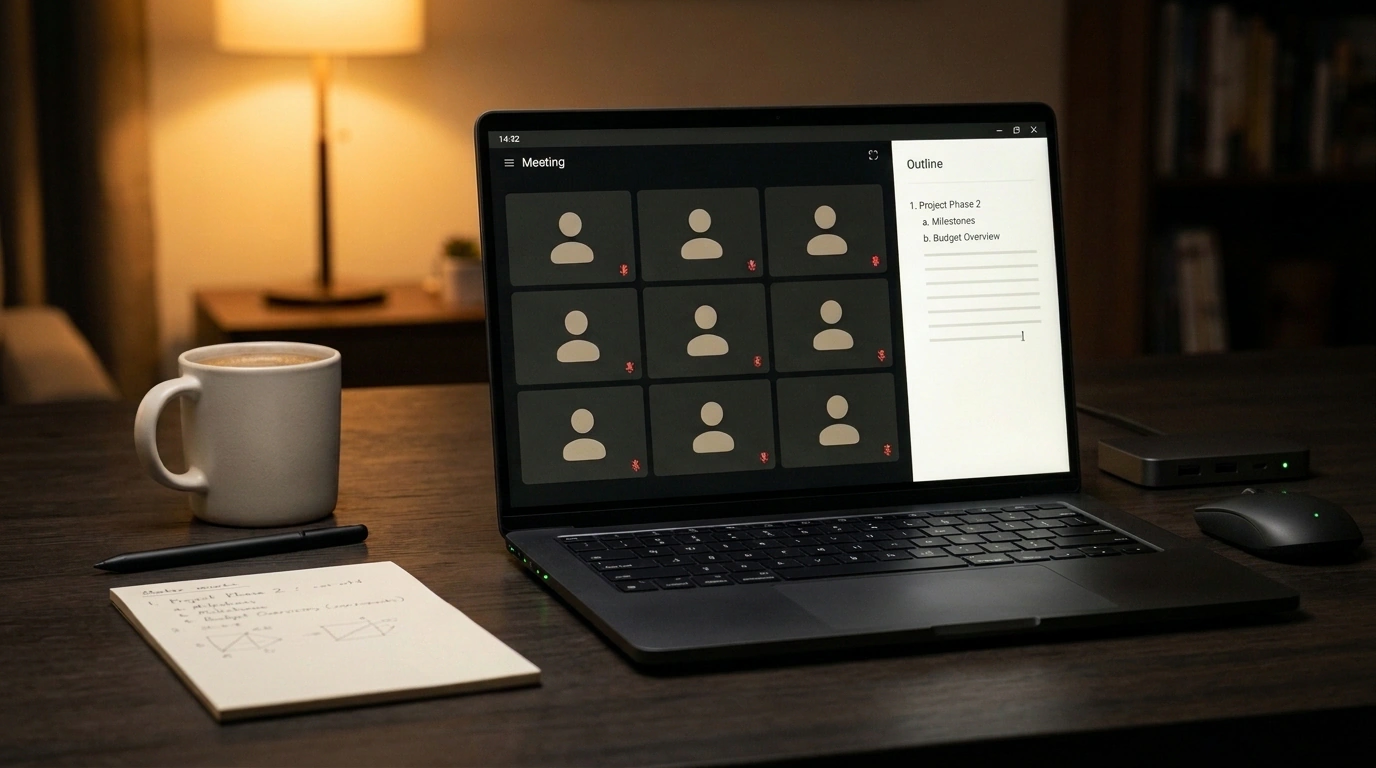
When a typical AI notetaker joins a video call, it runs a delayed pipeline behind the scenes. The bot records audio, waits for the call to end, and only then sends a transcript and action items—leaving a human to build the actual documents. In the Claude Meetings beta, which Anthropic launched on November 12, 2026, two days after its office tools release, that flow flips around: the model joins Google Meet as a live participant and creates files while you talk.
From post-call transcripts to live files in the moment
Popular trackers like Otter, Fireflies.ai, or Granola do half the job: they log commitments, yet there's still a gap between the call ending and a finished plan. By the time someone opens an editor, part of the context has already faded.
Claude Meetings brings that starting point right into the conversation. Any teammate can ask the model to build a doc, an interactive Claude Whiteboard, or draft slides, and invited colleagues edit those artifacts live during the discussion. Anthropic still plays nicely with existing tools too: soon you'll be able to send transcripts straight to Gong, Attention, Granola, Fireflies.ai, Otter, and Plaud.
How Claude joins Google Meet and keeps access locked down
To invite the model to a call, a company admin turns on the Google Calendar connector in workspace settings. Then you open the Meetings tab in claude.ai or Claude Desktop, link your calendar, pick a meeting, and click Add Claude. Personal settings also offer an Auto-join option for all meetings or all except one-on-ones, and admins can't force that setting on users.
Inside Google Meet, Claude appears as its own status tile and posts a link to the meeting page in chat. You can call on the assistant by voice starting with "Claude" or by typing in chat. By default, it replies in writing inside the Meet chat so it doesn't interrupt speakers.
During a launch standup, someone says, "Claude, start a doc for this plan," and the team starts editing the outline live while debating it. Next, a question comes up about last year's budget, so the assistant asks the integration owner for permission and drops the comparison numbers into chat. When the talk turns to deadlines, the model builds a timeline on a Claude Whiteboard, with no limit on how many artifacts you can create per call.
Calling external tools like Slack requires approval from the tool owner. In text chat, the model remembers your first approval, while on voice commands it asks again each time to verify who's speaking. If the conversation turns confidential, you can pause the assistant by voice or from the meeting page, and only the meeting page can resume it. You can remove the model anytime by asking out loud or clicking Remove Claude. After the call ends, claude.ai keeps the transcript, internal chat, summary, action items, and all files, emails a link to the team, and lets you reference past calls from regular chats.
Who is locked out of the beta and where the service stops
With a big launch like this, you might expect to log in, drop the bot into a call, and try it right away. Reality is stricter: the beta is open only on Team and Enterprise plans. It's enabled out of the box on Team, while on Enterprise an admin turns it on for the whole company or specific roles. There are no launch dates yet for Free, Pro, Max, or Ultra.
Platform support is single-track too: it works only in Google Meet, with an eight-hour limit per call and a warning before it disconnects. Other platforms are promised soon, though Zoom and Microsoft Teams have no timeline. Notes, transcripts, and replies without connectors are free, and creating artifacts during calls carries no extra charge until February 10, 2027. Usage counts against your quota only when external tools are called.
Anthropic doesn't store raw audio; it keeps the transcript, summary, task list, and text descriptions of shared screens. Before the call, the host must get participant consent for transcription and remember that the Meet chat is visible to everyone, while messages on the meeting page stay private to the team. On Team plans, external guests are allowed by default, whereas Enterprise blocks them. When external guests are blocked, Claude won't join calls with outside email addresses and will leave immediately if an external guest or a third-party notetaker bot joins. When guests are allowed, Claude announces itself in the Meet chat, goes quiet there, and blocks guests from seeing the meeting page or recap email. Finally, the beta isn't available to organizations using Zero Data Retention, HIPAA-ready setups, or CMEK encryption keys.