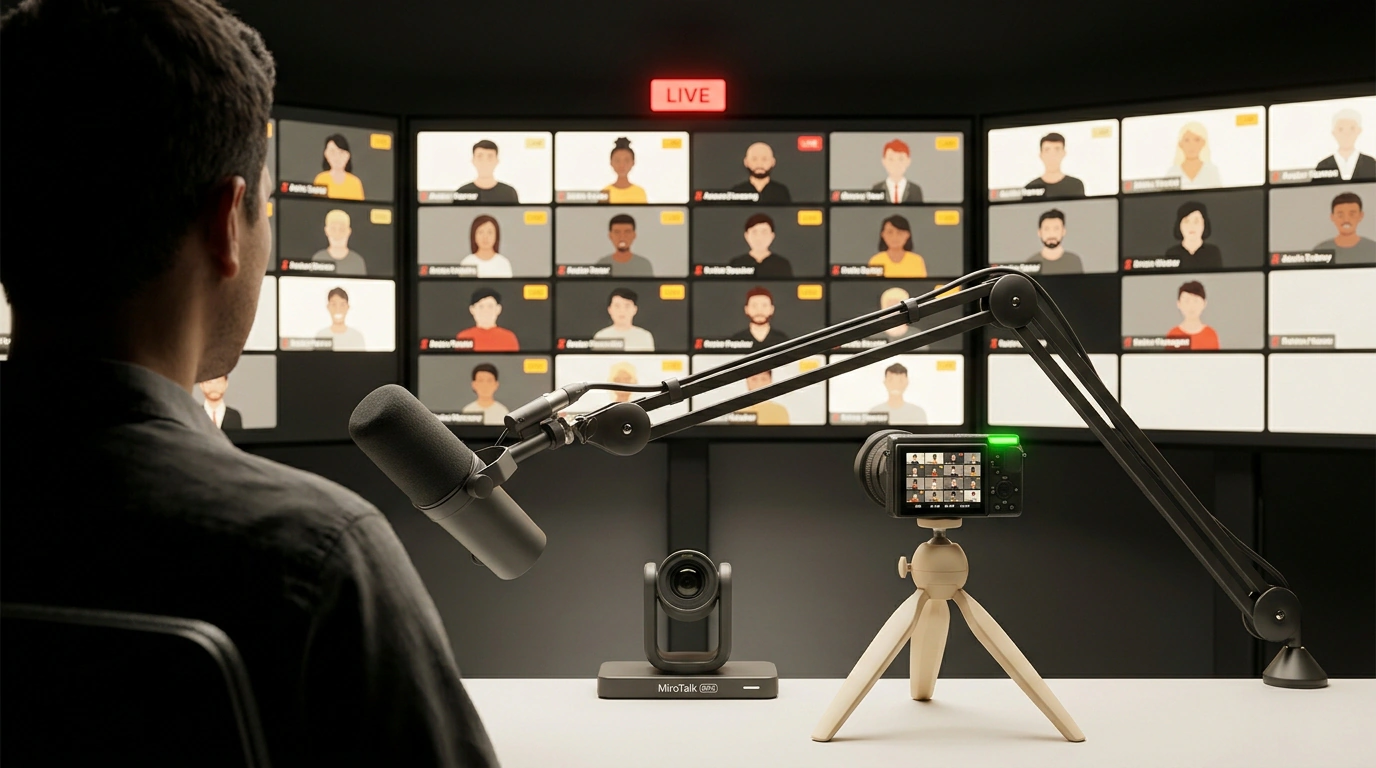
Five terminal commands, and a couple of minutes later you have your own live-streaming platform running on localhost:3016. Video and screen shares hit viewers' browsers with sub-second latency and no time limits. That simplicity only holds for small groups, though—for larger audiences, you need to switch broadcasting modes right away.
The tool is MiroTalk BRO by Miroslav Pejic. It recently popped up on Best of JS, though it's no overnight experiment: the repo has been active since May 2023, sits at v1.4.86, and has around 215 GitHub stars.
P2P vs SFU: Why One Speaker Can Easily Saturate Their Connection
Meet and Zoom are built for everyone-to-everyone calls, whereas webinars and demo days need a "one speaker, many viewers" model. YouTube Live and Twitch aren't ideal for private internal streams: HLS adds several seconds of lag, and your traffic routes through third-party servers.
MiroTalk BRO uses WebRTC, the browser's built-in protocol suite for real-time video. By default it runs BROADCASTING=p2p, where the host's browser sends a separate stream copy to every viewer. The server barely works and no media ports are needed. That's great for five teammates, yet with a couple dozen viewers the speaker's upload bandwidth and CPU choke.
For 100+ viewers, switch to BROADCASTING=sfu. An SFU (Selective Forwarding Unit) is a media router powered here by the C++/Node.js mediasoup engine. The speaker sends one stream to the server, and mediasoup fans copies out to everyone else. It also enables simulcast, letting the speaker send multiple quality layers so viewers on slower connections receive a lighter stream.
Five-Command Launch and Production Configuration
For a local test, Node.js is all you need. If you're building the native SFU on Ubuntu 24.04 LTS, install build-essential and Python 3 first (apt-get install -y build-essential python3 python3-pip) so mediasoup can compile. From there, setup is simple:
# Clone the repo and create configs from templates
git clone https://github.com/miroslavpejic85/mirotalkbro.git
cd mirotalkbro
cp .env.template .env
cp public/js/config.template.js public/js/config.js

# Install dependencies and start on port 3016
npm install && npm start
Open http://localhost:3016 and rooms work right away. public/js/config.js is in .gitignore, so your UI and SFU tweaks won't be overwritten by git pull.
To move from P2P to mediasoup and lock down who can start broadcasts, edit .env:
# Switch to SFU and restrict broadcast creation with a token
BROADCASTING=sfu
ADMIN_ONLY_BROADCAST=true
ADMIN_TOKEN=replace_with_strong_token

# Ports and public IP (required behind NAT or in Docker)
MEDIASOUP_RTC_MIN_PORT=20000
MEDIASOUP_RTC_MAX_PORT=20099
MEDIASOUP_LISTEN_IP=0.0.0.0
MEDIASOUP_ANNOUNCED_IP=YOUR_PUBLIC_SERVER_IP
Forgetting MEDIASOUP_ANNOUNCED_IP is the top reason viewers behind NAT see a black screen. In production, it's easier to run the mirotalk/bro:latest container (which runs as user 1000:1000). The self-hosting docs suggest this docker-compose.yml:
services:
  mirotalkbro:
    image: mirotalk/bro:latest
    user: '1000:1000'
    restart: unless-stopped
    ports:
      # Web UI and SFU media ports (UDP + TCP)
      - '${PORT}:${PORT}'
      - '20000-20099:20000-20099/udp'
      - '20000-20099:20000-20099/tcp'
    volumes:
      - .env:/src/.env:ro
      - ./public/js/config.js:/src/public/js/config.js:ro
Open ports 20000-20099 for both UDP and TCP in your firewall. Also make sure public/js/config.js exists before running docker-compose up -d—otherwise Docker silently creates an empty directory in its place and the container crashes.
RTMP from OBS, Self-Hosting Costs, and AGPL-3.0 Gotchas
You can stream from OBS Studio too: in SFU mode, RTMP ingest (RTMP_ENABLED=true) works via MediaMTX and FFmpeg. For webcams, the browser handles background blur or replacement locally (images up to 10 MB, never uploaded to the server, though disabled during screen sharing or RTMP).
Now for the cost of independence. Beyond a VPS, you need a domain with HTTPS (browsers block camera access without encryption) and open media ports. Behind strict corporate firewalls, you'll almost certainly need a TURN server like Coturn as well. Also note the repo has only two contributors—updates ship briskly, but there isn't a large support team.
One more detail is the AGPL-3.0 license. For internal demos and webinars, it's free. If you modify the code and embed the platform into a commercial SaaS, though, copyleft requires opening your source changes or buying a commercial license. Overall, MiroTalk BRO is a great fit for private streams with dozens or a couple hundred viewers; for thousands of viewers over a CDN, reach for an HLS tool like Owncast or a heavier stack like LiveKit.