Normally on the web, when a tag's usage jumps in a single year, developers are happy with it. Devographics' State of HTML 2026 report shows the exact opposite for <datalist>. Adoption rose from 30% to 44.1%, yet satisfaction dropped from 44% to 34%, sending it tumbling from 1st to 18th place in sentiment. Developers tried it in real projects and hit a wall.
That contrast sums up the survey, which polled 2,091 developers between October 1 and November 1, 2026. Some native tags are quietly replacing extra JavaScript, while others still force teams to reinvent the wheel.
Declarative Winners: What's Already Replacing Extra JavaScript
Not long ago, building an accordion, popover, or modal meant installing an npm package, fighting z-index, and writing click-outside listeners. Today, the Interactivity section earned the warmest reception in the entire survey: 38% positive sentiment and just 2% negative.
Interactive HTML features used in production
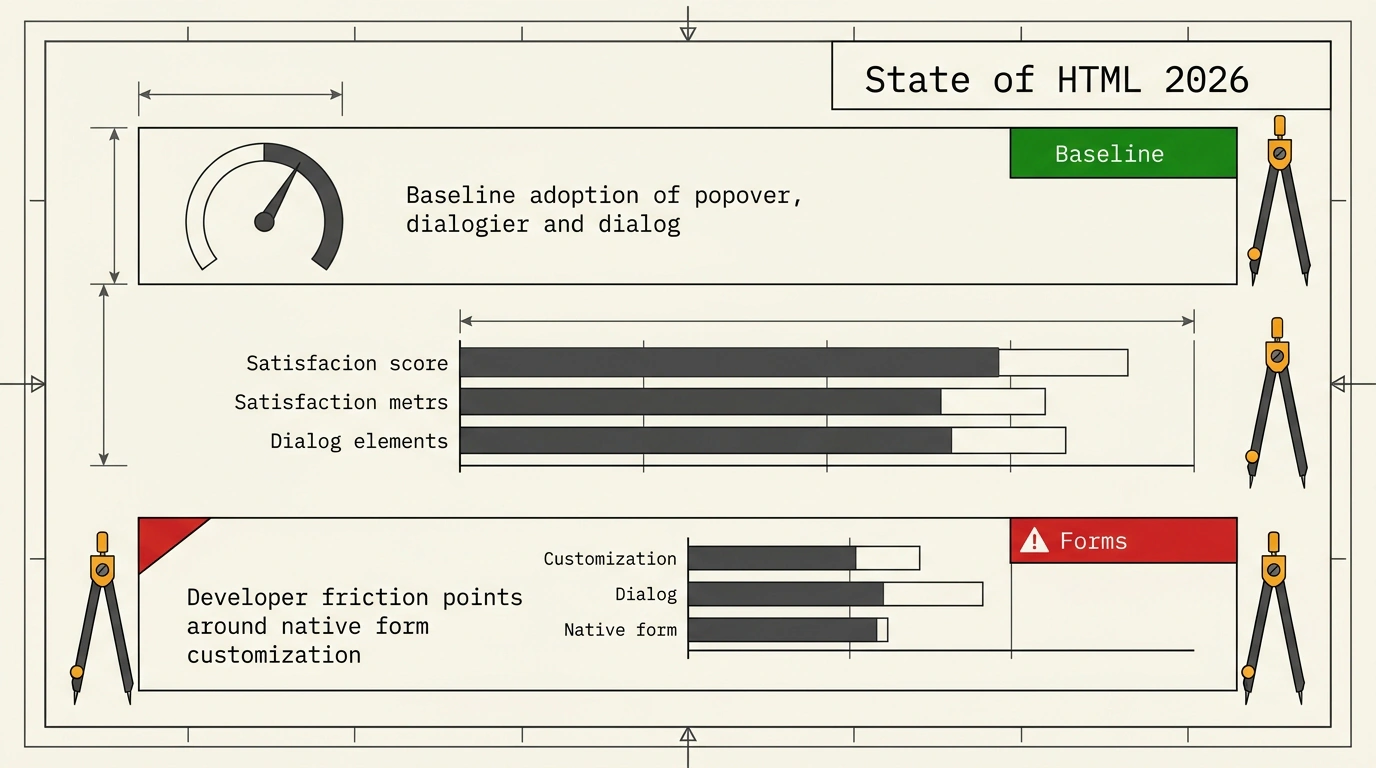
The chart tells the story. <details>/<summary> and <dialog> are already everyday tools. Meanwhile, the Popover API—the browser's built-in top-layer mechanism via popover and popovertarget—took off as soon as it reached all major browsers. Once a feature hits Baseline (stable support across Chromium, Firefox, and Safari), complaints fade and third-party wrappers get deleted.
Try two top picks live below: an exclusive accordion using name, and a menu powered by the Popover API. Zero lines of JavaScript.
Live example: <details name> and a Popover API menu
Click the second item and the first collapses on its own. Open the menu and press Escape, and it disappears without a single event listener. Clean, and practically free in bundle size.
The next step is command and commandfor (Command Invokers) paired with closedby="any" on <dialog>. Nearly half of respondents (49.7%) hadn't heard of Command Invokers yet, but those who tried it praised how it replaces manual addEventListener and showModal() calls.
<!-- Button opens a modal directly from markup -->
<button
  type="button"
  command="show-modal"
  commandfor="confirm-dialog"
>
  Delete project
</button>

<!-- closedby="any" closes on backdrop click or Esc -->
<dialog id="confirm-dialog" closedby="any">
  <h3>Delete project?</h3>
  <p>This action cannot be undone.</p>
  <form method="dialog">
    <button value="cancel">Cancel</button>
    <button value="confirm">Delete</button>
  </form>
</dialog>
The markup reads clearly even without a JS file: you can see right away which button opens which dialog. Keep one caveat in mind: basic <details>, <dialog>, and popover work everywhere, while command/commandfor and closedby="any" are still catching up in some browsers, so back them up with a small fallback script in strict production.
The Forms Trap: The <datalist> Paradox and Styling Battles
Optimism drops fast in the Forms section. That <datalist> element links a suggestion list to a regular <input>—on paper, free autocomplete.
Live example: native <datalist> in your browser
Click the input and type a couple of letters. A dropdown appears, styled entirely by your browser and OS. Matching it to a design system or tuning it for screen readers is nearly impossible. That explains the flood of complaints: zero styling control, accessibility gaps, and inconsistent bugs. Fine for a quick prototype, risky for a branded product.
Classic controls tell a similar story. The top styling pain points are <select> (573 votes) and <input type="date"> (456), followed by <select multiple> (299), <input type="checkbox"> (277), and <input type="time"> (181). Anyone who has tried to make a date picker look identical in Chrome, Safari, and mobile knows the pain.
There is real hope for <select>. The new customizable <select> standard lets you style dropdowns freely and put icons inside <option> without losing accessibility. Complaints about <select> limitations dropped 10% year over year, leaving <input type="date"> as the most frustrating control. Still, only 19% have used customizable <select> (47.8% have heard of it), and it topped the list of features blocked by browser support (59 mentions) because Firefox hasn't shipped it yet.
What HTML Is Still Missing—and Where AI Fits In
In the Usage section, 1,505 respondents named the built-in elements they miss most.
Most wanted missing HTML elements
The top wish is no surprise: native data tables with sorting and filtering. Plain <table> draws a grid, yet the moment you need column filtering, you're back to heavy libraries. Tabs, a proper combobox, and a toggle switch follow closely, and right below them sits an old web dream—HTML includes for embedding one HTML fragment into another without bundlers or JS.
A separate AI section turned up an interesting split. Among 1,531 respondents, the median share of AI-generated code was 50% (lower than 63% in State of Devs, and just 13% for raw CSS). Developers still refine markup and styles by hand more often. Survey creator Sacha Greif also noted that AI tools lean toward clean browser APIs without pulling in extra frameworks.
Interest in Browser AI APIs stays modest: translation leads (697 votes) ahead of speech recognition (398), while "None" came third (325). Pragmatism shows up around progressive enhancement without JS too: 43% don't worry about no-JS mode at all, and only 4% treat it as mandatory—though those who do also adopt accessibility practices far more often.
The Report's Diagnosis: The Catch-Up Era
In the conclusion, Polypane creator Kilian Valkhof nailed the shift. The old "browser wars," where engines implemented the same thing in incompatible ways, are over. Today's frustration is different: a feature is already standardized, yet one engine hasn't finished shipping it—like Firefox with customizable <select>.
Another 2026 headache is mobile OS behavior. System bars, gestures, and native form UIs keep breaking polished web interfaces even after desktop browsers agree.
Still, the foundation is getting stronger. The OpenUI group is advancing tabs and focusgroup for smoother keyboard navigation, while an "invisible" declarative layer—Speculation Rules, declarative WebMCP, loading, and fetchpriority—keeps growing underneath. As Valkhof summed it up: "The industry might be in turmoil, but our foundations are in great shape."
Quick stack check from State of HTML 2026
- Move accordions, simple modals, and popovers to
<details>,<dialog>, andpopover—they are a stable baseline. - Keep
<datalist>out of strict design systems with tight visual and accessibility requirements. - Guard
command/commandforand<dialog closedby='any'>with feature checks in production. - Watch for customizable
<select>in Firefox—once it lands, you can drop most custom select widgets.
Keep the sample in mind: these 2,091 respondents are engaged developers who adopt standards earlier than the average enterprise team. Conservative codebases move slower, yet the direction for the next couple of years is already clear.