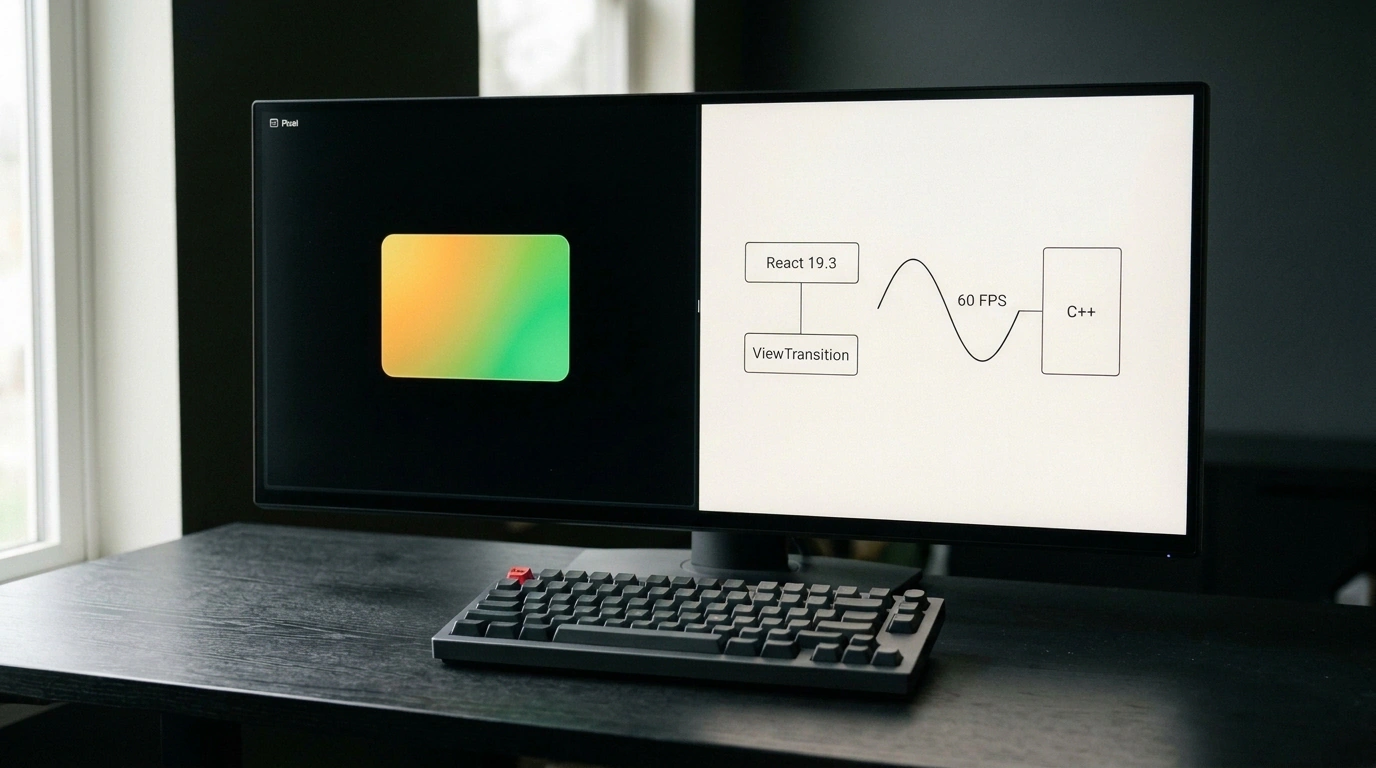
Over the past few years, the React ecosystem has gone through a quiet sea change. For a long time, libraries competed on how elaborate their own abstractions could get: custom animation schedulers, heavyweight JavaScript styling runtimes, and tangled global event interceptors. Today, that trend has flipped 180 degrees. The best projects in the space are stripping out excess code and handing the heavy lifting back to browser standards, GPUs, and compilers.
In this roundup, we're looking at four fresh releases that show how modern React is learning to work hand in hand with the browser, graphics hardware, terminals, and native C++ runtimes.
React Router 8.5
If you've ever tried building smooth page transitions in React Router, you probably remember sprinkling the special viewTransition prop across <Link>, <NavLink>, and <Form> components. The router had to orchestrate DOM updates itself, juggle promises, and track internal animation state.
In React Router 8.5, the Remix and Shopify team took a cleaner route: those custom props are now deprecated, and transition control moves entirely to the standard <ViewTransition> component stabilized in React 19.3. Now the browser's native View Transitions API handles route animations right at the rendering compositor level.
You no longer have to configure every link individually—just wrap your <Outlet /> container in a single declarative component:
import { ViewTransition } from 'react';
import { Outlet, Link } from 'react-router';

export function AppLayout() {
  return (
    <div className="shell-container">
      <header>
        <nav>
          <Link to="/overview">Обзор</Link>
          <Link to="/reports">Отчеты</Link>
        </nav>
      </header>
      {/* Native ViewTransition from React 19.3 animates child route changes */}
      <ViewTransition>
        <main className="content-pane">
          <Outlet />
        </main>
      </ViewTransition>
    </div>
  );
}
The browser snapshots the old state, mounts the new DOM, and hardware-accelerates the transition between them via ::view-transition CSS pseudo-elements. That trims down the router's client bundle and gives you a locked 60 fps without bogging down the JavaScript main thread.
Pixel
While web routers embrace native page animations, React keeps pushing further outside the browser. Most developers know Ink for building CLI tools with React, but Ink is bound to the terminal's character grid—no true rounded corners, no crisp vector icons, and no smooth gradients.
Pixel, built by Zenbu Labs, breaks right past that ceiling. Instead of ANSI text escape codes, it uses the Kitty Graphics Protocol—a modern standard for streaming raster graphics into terminals, supported by Kitty, Ghostty, and WezTerm.
With Pixel, you can lay out terminal UIs in pure React using real border-radius, hardware-accelerated gradients, vector fonts, and high-DPI images. Even better, the renderer lets you embed interactive Chromium WebView mini-windows straight inside a terminal pane, turning the command line into a genuine host for interactive dashboards and AI agents.
Tamagui 3
The next major leap in performance lands right at the intersection of web and mobile. Tamagui 3, created by Nate Wienert, brings a major overhaul to the universal cross-platform design kit. Dynamic styling in React Native has always had one glaring pain point: when a user toggled from light mode to dark mode, the JavaScript thread had to re-render the entire component tree and recalculate styles block by block.
Tamagui 3 introduces an optional native C++ runtime integrated with React Native's New Architecture (Fabric). Theme tokens, color palettes, and base spacing updates are now intercepted directly on the native C++ graphics thread, bypassing the JavaScript VM altogether. The component tree barely flinches—styles update instantly at the OS layer. The release also adds support for React Strict DOM, making it seamless to share styled components between web and mobile.
TanStack Hotkeys Beta
Rounding out the list is a practical tool for a classic UI headache: keyboard shortcut collisions. Think about how often this happens—a modal dialog opens with a form inside, the user hits Escape to close a dropdown menu, and instead the whole modal vanishes, wiping out everything they typed.
TanStack Hotkeys, now in public beta, solves this cleanly with isolated scopes:
import { HotkeysProvider, useHotkey } from '@tanstack/react-hotkeys';

export function UserSettingsDialog({ isOpen, onClose }: { isOpen: boolean; onClose: () => void }) {
  if (!isOpen) return null;

  return (
    // The exclusive flag isolates the context so key events don't bubble to global handlers
    <HotkeysProvider scope="settings-dialog" exclusive>
      <div className="dialog-backdrop">
        <DialogBody onClose={onClose} />
      </div>
    </HotkeysProvider>
  );
}

function DialogBody({ onClose }: { onClose: () => void }) {
  // Escape only fires inside this scope and closes the dialog
  useHotkey('Escape', () => {
    onClose();
  });

  return (
    <div className="dialog-content">
      <h2>Настройки профиля</h2>
      <button onClick={onClose}>Закрыть</button>
    </div>
  );
}
The exclusive flag creates a local boundary: while the modal is open, global page shortcuts (like site-wide navigation hotkeys) are temporarily paused. Close the dialog, and the outer listeners automatically come back online.
All four of these tools point to the same mature shift: React's future isn't about bloated, self-contained frameworks—it's about focused, fast, type-safe primitives that respect what the underlying platform can already do.