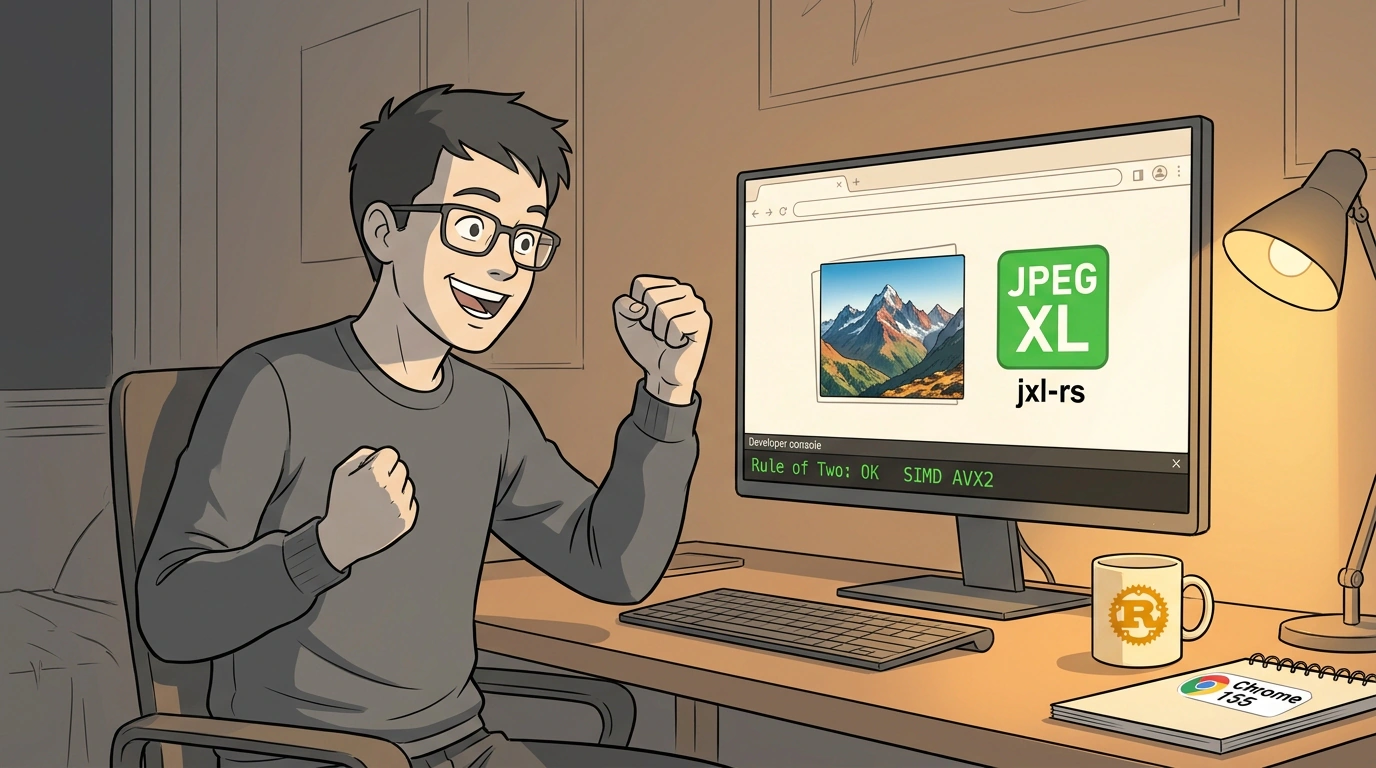
The fight over the ideal image format for the web has dragged on for three decades. We started with classic JPEG, lived through the WebP era, and spent the last few years watching AVIF take center stage. Yet professional photographers, designers, and web developers kept pushing hard for JPEG XL (.jxl)—a format built by the Joint Photographic Experts Group specifically to replace the original 1992 standard.
Its journey in the world's most popular browser has been a true roller coaster. A few years ago, Google added experimental JPEG XL support, only to rip the flag out in Chrome 110, claiming the format didn't show enough of an edge over AVIF and added maintenance overhead. The community pushed back hard: a petition on the Chromium bug tracker racked up thousands of votes, and in the cross-browser Interop 2026 project, JPEG XL support ranked near the very top in developer voting.
Now it's official: in stable Chrome 155, native support is back on by default. Still, the most interesting part of this story isn't a political cave-in to web standards—it's the engineering behind how the new decoder is built.
Chromium's Rule of Two: Why C++ Lost
To see why bringing JPEG XL back took this long, you have to look at how a browser thinks about security.
Media decoders are historically the softest target in any web browser. Your browser downloads an arbitrary binary blob from some unknown server on the internet and feeds it straight into a complex decompression pipeline. One tiny memory-management bug—an out-of-bounds write, an integer overflow, or a Use-After-Free—and an attacker can inject shellcode to take over the process.
Google enforces a strict security policy known as the Chromium Rule of Two:
- The code processes untrusted input from the network.
- The code runs without strict sandbox isolation.
- The code is written in a memory-unsafe language (C/C++).
Under project rules, any component may satisfy at most two of those three conditions at once. The original reference library, libjxl in C++, demanded heavy sandboxing gymnastics and kept flagging potential security issues under fuzz testing.
So Google engineers (Luca Versari, Moritz Firsching, and Philip Jägenstedt) took a fundamentally different path: they ditched C++ altogether and integrated jxl-rs, an independent decoder written from the ground up in memory-safe Rust! Across continuous fuzzing with millions of malformed files, jxl-rs recorded zero memory-safety crashes.
Squeezing Out Speed Without unsafe: The Magic of target_feature_11
That left a second major hurdle: performance. Decoding high-resolution images takes serious compute—if a Rust decoder ran slower than C++, users would notice jank while scrolling image galleries.
Technical diagram of the safe target_feature_11 vector pipeline in the Rust compiler for the jxl-rs decoder.
In C++, squeezing out peak speed traditionally meant using Google's Highway library to emit raw CPU vector instructions (SIMD: AVX2, AVX-512, ARM NEON). In Rust, using SIMD historically forced you to wrap every operation in an unsafe block—defeating the whole point of switching to a memory-safe language.
The jxl-rs team found a clean way out: they waited for—and helped stabilize—target_feature_11 in the Rust compiler. This feature lets the compiler safely target hardware vector registers on a given architecture without a single unsafe block.
On top of it, they built a portable abstraction layer called jxl_simd. Here is what safe parallel processing of Discrete Cosine Transform (DCT) coefficients looks like:
// Using stabilized target_feature_11 functionality in Rust
#[target_feature(enable = "avx2")]
pub fn process_dct_coefficients(input: &[f32], output: &mut [f32]) {
    assert_eq!(input.len(), output.len());

    // Vector operations run safely: array bounds are checked,
    // and the compiler automatically emits AVX2 vmulps / vaddps instructions
    for (in_chunk, out_chunk) in input.chunks_exact(8).zip(output.chunks_exact_mut(8)) {
        for i in 0..8 {
            out_chunk[i] = in_chunk[i] * 1.4142135;
        }
    }
}
As a result, jxl-rs on both x86-64 and ARM64 matches C++ speed while keeping billions of browser users safe from memory corruption.
What Makes JPEG XL Great Beyond File Size
Why did developers fight so hard to bring this format back? Because JPEG XL solves problems that neither WebP nor AVIF handles well:
- Lossless compression and massive resolutions: AVIF is built on the AV1 video codec, which carries strict frame-size ceilings (4K/8K without awkward tiling) and underwhelming lossless compression. JPEG XL compresses lossless graphics 30–50% tighter than PNG and supports canvases hundreds of thousands of pixels wide.
- Lossless recompression of legacy JPEGs: This is the killer feature. Any existing
.jpgfile can be transcoded into.jxlfor roughly 20% storage savings, and it's completely reversible! You can unpack it back to the exact original JPEG bit-for-bit whenever you want. For services like Google Photos or cloud storage providers, that translates into billions of dollars in saved disk space. - True HDR and progressive decoding: The format was designed from day one for 16-bit color channels, wide color gamuts (Rec.2020), and smooth progressive rendering—showing a soft preview first and sharpening details as bytes arrive without layout shifts.
How to Safely Roll Out JPEG XL on Your Site
With Safari already supporting JPEG XL and Chrome 155 pushing native browser share past 80%, you can confidently ship it in production today.
The standard, safest approach is the HTML <picture> element with cascading fallbacks:
<picture>
  <!-- Modern clients (Chrome 155+, Safari) will load ultra-compact JPEG XL -->
  <source srcset="/images/landscape-hdr.jxl" type="image/jxl">

  <!-- Alternative modern format for browsers with AVIF support -->
  <source srcset="/images/landscape-hdr.avif" type="image/avif">

  <!-- Battle-tested WebP for broad compatibility -->
  <source srcset="/images/landscape-hdr.webp" type="image/webp">

  <!-- Universal fallback for older clients -->
  <img
    src="/images/landscape-hdr.jpg"
    alt="Панорама горного хребта в лучах заката"
    width="1920"
    height="1080"
    loading="lazy"
  >
</picture>
The browser walks down the list from top to bottom and downloads only the first format it supports.
Don't rush to replace every AVIF image with JPEG XL overnight. Google engineers recommend a balanced split: for small illustrations, logos, and mid-bitrate web assets, AVIF still performs brilliantly. For heavy high-res photography, pro graphics, and HDR imagery, JPEG XL takes the crown.
JPEG XL returning to Chrome on a memory-safe Rust engine is a landmark win for common sense and open web standards. We didn't just get a better image codec—we got a blueprint for rewriting critical browser subsystems in safe languages without giving up speed.

