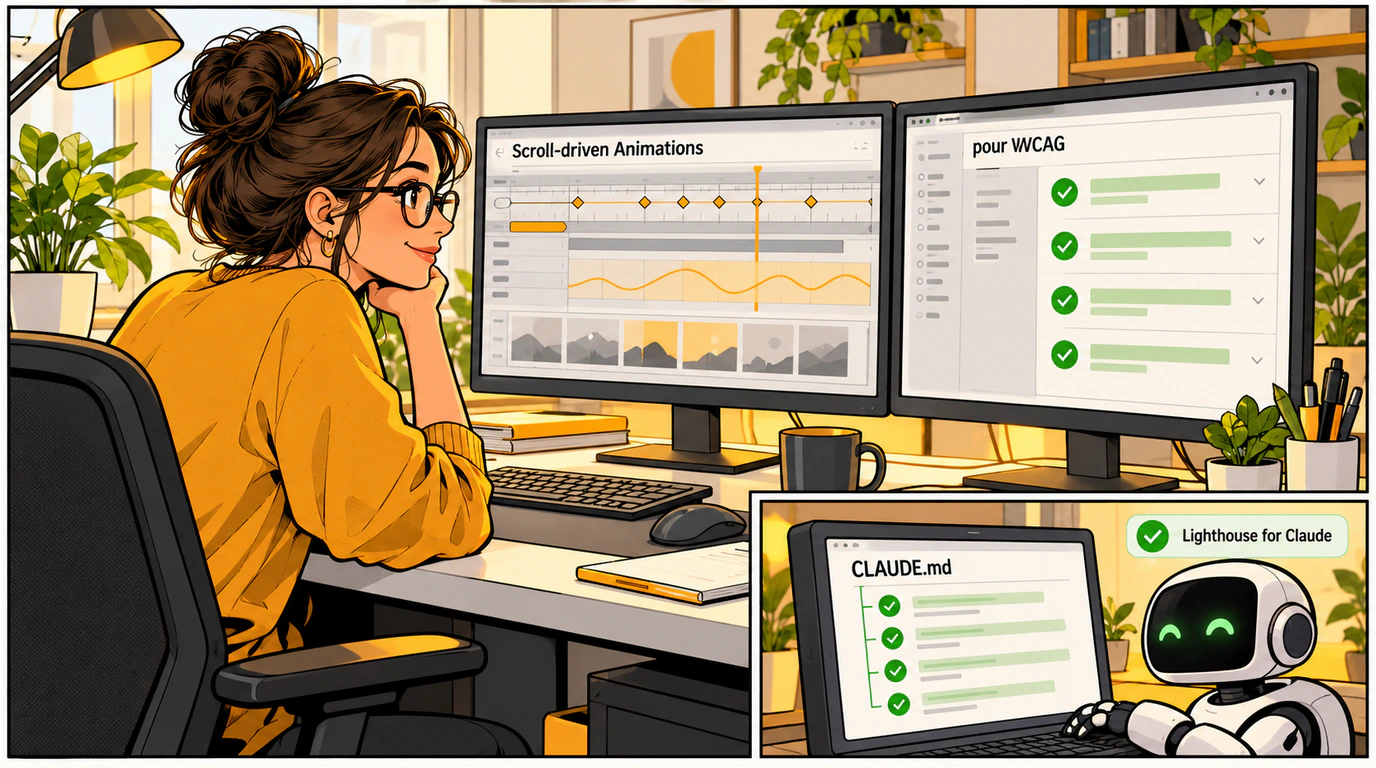
A modern web developer's day isn't just about shipping new features—it's also a steady grind of measuring performance, checking screen-reader accessibility, tracking down janky animations in the console, and turning audit results into bundle-optimization tasks.
The faster you pinpoint bottlenecks and turn them into concrete refactoring steps, the better your product gets.
In today's roundup, we're looking at three sharp debugging and auditing tools: a dedicated DevTools extension for CSS Scroll-driven Animations, the pour accessibility auditor, and Lighthouse for Claude Code.
Let's see how they save hours of repetitive busywork.
Chrome DevTools
Scroll-driven Animations in pure CSS (via animation-timeline: scroll()) have become a staple of modern landing pages. Debugging them in the standard Elements panel, however, has been a real headache—it was nearly impossible to tell at which exact scroll pixel an element crossed its view() or entry threshold.
A new dedicated extension from engineer Bramus Van Damme adds a purpose-built inspection panel right inside Chrome DevTools:
- Interactive timeline: A virtual scrollbar lets you scrub frame-by-frame across the scroll range.
- Visibility zone overlays: Highlights
entry,contain, andexitbands directly on top of your live page layout. - Live property tracking: Shows exact interpolated values for
opacity,transform, andscaleat any point in the scroll.
/* Animation debugged via the DevTools extension */
@keyframes revealOnScroll {
  from { opacity: 0; transform: translateY(50px); }
  to { opacity: 1; transform: translateY(0); }
}

.feature-card {
  animation: revealOnScroll linear both;
  animation-timeline: view();
  animation-range: entry 10% cover 30%;
}
For a refresher on the core rendering inspection tools, check out our guide to the Chrome DevTools Performance panel.
pour
Digital accessibility (a11y) isn't just about doing right by users with visual impairments—it's also a legal requirement in many jurisdictions, including under the European Accessibility Act.
pour is a free, ad-free accessibility auditor built around WCAG 2.2:
- Scans heading hierarchy, text-to-background color contrast, ARIA roles, and form attributes.
- Runs locally in your terminal via CLI or as a lightweight browser extension.
- Outputs clear reports with the exact CSS selector and a concrete fix recommendation.
# Run an accessibility audit via the pour CLI
npx pour-cli audit https://myapp.corp.local --level AA --format summary
Lighthouse for Claude Code
The cleverest find of the week is Lighthouse for Claude Code.
We all run Google Lighthouse or PageSpeed Insights regularly, and we all get the same laundry list back: "Remove unused JavaScript," "Properly size images," "Avoid large layout shifts (CLS)." Turning those generic bullets into actual engineering tasks usually eats up way too much time.
lighthouse-md automates that entire bridge:
- Audits your page against Core Web Vitals metrics.
- Parses the raw Lighthouse report.
- Generates a structured
CLAUDE.mdfile packed with step-by-step instructions, file context, and commands for the Claude Code CLI agent.
# Turn a site audit into a step-by-step task plan for an AI agent
npx lighthouse-md https://my-store.local --output ./CLAUDE.md
Claude Code reads the generated plan, locates the relevant components in your codebase, adds fetchpriority="high" where needed, compresses images, and optimizes the critical rendering path on autopilot.
The Tooling Bottom Line
Pairing visual DevTools debugging with pour accessibility checks and agent-driven Lighthouse fixes takes everyday developer productivity to a whole new level.

