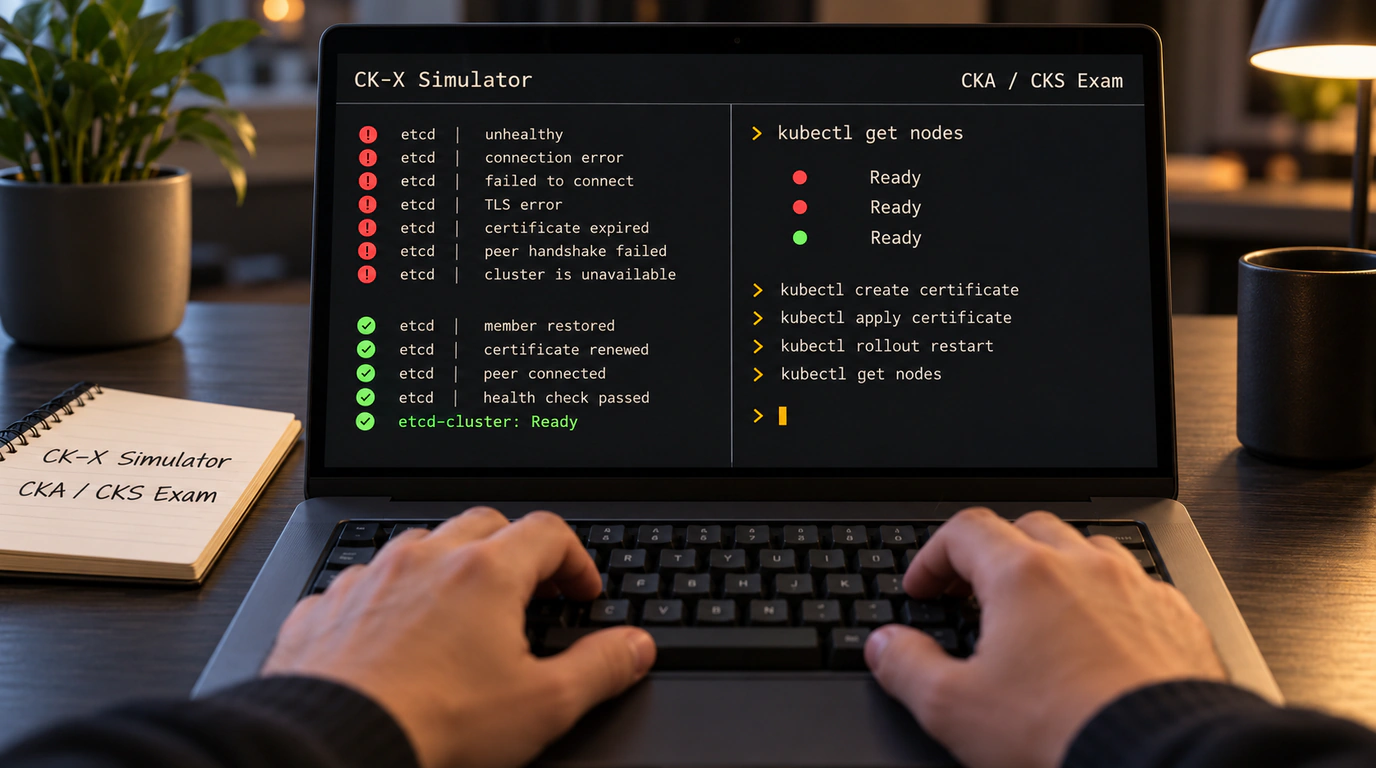
Anyone who has prepped for the prestigious Certified Kubernetes Administrator (CKA), Application Developer (CKAD), or Security Specialist (CKS) exams knows the golden rule: theory without terminal muscle memory is worth next to nothing.
CNCF exams are fundamentally different from most IT certifications. Nobody hands you a multiple-choice quiz. Instead, you get dropped into a raw Ubuntu terminal with access to six broken clusters and a list of tasks: "Node worker-2 is not in Ready state—find out why and fix it," "etcd certificates have expired—reissue them without data loss," "Configure a NetworkPolicy so traffic only flows from the frontend."
Renting practice simulators like Killer.sh gets expensive fast and comes with strict session time limits.
The open-source CK-X project offers a great alternative: a standalone terminal exam simulator that spins up practice scenarios right on your local machine using Docker and lightweight Kind clusters.
Let's see how CK-X works under the hood and how to launch your first practice session.
CK-X Architecture: An Exam in a Container
Written in Go, CK-X is a compact CLI binary that manages the full lifecycle of practice environments:
- Cluster simulation engine: uses
kind(Kubernetes in Docker). Every cluster node (control plane and workers) runs as its own Docker container. - Chaos Injector: a simulator module that programmatically breaks the cluster for a specific exam task—corrupting
kubelet.conffiles, swapping ports in static manifests, stripping RBAC permissions, or filling the disk with dummy files. - Automated validator: once you solve the task, CK-X runs verification scripts and grades your solution in 2 seconds, awarding points and showing the reference walkthrough.
Speaking of smart cluster diagnostics, it is also worth recalling how pairing kstack with CLI agents helps automate Kubernetes monitoring.
Step-by-Step Guide: Launching Your First Task
Let's spin up a local CKA troubleshooting session.
Step 1: Install the simulator
You can install the CLI in one line via Homebrew or the direct install script:
# Download and install the CK-X binary on your system
curl -fsSL https://raw.githubusercontent.com/ck-x-org/ck-x/main/install.sh | bash

# Verify the binary is available and check the version
ck-x version
Step 2: Pick a track and start a scenario
Choose an exam track (for example, CKA) and launch a node-repair task:
# Start the "Troubleshooting an unreachable worker" scenario
ck-x start --exam cka --scenario node-troubleshoot-01
The simulator automatically provisions a three-node cluster, intentionally breaks kubelet on worker-1 (say, by mangling the certificate path in /var/lib/kubelet/config.yaml), and prints the task prompt:
[TASK CKA-01]: Node k8s-worker-1 is in NotReady status.
Diagnose the kubelet systemd daemon failure, fix the configuration error,
and bring the node back to Ready status.
Step 3: Solve and validate
You shell into the broken node with docker exec -it cka-worker-1 bash, inspect logs via journalctl -u kubelet -e, spot the typo in the config file, restart the service with systemctl restart kubelet, and check the status using kubectl get nodes.
Once the node turns green, switch back to your main terminal and run the grader:
# Automatically verify your solution
ck-x verify
The tool immediately runs a suite of checks—verifying node status, pod scheduling, and daemon health—and awards 100% for the task.
CK-X takes the edge off facing the real exam terminal and lets you build reflexes across dozens of tricky scenarios completely free of charge.